Your property manager uses Properlex to keep you in the loop.
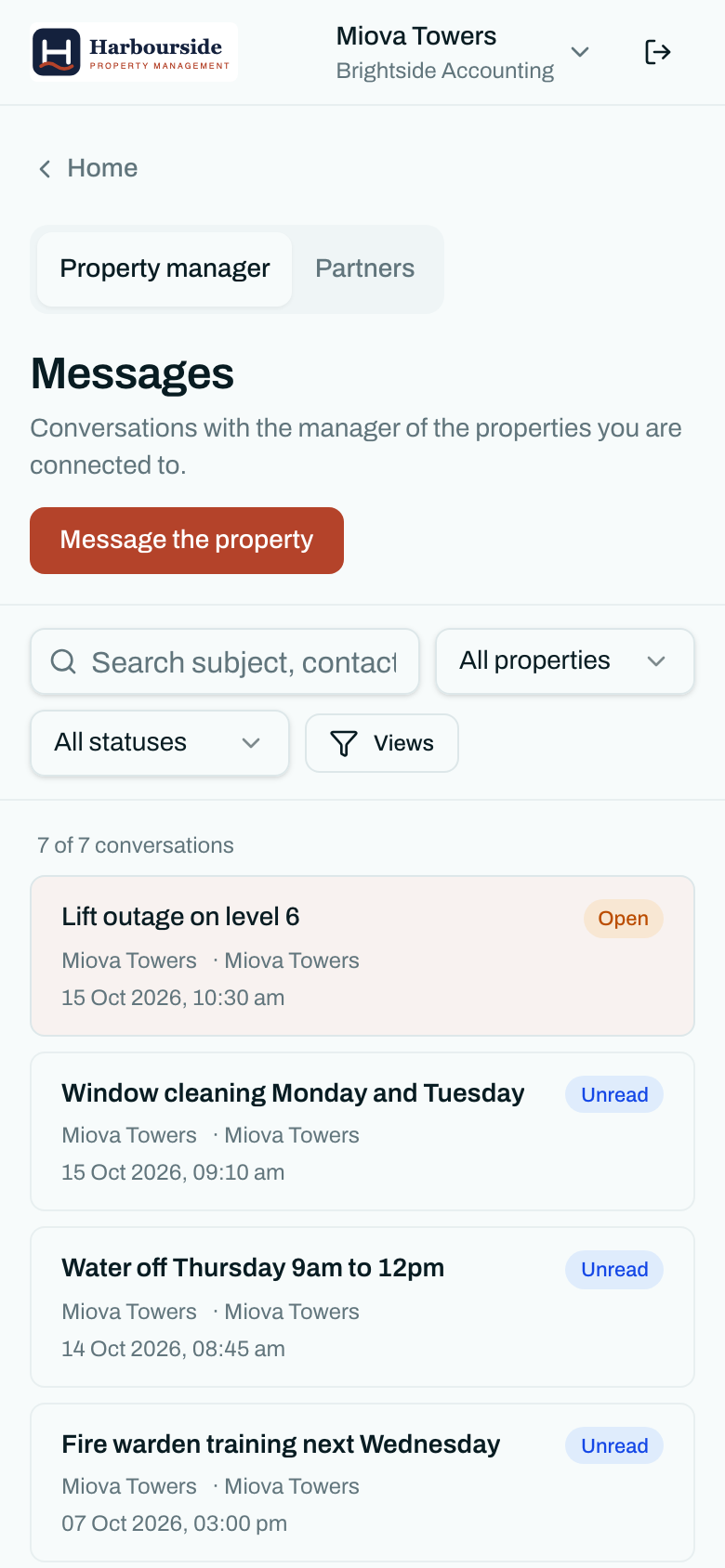
If you have been invited to Properlex, your property manager uses it to send building notices and keep in touch. Your account is free. You get your own portal to read notices, message your property manager, find shared documents and contacts, and manage who in your household or business is included.
Why did I get an invitation?
Your property manager invited you because you are the main contact for a tenancy or business at one of their properties. Accepting means you get their notices, such as water shutoffs, works and emergencies, and can reply to them directly instead of chasing them by phone.
What you can do in your portal
Get notices that matter
Building notices arrive by SMS, email or in your portal, for the property you are at.
Learn more about get notices that matterMessage your property manager
Raise a repair or a question and keep the whole conversation in one thread.
Learn more about message your property managerFind documents and contacts
House rules, evacuation plans and the after-hours number, whenever you need them.
Learn more about find documents and contactsManage your own people
Add colleagues or household members, and choose who can message the property manager.
Learn more about manage your own peopleShare staff offers
Businesses can post offers for everyone working at the property.
Learn more about share staff offers
For property managers
Tenants who keep their own details current, reply in one place and find the after-hours number themselves mean fewer bounced notices and fewer calls. Inviting a tenant takes one email address.
Frequently asked questions
Is Properlex free for tenants?
Yes. Accounts created from a property manager's invitation are free for the invited person or business. The property manager pays for Properlex.
Who can see my details?
Your property manager can. Vendors and partners see tenant contacts only where your property manager has chosen to share them. Read our privacy policy for how Properlex handles personal information.
Do I need to download an app?
No. The portal works in any web browser on your phone or computer.
How do I sign in?
Use the link in your invitation email to create a password. You can also sign in with Google or Microsoft.
See Properlex with your own properties.
Book a demo and we'll tailor a plan to how your team already works.