Set up your organisation
Go to Settings, then Organisation configuration, to set your sending address, default country, branding, message tags, contact positions and help support contact.
- For
- Property managers
- Needs
- Admin or above
Organisation configuration holds the settings that apply across all your properties. Set them once, then change them for a single property only where it needs to be different.
Before you start
You need to be an Admin or the Account owner.
Steps
Go to Settings, then Organisation configuration.
At the top, Managing settings for shows Organisation (all properties). Leave it there to set your organisation defaults.
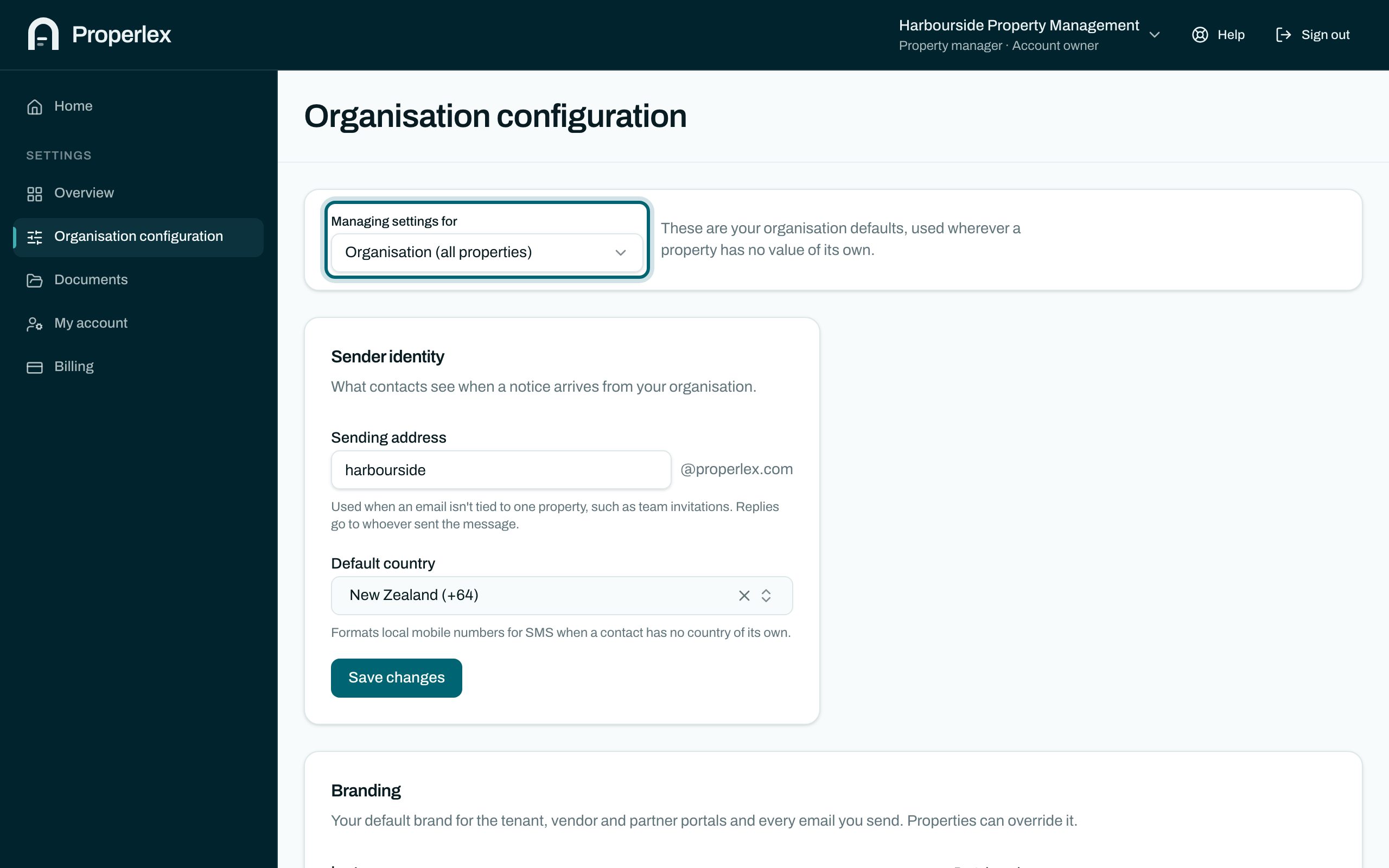
Under Sender identity, check the Sending address your emails come from and choose your Default country. The country is used to format mobile numbers for SMS. If you're in Australia, also choose your State or territory. Save.
Under Branding, add your logo and colours. See Set your branding.
Under Message tags, check the tags you'll use to sort messages. See Tag messages.
Under Contact positions, check the positions your contacts can hold, such as Primary and Emergency. See Set up contact positions.
Under Help support contact, choose who answers when a tenant, vendor or partner asks for help. See Set a help support contact.
Settings for one property
To set something differently for one property, choose that property in Managing settings for. Values you set there apply only to that property. Leave a field blank to use the organisation default.
Common problems
I can only see Sender identity. The other sections are for admins and the account owner.
Why does the country matter? It decides how mobile numbers are read for SMS. A contact or property can have its own country if it's different.
Last checked against the app on .