Set a help support contact
Choose who answers when a tenant, vendor or partner selects Ask your property manager in Help. Set one for the organisation, and a different one per property if you need to.
- For
- Property managers
When a tenant, vendor or partner can't find an answer in Help, they can select Ask your property manager. Their question arrives in InMail, assigned to your support contact, and the support contact is emailed.
Before you start
To set the organisation's contact you need to be an Admin or the Account owner.
To set a property's contact you need the Edit property details & default contacts control.
The support contact must be on your team.
Set the organisation's contact
Go to Settings, then Organisation configuration.
Under Help support contact, choose a team member.
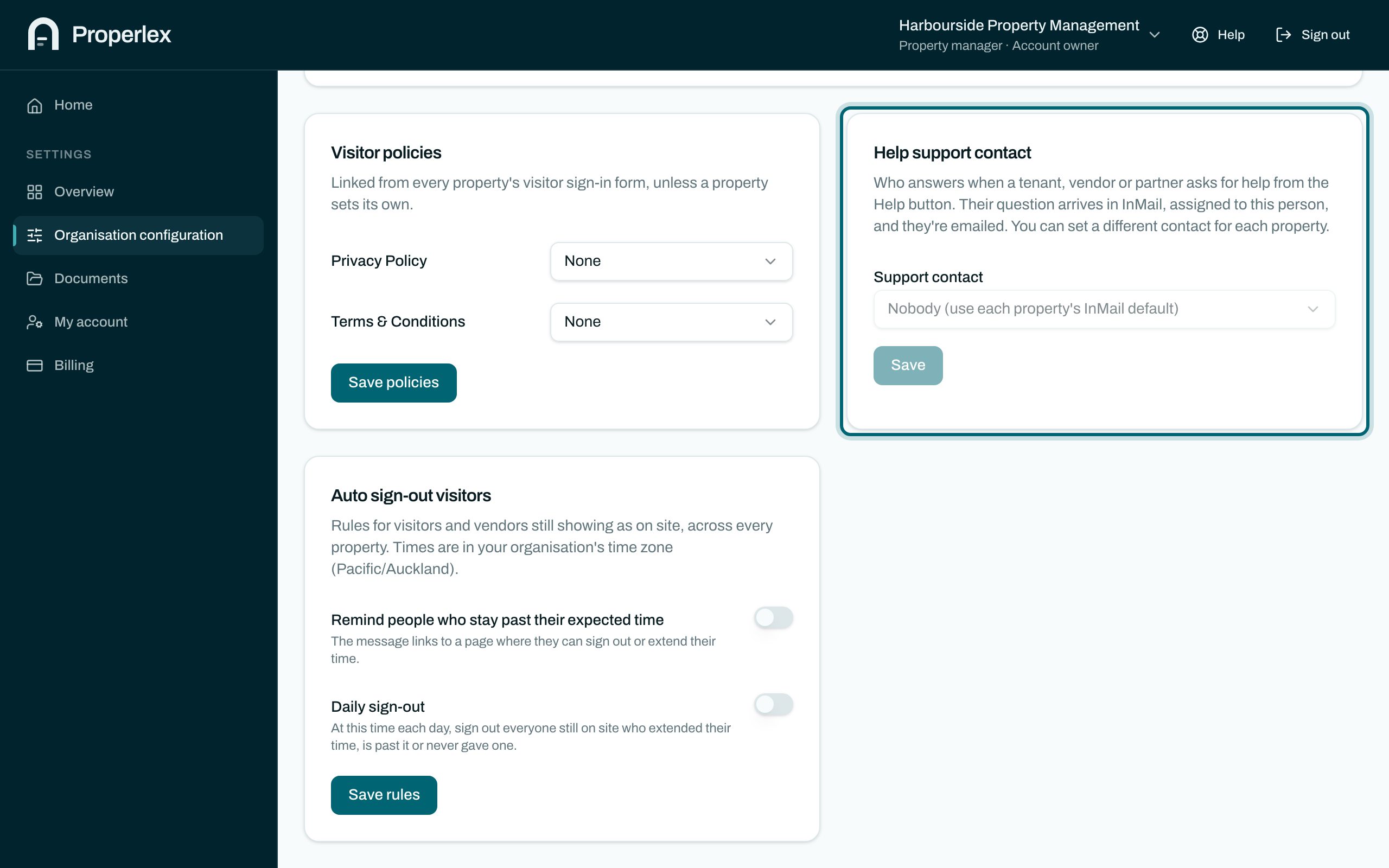
Set a different contact for one property
Go to Properties, then Portfolio, and select Manage next to the property.
Open the InMail defaults tab.
Under Help support contact, choose a team member. To use the organisation's contact instead, choose Use the organisation's contact.
What happens next
A help request goes to the property's contact first, then the organisation's. If neither is set, or the person has left your team, it goes to the property's usual InMail default.
Common problems
Where do I see help requests? In InMail. The subject starts with "Help:" and the message says which page they asked from.
Last checked against the app on .