See who's on site
Go to Visitors to see everyone signed in at your properties right now, visitors and contractors. Select Sign out next to someone who has left.
- For
- Property managers
- Needs
- Visitors switched on
The Visitors page lists everyone signed in across your properties, with who they're visiting.
Steps
Go to Visitors, then Visitors.
On site now shows everyone signed in, marked as a visitor or a vendor, and the property.
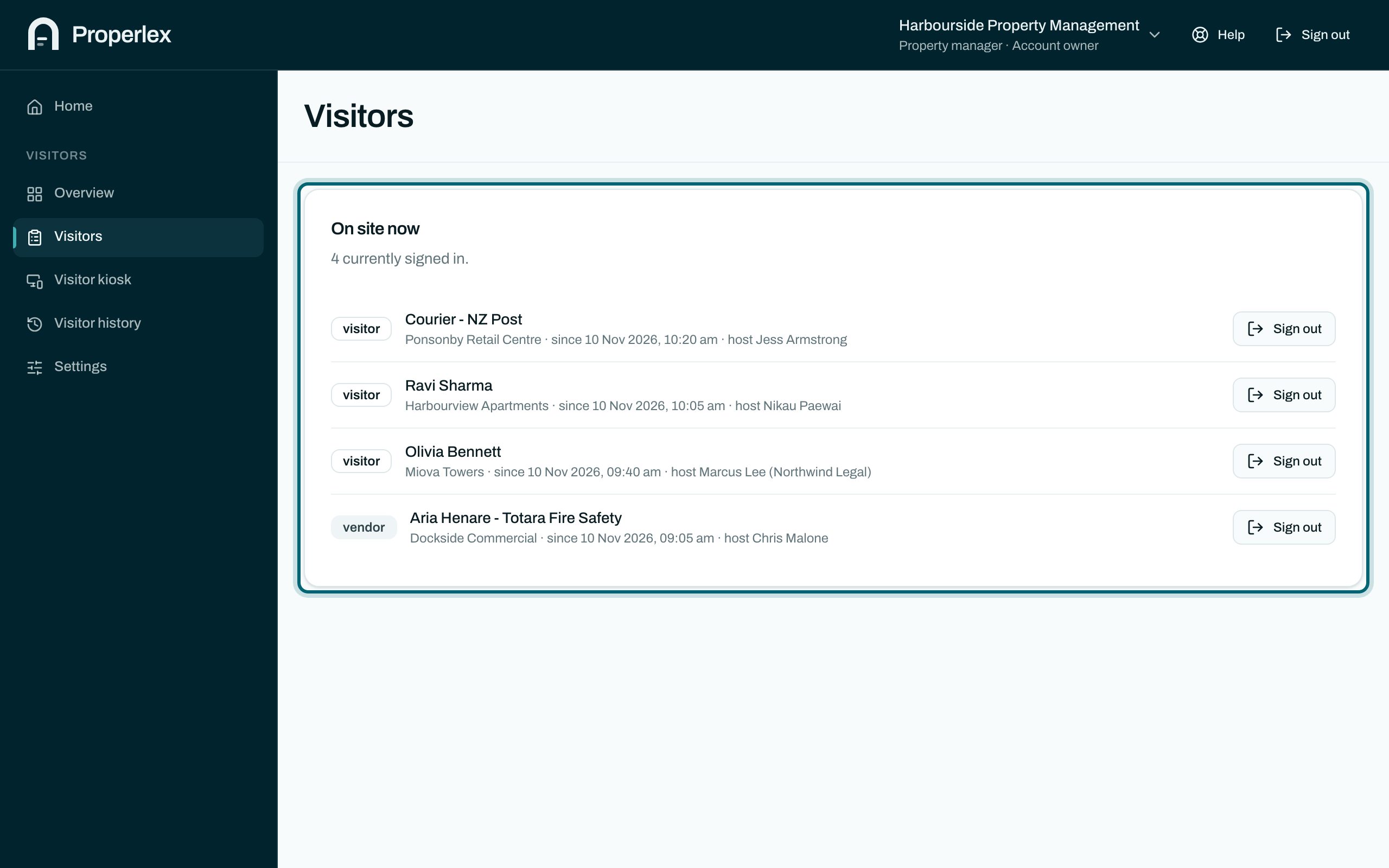
If someone left without signing out, select Sign out next to them.
In an emergency
You can message everyone on site. In New message, tick Onsite visitors under Recipient types. See Choose who receives a message.
Common problems
Someone is still listed hours after leaving. Sign them out here, or set up automatic sign-out. See Sign visitors out automatically.
Last checked against the app on .