Sign visitors out automatically
In Visitors, Settings, under Auto sign-out visitors, remind people who stay past their expected time and sign them out after a while, and sign everyone out at a set time each day.
- For
- Property managers
- Needs
- Admin or above
- Visitors switched on
People often forget to sign out. Automatic sign-out keeps your on-site list accurate.
Before you start
You need to be an Admin or the Account owner.
These rules apply to all your properties.
Steps
Go to Visitors, then Settings, and find Auto sign-out visitors.
Switch on Remind people who stay past their expected time. Set the Minutes past their expected time and Send by (Email, SMS, or Email and SMS).
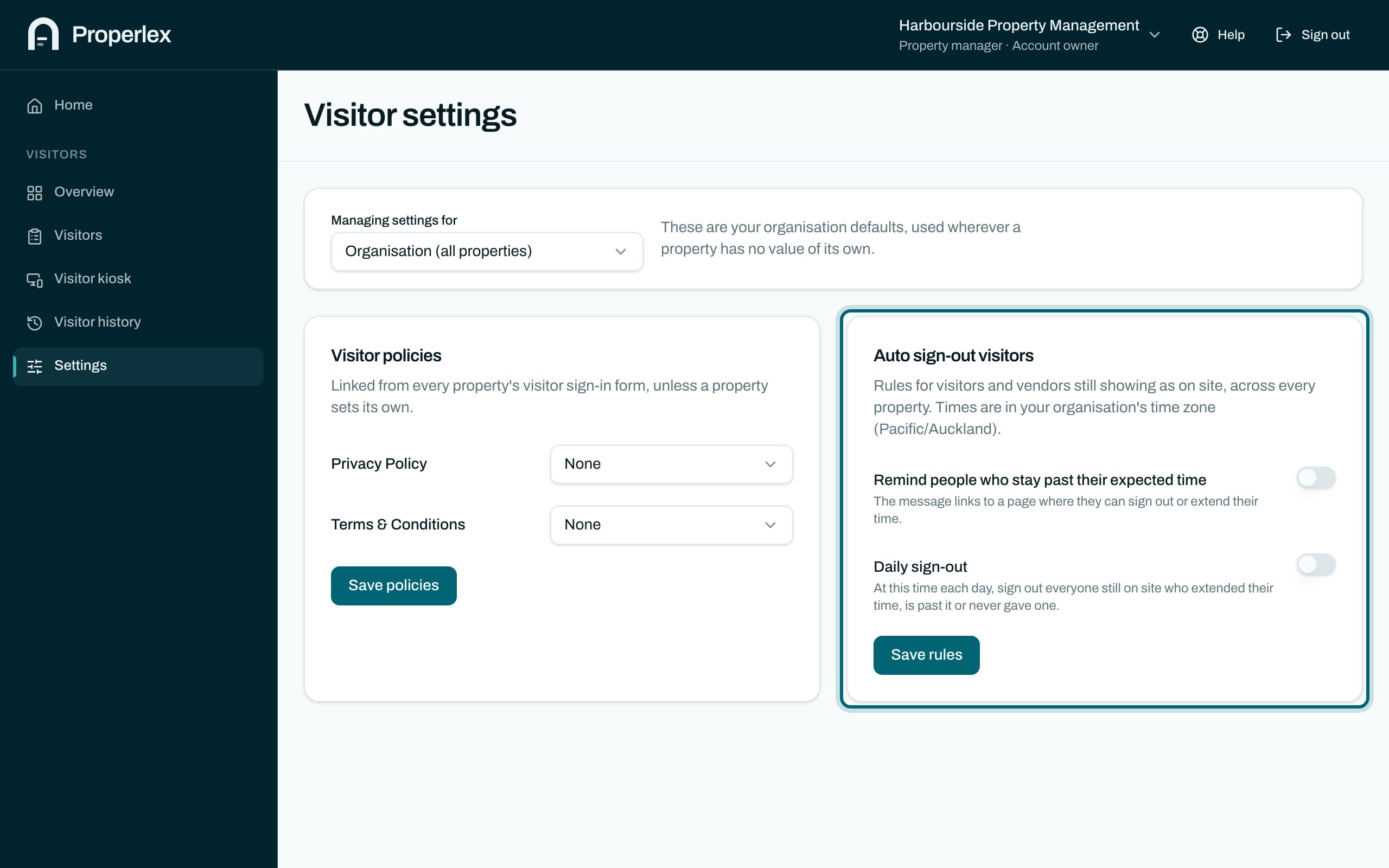
Choose Then sign out after (minutes), or Don't sign out to only remind them.
Switch on Daily sign-out and choose a Time to sign out everyone still on site who extended their time, is past it or never gave one.
Select Save rules.
What happens next
The reminder links to a page where the visitor can sign out or extend their time. Visits closed automatically show (auto) in Visitor history.
Last checked against the app on .