Why didn't a contact get my message?
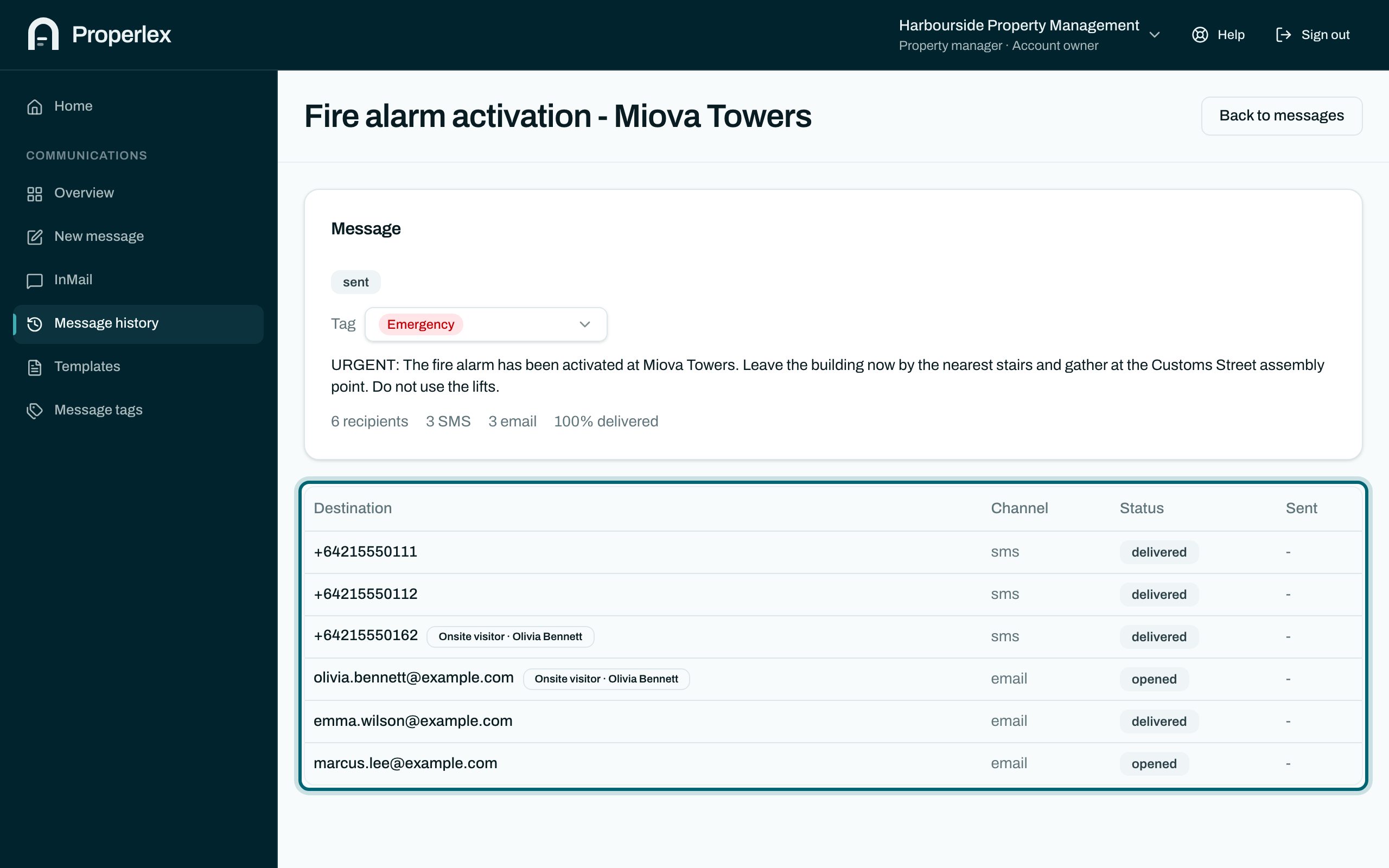
Open the message's report in Message history. Check the contact had details for the channels you used, was in the audience, and whether it bounced or failed.
- For
- Property managers
Check these in order
Were they sent it? Open the message in Message history. If they're not listed, they weren't in the audience. Check their properties and positions match what you chose. See Choose who receives a message.
Did they have details for that channel? A contact needs a mobile number for SMS and an email address for email. InMail needs them to have portal access.
What does the status say?
bounced: the email address didn't accept it, or they marked it as spam. Check the address.
failed: it couldn't be sent. Check the mobile number and its country.
delivered: it reached them. Ask them to check their junk folder, or blocked numbers.
Is the number right? Mobile numbers are formatted for SMS using the contact's country, or the property's or organisation's. A number from another country needs the contact's Country set.
Fix the contact's details, then send the message again or send them a test. See Edit or delete a contact.
Last checked against the app on .