Edit or delete a contact
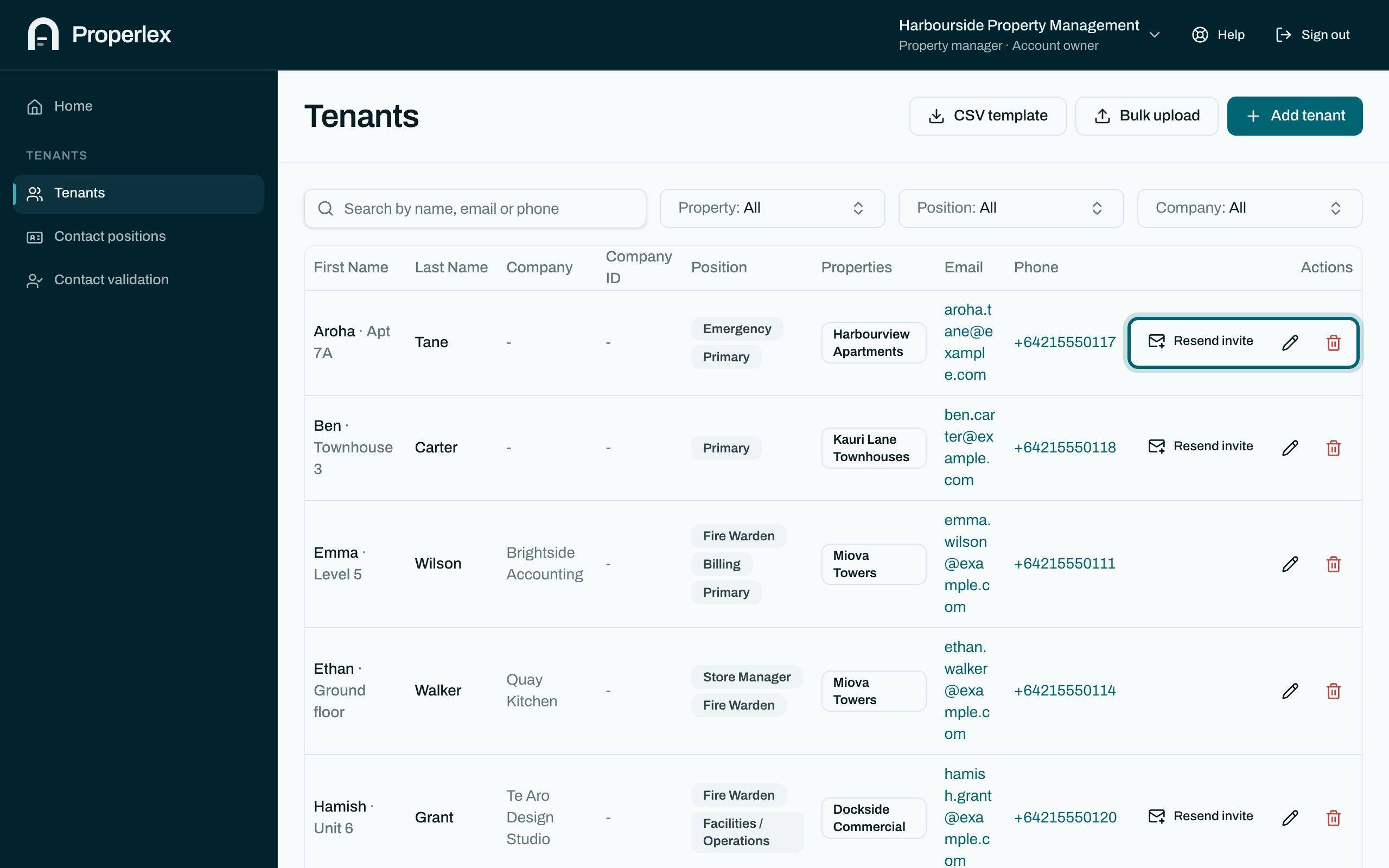
In Tenants, Vendors or Partners, select the pencil icon to edit a contact, or the bin icon to delete them.
- For
- Property managers
Keep your directory up to date when someone's details change or they leave.
Before you start
To edit you need the Edit control for that contact type, for example Edit tenant contacts. To delete you need the Delete control.
Edit a contact
Go to Tenants, Vendors or Partners and find the contact.
Select Edit contact (the pencil icon).
Change their details and select Save changes.
Delete a contact
Select Delete contact (the bin icon) next to them.
Select Delete contact to confirm.
This removes them from your workspace. Reports on messages you've already sent stay as they were.
Common problems
I can't see the pencil or bin icon. Your access doesn't include editing or deleting that contact type. Ask an admin.
Last checked against the app on .