Find your property contacts
Select Property Contacts on your home page to see who to contact at your property, with their role, email and phone number.
- For
- Tenants
- Vendors
- Partners
Property Contacts lists the people your property manager wants you to contact at your property.
Steps
On your home page, select Property Contacts.
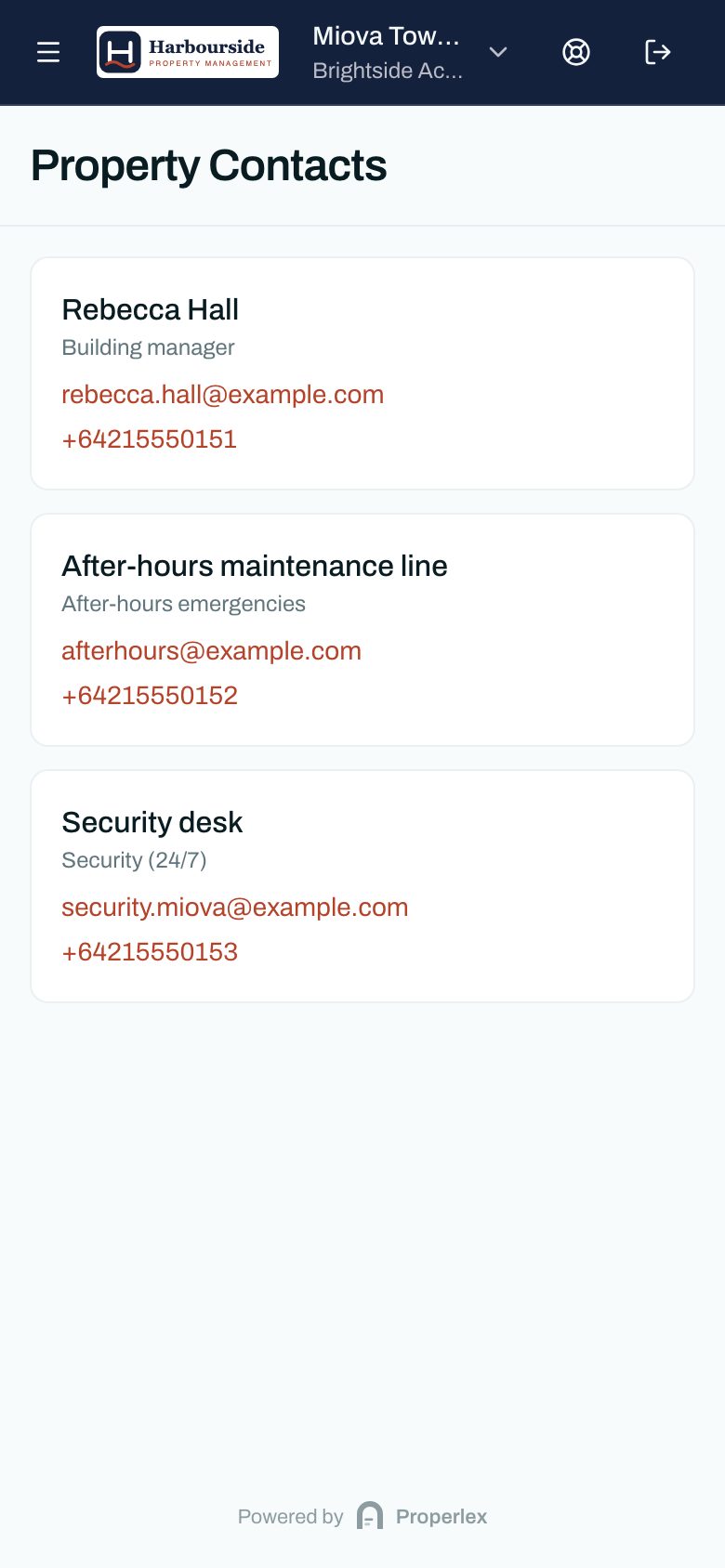
Find the person you need. Each shows their Name, Role, Company, Email and Phone.
Select an email address or phone number to email or call them.
Common problems
I can't see Property Contacts. Your property manager hasn't shared any contacts with you yet.
The contacts are for the wrong property. Switch property at the top of the portal. See Switch property or business.
Last checked against the app on .