Message your property manager
Select Messages on your home page, then Message the property. Choose the property and type of message, write it and select Send message.
- For
- Tenants
- Vendors
- Partners
Messages is a conversation with your property manager. It goes straight to the right person at their company, and you can see their replies here.
Steps
On your home page, select Messages.
Select Message the property.
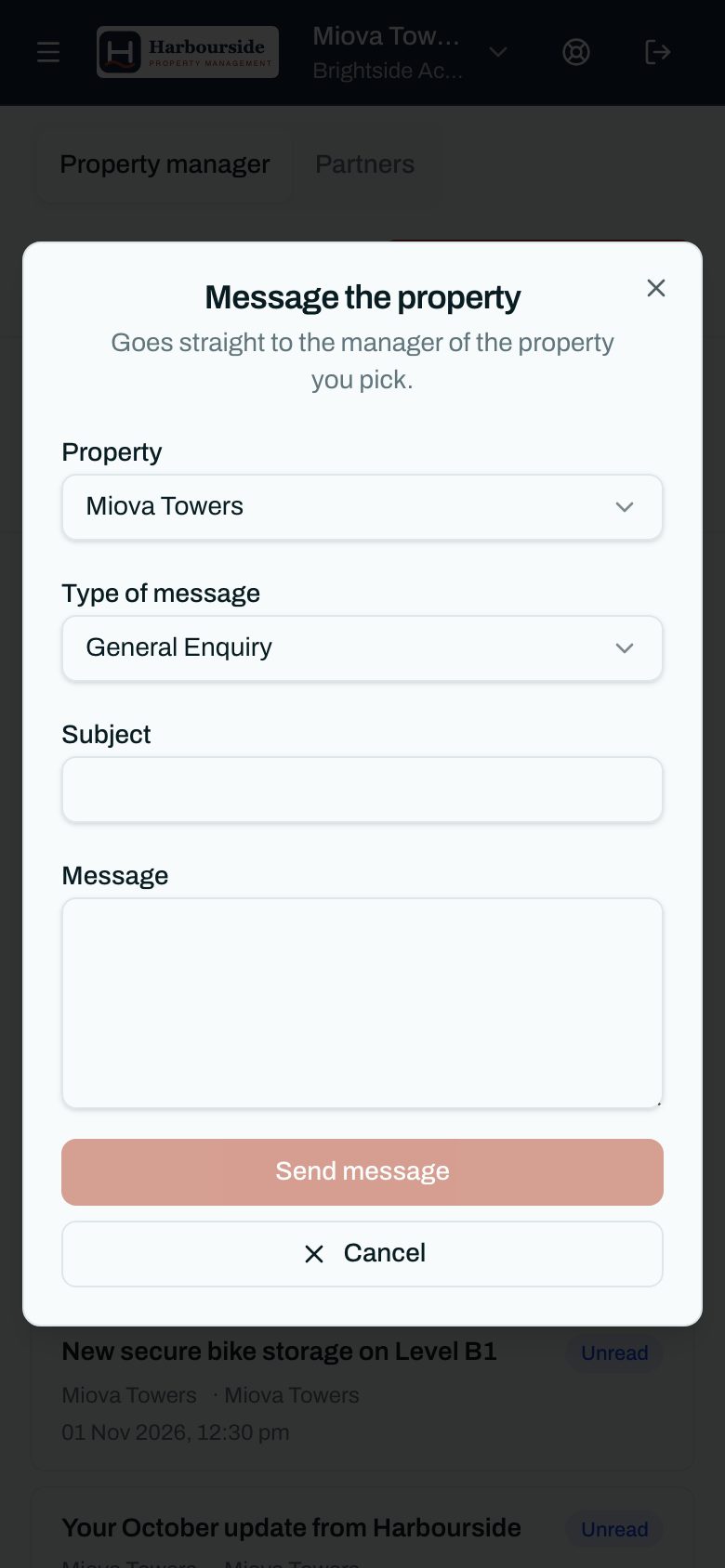
Choose the Property.
Choose the Type of message: General Enquiry, Maintenance / Service Request or Complaint / Issue.
Enter a Subject and your Message.
Select Send message.
What happens next
Your conversation appears in Messages. You're told when there's a reply.
To reply, open the conversation, write your reply and select Send reply.
If you asked for maintenance, your property manager may raise a work order. You'll get a message with its number.
Common problems
I can't see Message the property. Your position doesn't include messaging the property. Ask your property manager.
It's an emergency. Call emergency services first (111 in New Zealand, 000 in Australia), then call your property manager. See Property Contacts for their numbers.
Last checked against the app on .