Find a tenant in the directory
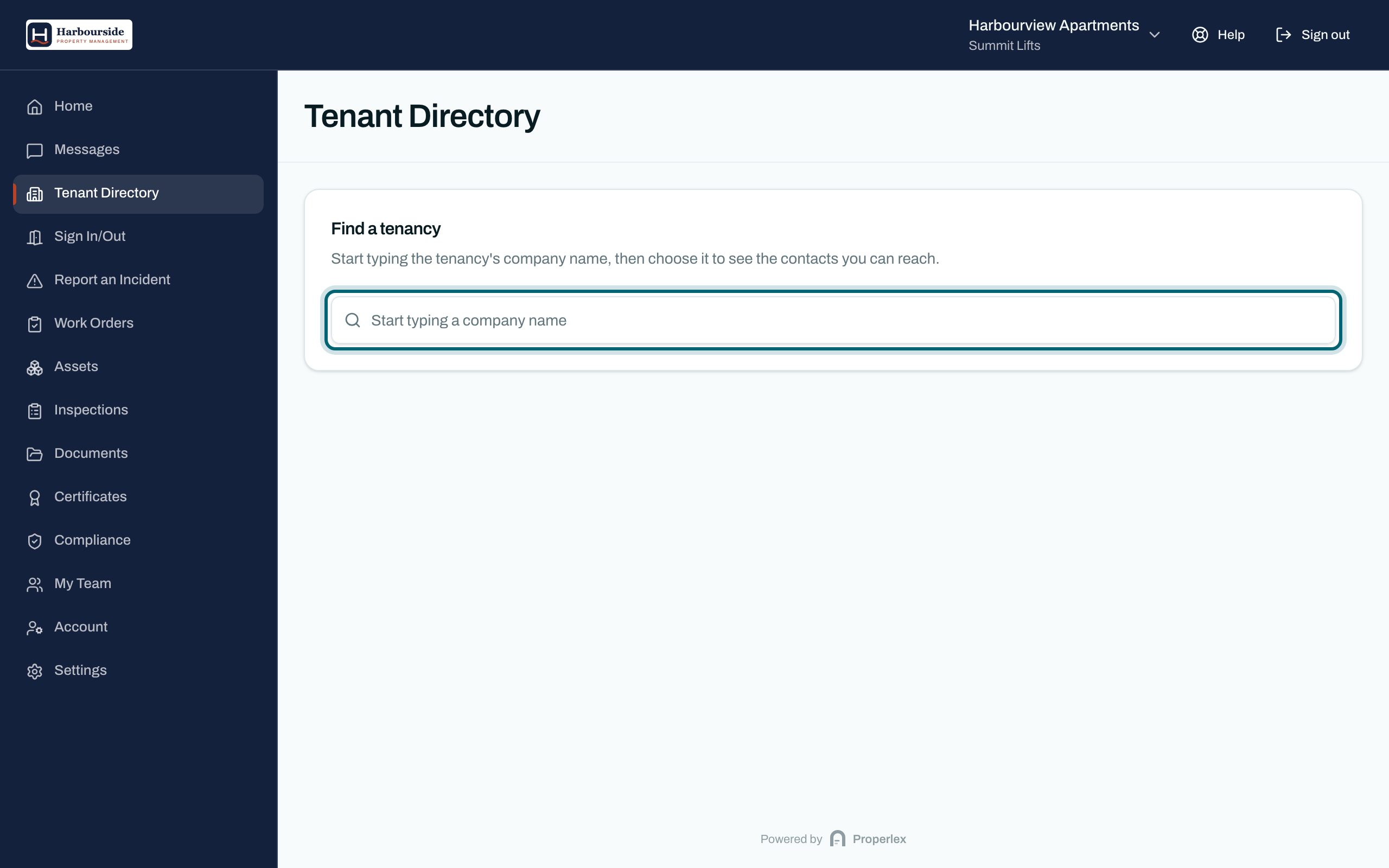
Select Tenant Directory, start typing the tenancy's company name, choose it, and see the contacts there you can reach.
- For
- Vendors
- Partners
The Tenant Directory helps you reach the right person at a tenancy, for example to arrange access for a job.
Steps
On your home page, select Tenant Directory.
Under Find a tenancy, start typing the tenancy's company name.
Choose it from Matching tenancies.
You see the contacts you can reach there, with their Position, Email and Phone.
Select Choose another tenancy to look up someone else.
Common problems
"No contacts at this tenancy have been shared with you yet." Your property manager decides which tenant positions you can see. Ask them if you need someone.
Last checked against the app on .