Switch property or business
Select your property's name at the top of the portal, then choose another property. If you belong to more than one business, choose it under Your businesses.
- For
- Tenants
- Vendors
- Partners
If you work at more than one property, your portal shows one at a time. Everything you see, from messages to contacts, is for the property you've chosen.
Steps
Select your property's name at the top of the portal.
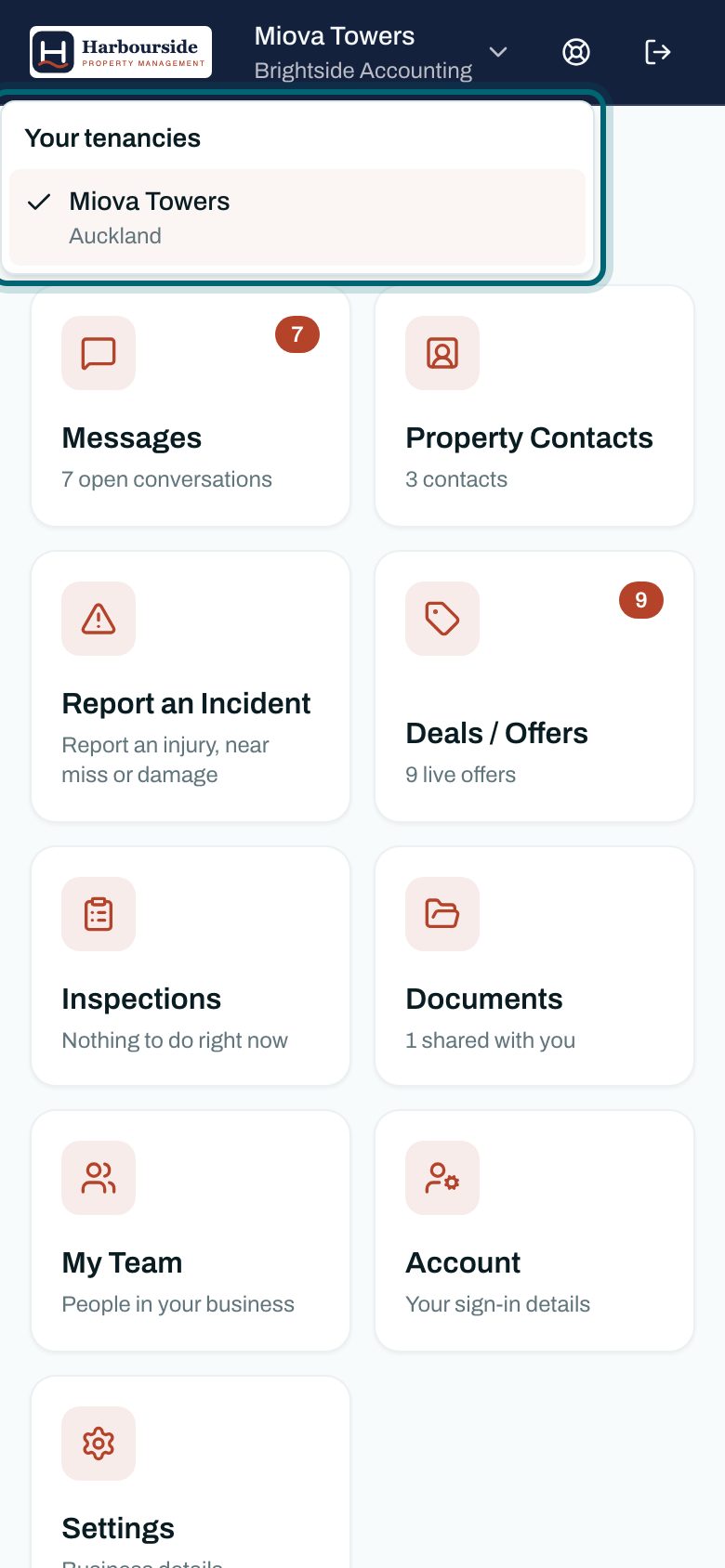
Choose another property from the list.
If you belong to more than one business, choose it under Your businesses.
Common problems
A property is missing from the list. Your property manager hasn't linked you to it yet. Ask them to.
Last checked against the app on .