Accept or decline a work order
Open the work order and select Accept to take the job, or Decline and give a reason. Your property manager is told either way.
- For
- Vendors
- Needs
- Work orders switched on
Let your property manager know quickly whether you'll do the job.
Steps
On your home page, select Work Orders, and open the job under New.
Read the details and checklist.
To take the job, select Accept.
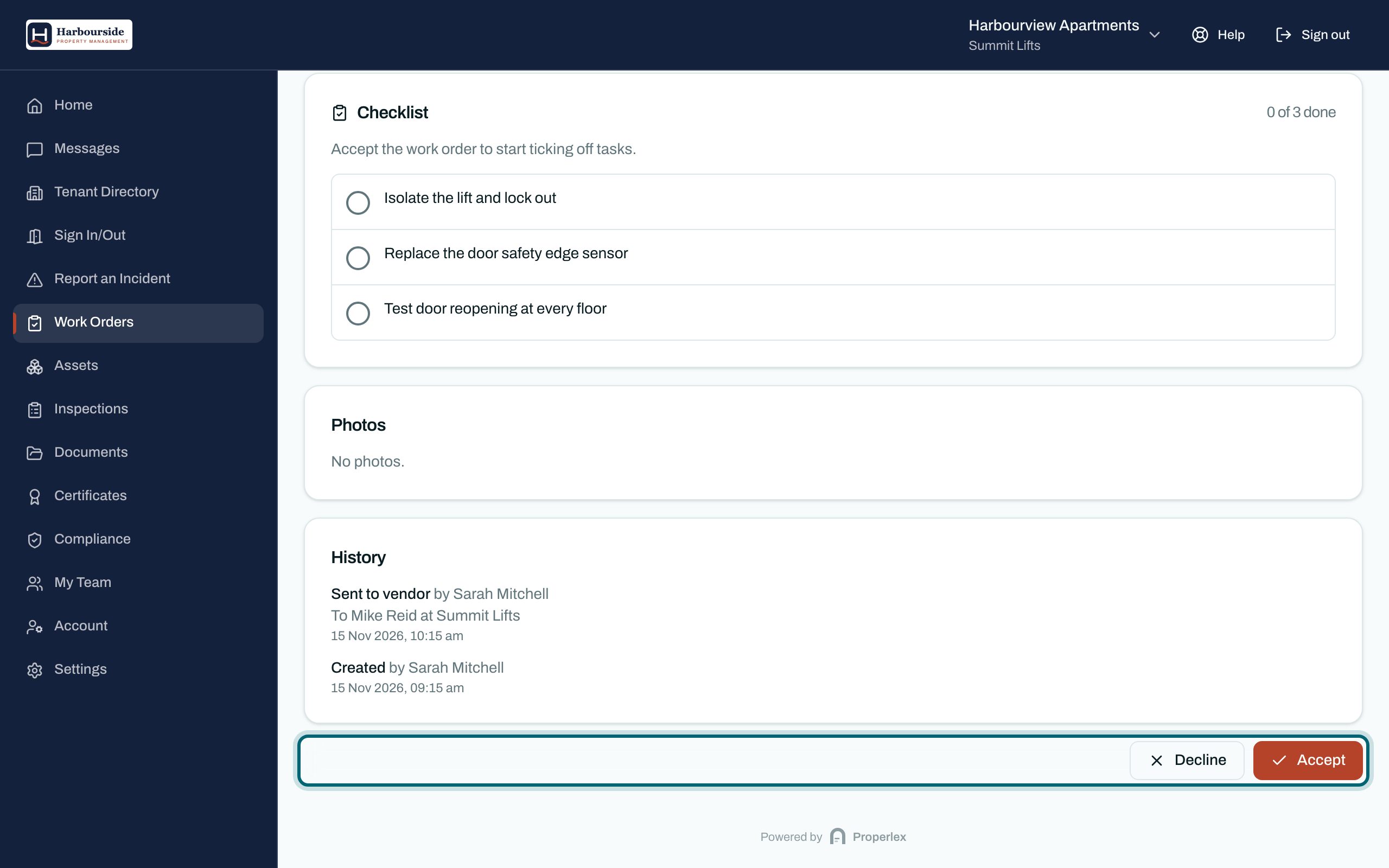
If you can't do it, select Decline, give a Reason, and confirm.
What happens next
Accept: the job moves to To do. You can now assign a technician and tick off tasks.
Decline: your property manager is told, with your reason, and can send it to someone else.
Common problems
I accepted by mistake. Contact your property manager through Messages.
Last checked against the app on .