Start a message from a template
In New message, choose a template under Start from a template. It fills in the message, channels, tag and audience, which you can still change before sending.
- For
- Property managers
- Needs
- Sender or above
Templates save time on messages you send often, like a planned water shutoff.
Steps
Go to Communications, then New message.
Under Start from a template, open Choose a template (optional).
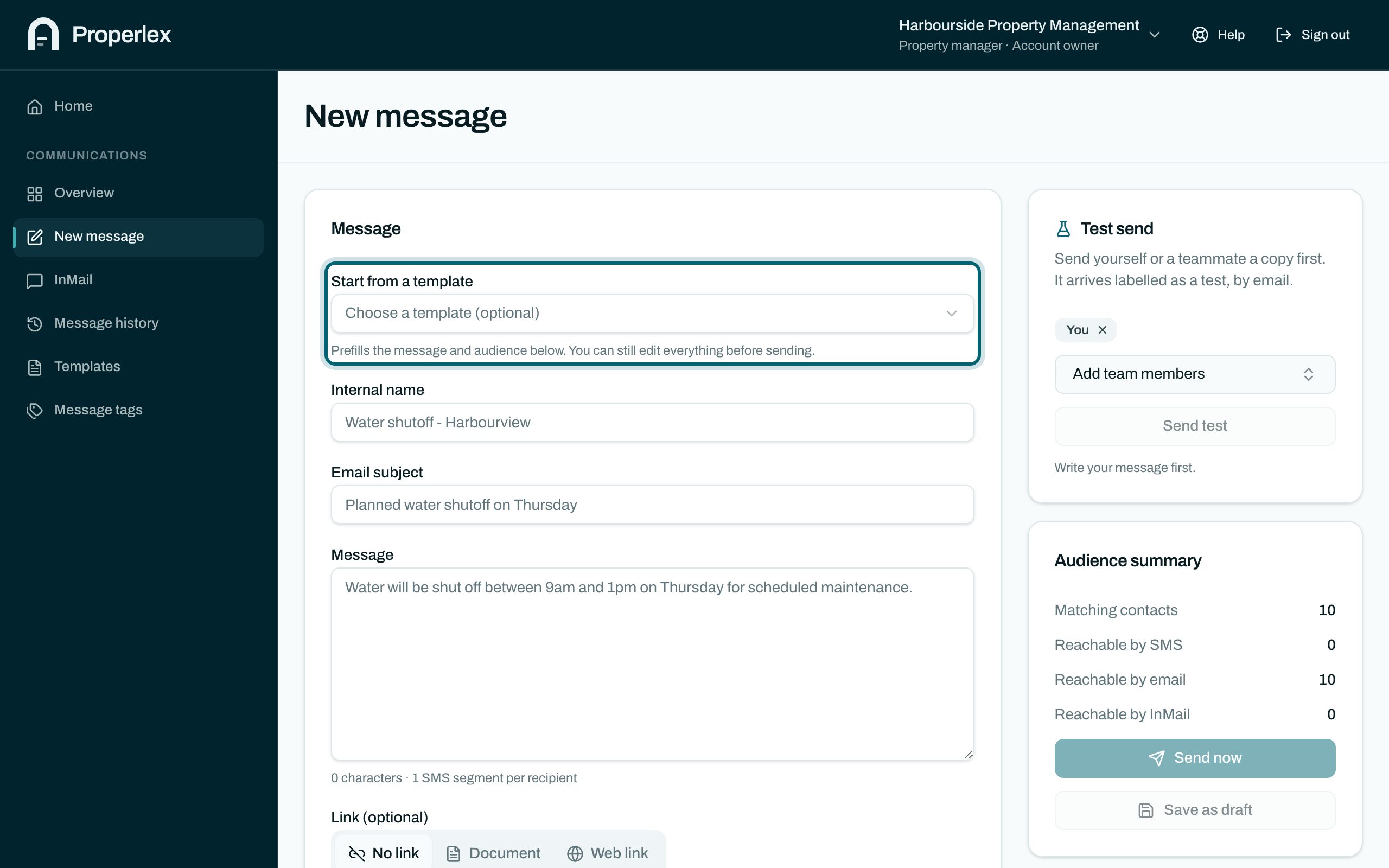
Pick a template. Organisation templates are available everywhere; ones under For selected properties are for particular properties.
Check and change the message, channels and audience as needed.
Select Send now.
Common problems
The template I want isn't listed. It may be set for a property you haven't chosen. See Create a message template.
Last checked against the app on .