Set up service reports for an asset
Edit the asset, choose its maintenance vendor, and under Service reports choose how often. The vendor completes a report each time, which updates the asset's condition.
- For
- Property managers
- Needs
- Asset register switched on
A service report records each service: when it was done, the condition found and any notes and photos. The maintenance vendor completes them in their portal.
Steps
Open the asset in Asset register and select Edit.
Under Maintenance, choose the vendor company.
Under Service reports, choose how often: monthly, quarterly, every 6 months or yearly.
Set Next service report due, or leave it blank for one period from today.
Select Save.
What happens next
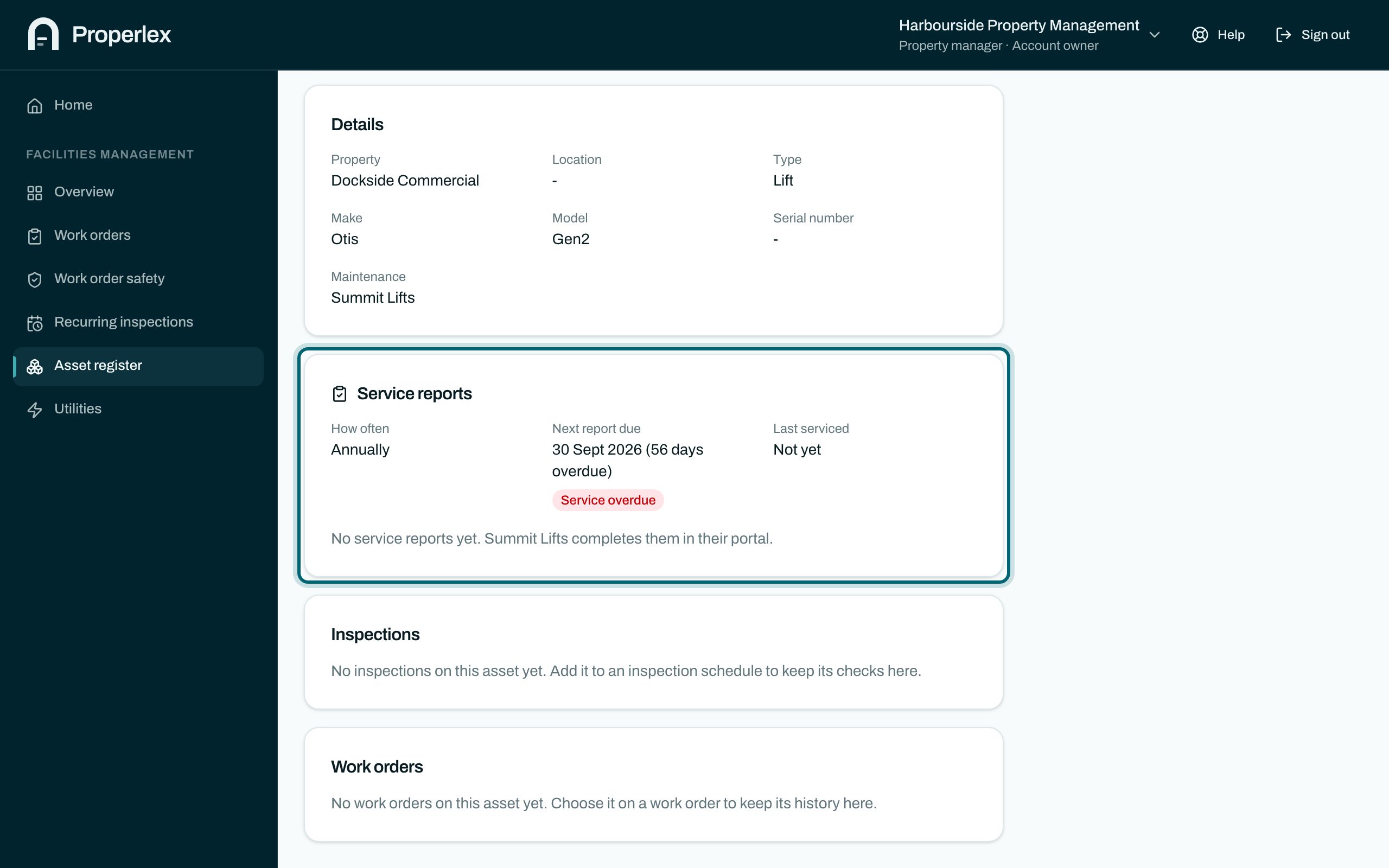
The vendor sees when the next report is due and completes it in their portal.
After each report, the next due date moves on by itself, and the asset's condition is updated.
Overdue reports show on the Dashboard.
Last checked against the app on .