Set up a site induction
Go to Health & Safety, then Site induction, and select Set up a site induction. Give it a title, add the steps contractors go through, choose how often they redo it, then publish.
- For
- Property managers
- Needs
- Contractor compliance switched on
The site induction is what contractors read and agree to when they sign in, before the hazard register.
Before you start
You need the Create, edit and publish site inductions control.
Contractor compliance must be switched on for your organisation.
Steps
Go to Health & Safety, then Site induction.
Under Showing, leave Organisation-wide (all properties), or choose a property for an induction only there.
Select Set up a site induction and enter a Title.
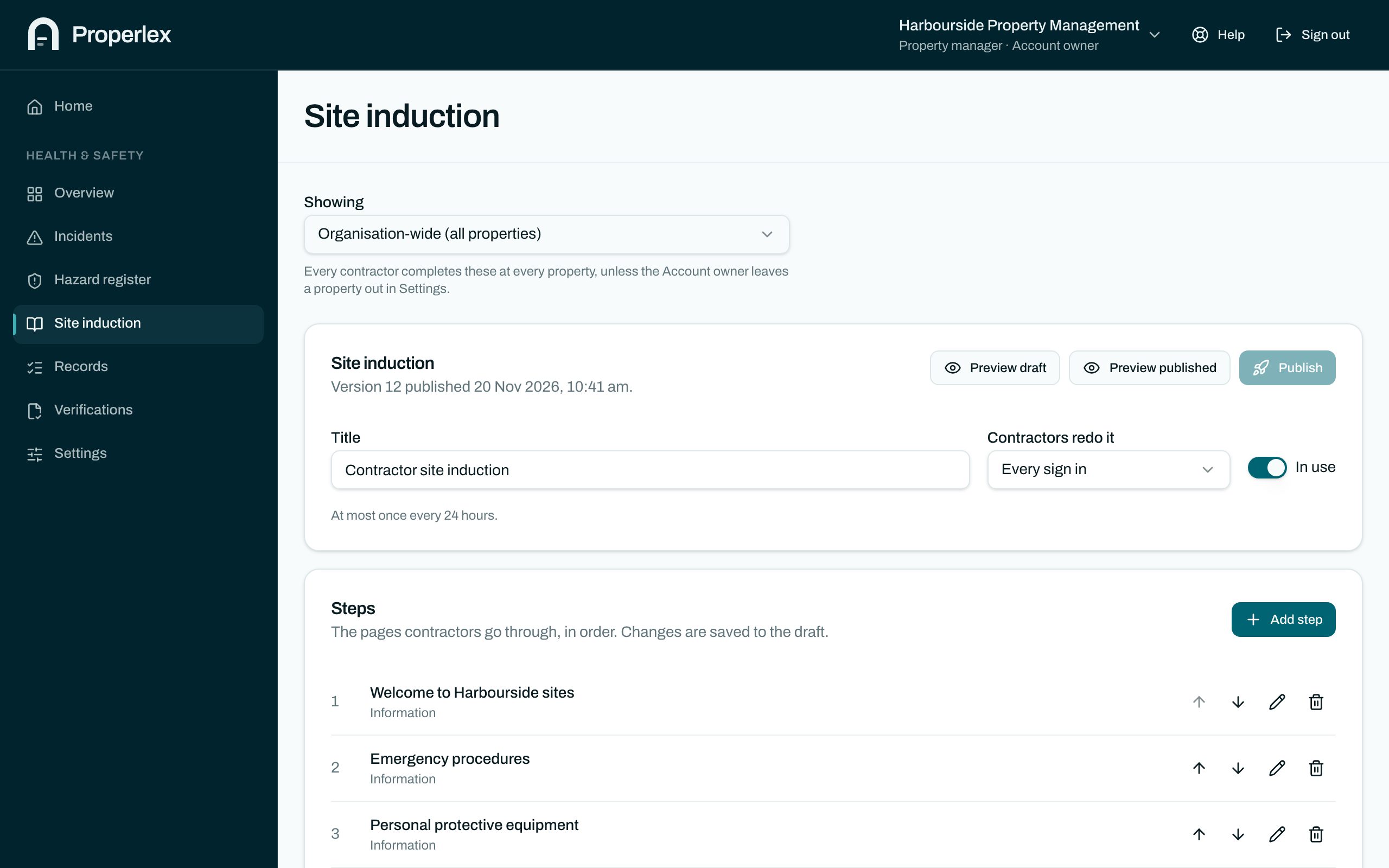
Choose how often Contractors redo it: every sign-in (at most once a day), monthly, quarterly, yearly or never.
Add the steps. See Add a step to the site induction.
Preview it, then publish it. See Preview and publish the site induction.
Common problems
A property-specific induction. Contractors at that property complete the organisation's induction first, then the property's.
Last checked against the app on .