Preview and publish the site induction
In Site induction, select Preview draft to go through it as a contractor would, then select Publish. Contractors see the new version from their next sign-in.
- For
- Property managers
- Needs
- Contractor compliance switched on
Steps
Go to Health & Safety, then Site induction. Unpublished changes shows when the draft differs from what contractors see.
Select Preview draft to see it as a contractor would. Nothing is recorded. Select Finish preview when you're done.
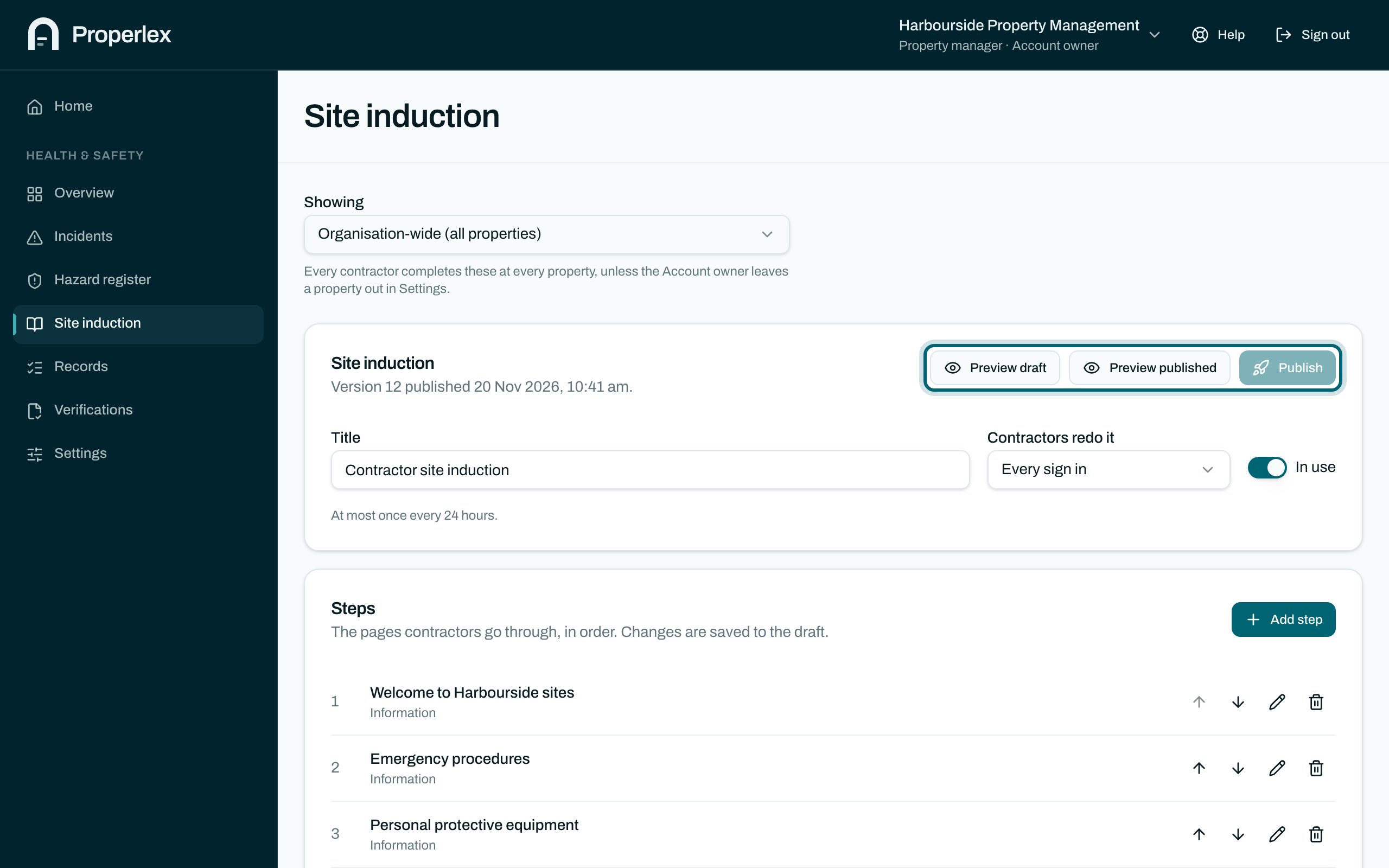
Select Publish.
What happens next
Contractors see the new version from their next sign-in. Whether they must redo it straight away depends on Updated inductions in Health & Safety, Settings. See Set up contractor compliance.
Last checked against the app on .