Add a step to the site induction
In Site induction, select Add step. Choose Information, Form or Documents, fill it in and select Add step. Changes are saved to the draft until you publish.
- For
- Property managers
- Needs
- Contractor compliance switched on
Each step is a page the contractor reads before moving on. They must spend at least 3 seconds on each one.
Steps
Go to Health & Safety, then Site induction, and select Add step.
Enter a Title and choose the Type:
Information: text to read.
Form: questions to answer. Select Add question and choose the kind: Text, Yes / No, Multiple choice or Date. Tick Required if it must be answered. For Yes / No and multiple choice, set a Correct answer, or leave Any answer is accepted.
Documents: PDFs or images to read. Select Add from Documents, and tick Must be read so contractors open each one and reach its last page.
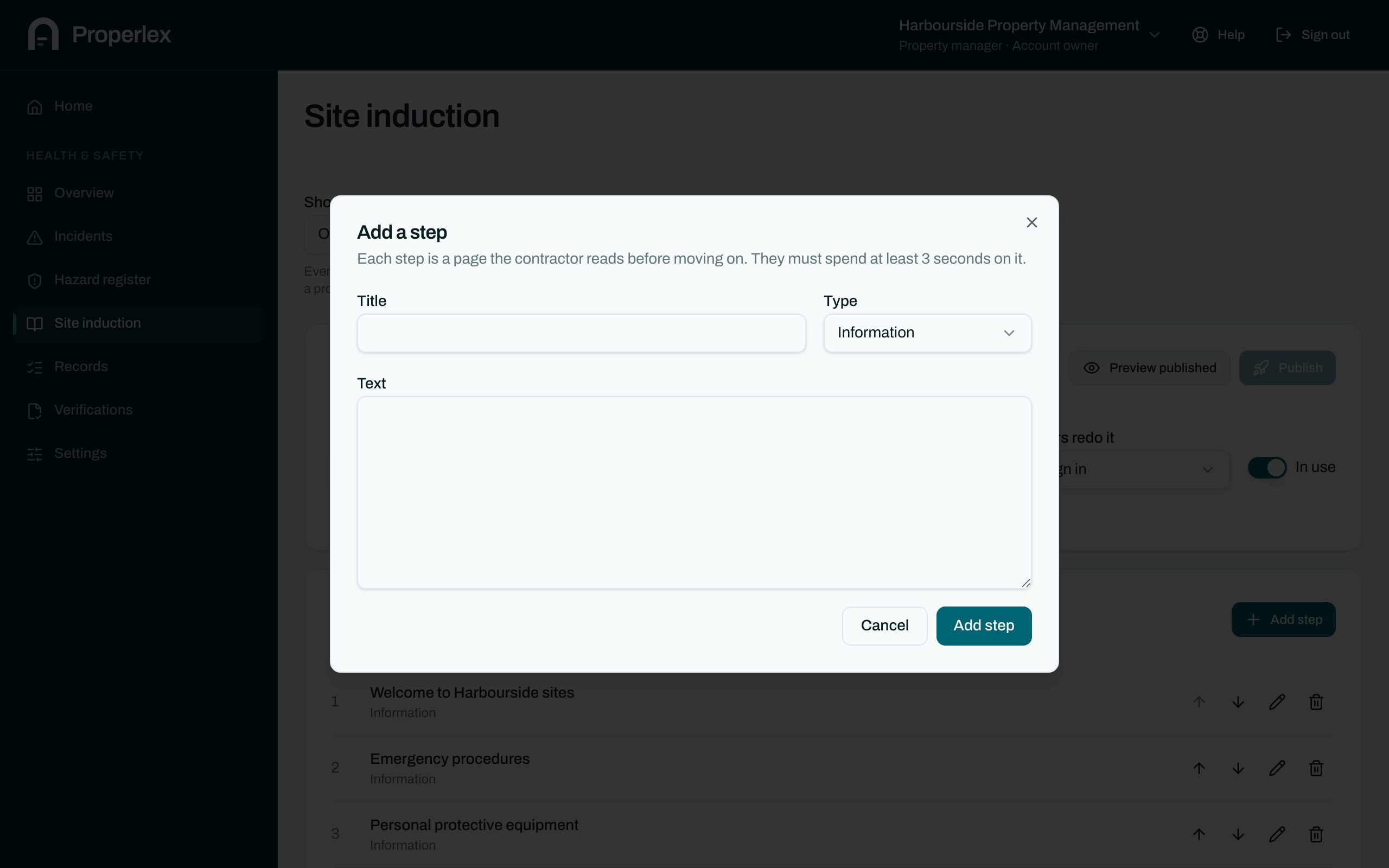
Select Add step.
Use the arrows to reorder steps, or the pencil and bin icons to edit or remove one.
Common problems
My document isn't listed. Upload it on the Documents page first, as a PDF or image.
Contractors still see the old version. Changes are saved to the draft. They see them once you Publish.
Last checked against the app on .