Set up a hazard register
Go to Health & Safety, then Hazard register, and select Set up a hazard register. Choose how often contractors re-confirm it, then add your hazards.
- For
- Property managers
- Needs
- Contractor compliance switched on
Your hazard register lists the hazards at your properties and how they're controlled. Contractors review it and agree to it when they sign in on site.
Before you start
You need the Add, edit and import hazards control.
Contractor compliance must be switched on for your organisation.
Steps
Go to Health & Safety, then Hazard register.
Under Showing, leave Organisation-wide (all properties) for hazards that apply everywhere, or choose a property for hazards only there.
Select Set up a hazard register.
Choose how often Contractors re-confirm it: every sign-in (at most once a day), monthly, quarterly, yearly or never. New hazards always need confirming.
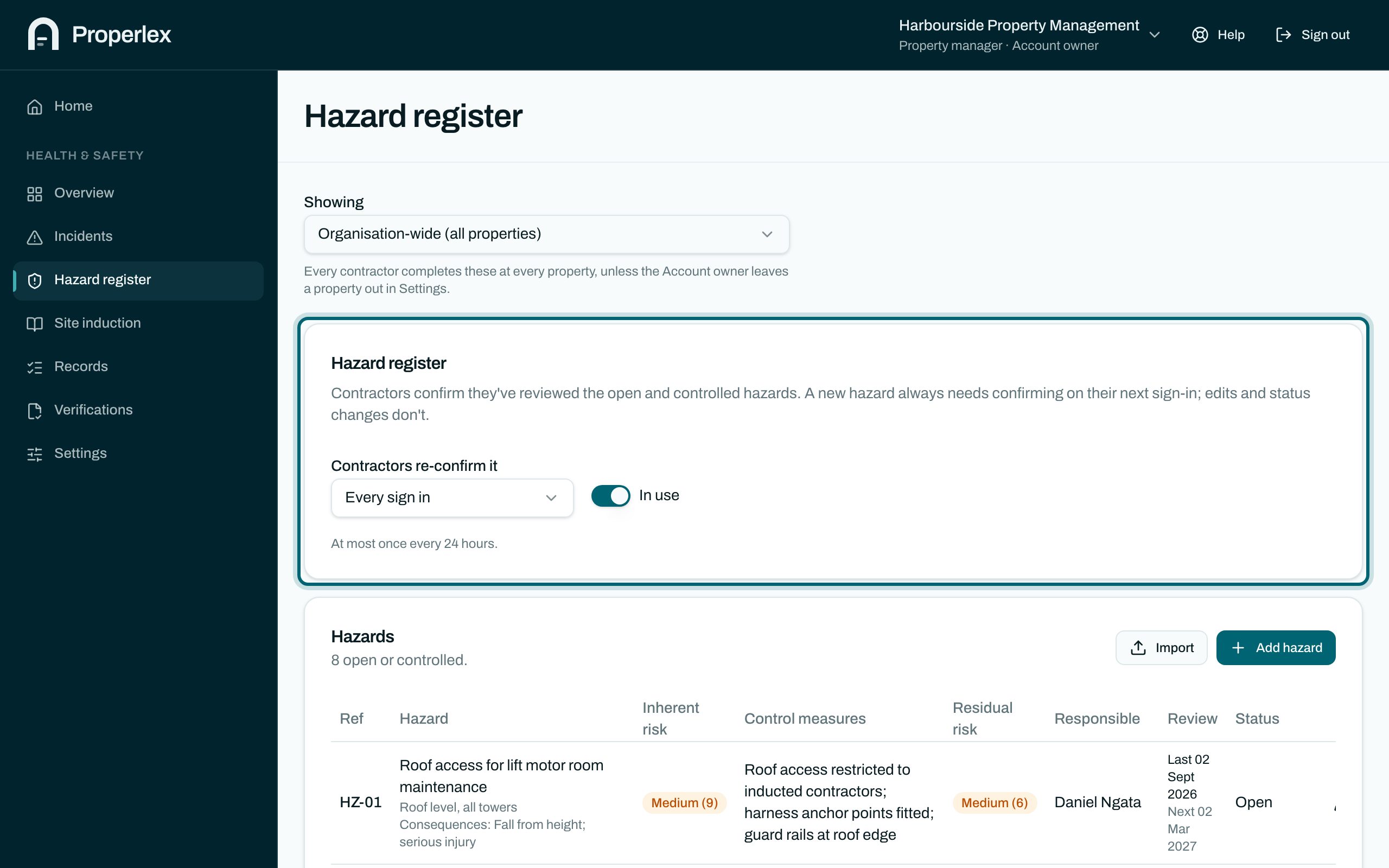
Make sure In use is on.
Add hazards. See Add a hazard, or Import hazards.
What happens next
Contractors signing in review the hazards and agree to them. Their agreements are kept under Records.
Common problems
A property-specific register. Contractors at that property review the organisation's hazards first, then the property's.
Last checked against the app on .