Import hazards
In Hazard register, select Import, download the template, fill in one hazard per row and upload it. Rows with a reference number already in the register update that hazard.
- For
- Property managers
- Needs
- Contractor compliance switched on
Steps
Go to Health & Safety, then Hazard register, and select Import.
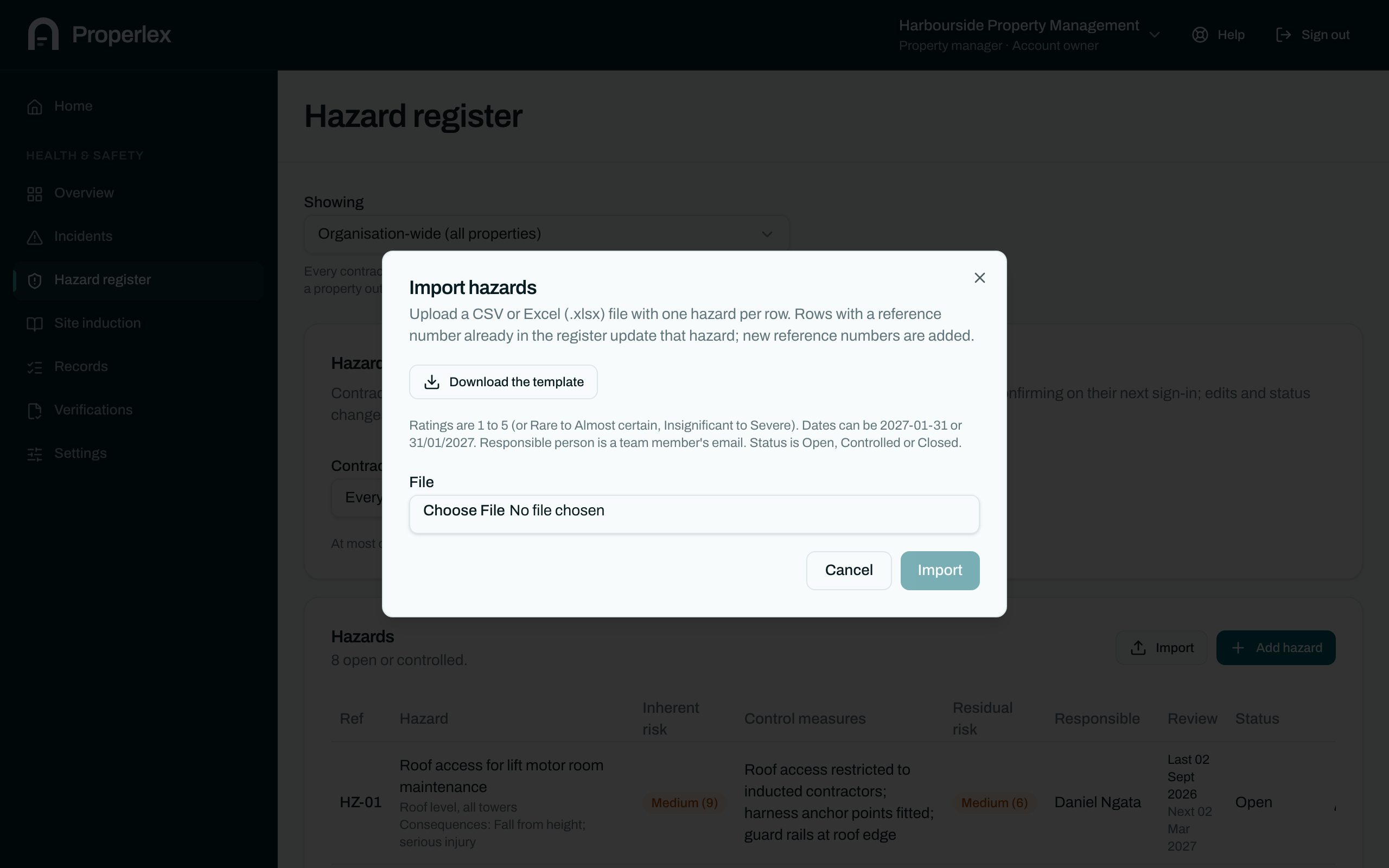
Select Download the template and fill in one hazard per row. Ratings are 1 to 5, or the words (Rare to Almost certain, Insignificant to Severe). Dates can be 2027-01-31 or 31/01/2027. The responsible person is a team member's name or email.
Save it as .xlsx or .csv and choose it under File.
Check the rows, then import them.
Rows with a reference number already in the register update that hazard. Status must be Open, Controlled or Closed.
Last checked against the app on .