Send a test message
In New message, under Test send, add yourself or team members as Test recipients and select Send test. It goes by SMS or email only.
- For
- Property managers
- Needs
- Sender or above
Send a test to see exactly what your audience will get, before you send it to them.
Steps
Write your message in New message.
Under Test send, select Add team members and choose who gets the test.
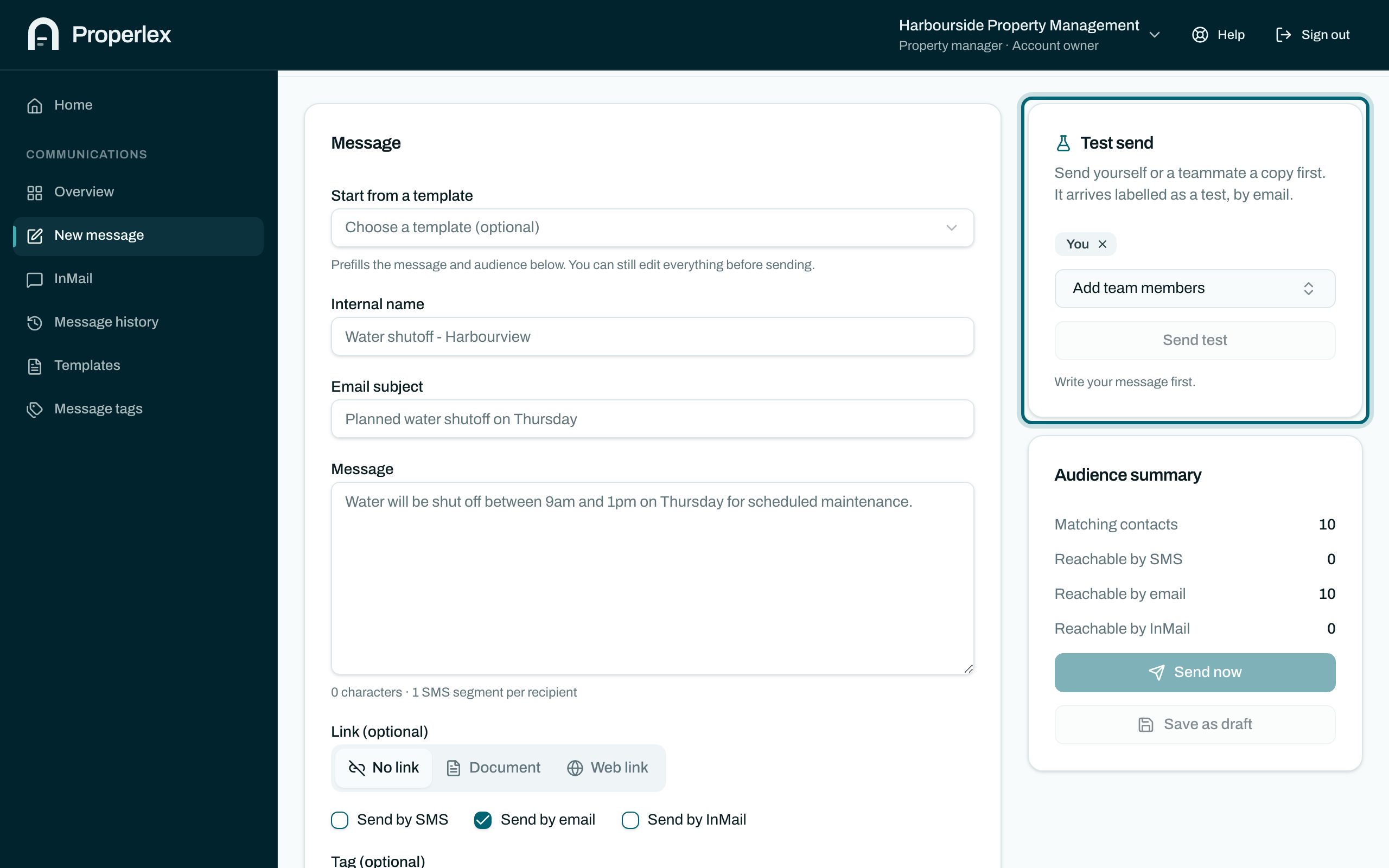
Select Send test.
Common problems
The test didn't include InMail. InMail isn't included in tests, as it goes to tenant, vendor and partner portals. Tests go by SMS or email.
A team member isn't listed. Only people on your team can get tests. Invite them first. See Invite your team.
Last checked against the app on .