See whether your documents are approved
Open Compliance or Certificates. Each document shows each property manager's decision, and the reason if they rejected it, plus its expiry date.
- For
- Vendors
- Needs
- Contractor compliance switched on
Steps
On your home page, select Compliance (company details, insurance and licences) or Certificates.
Each document shows what each property manager decided, and when it expires.
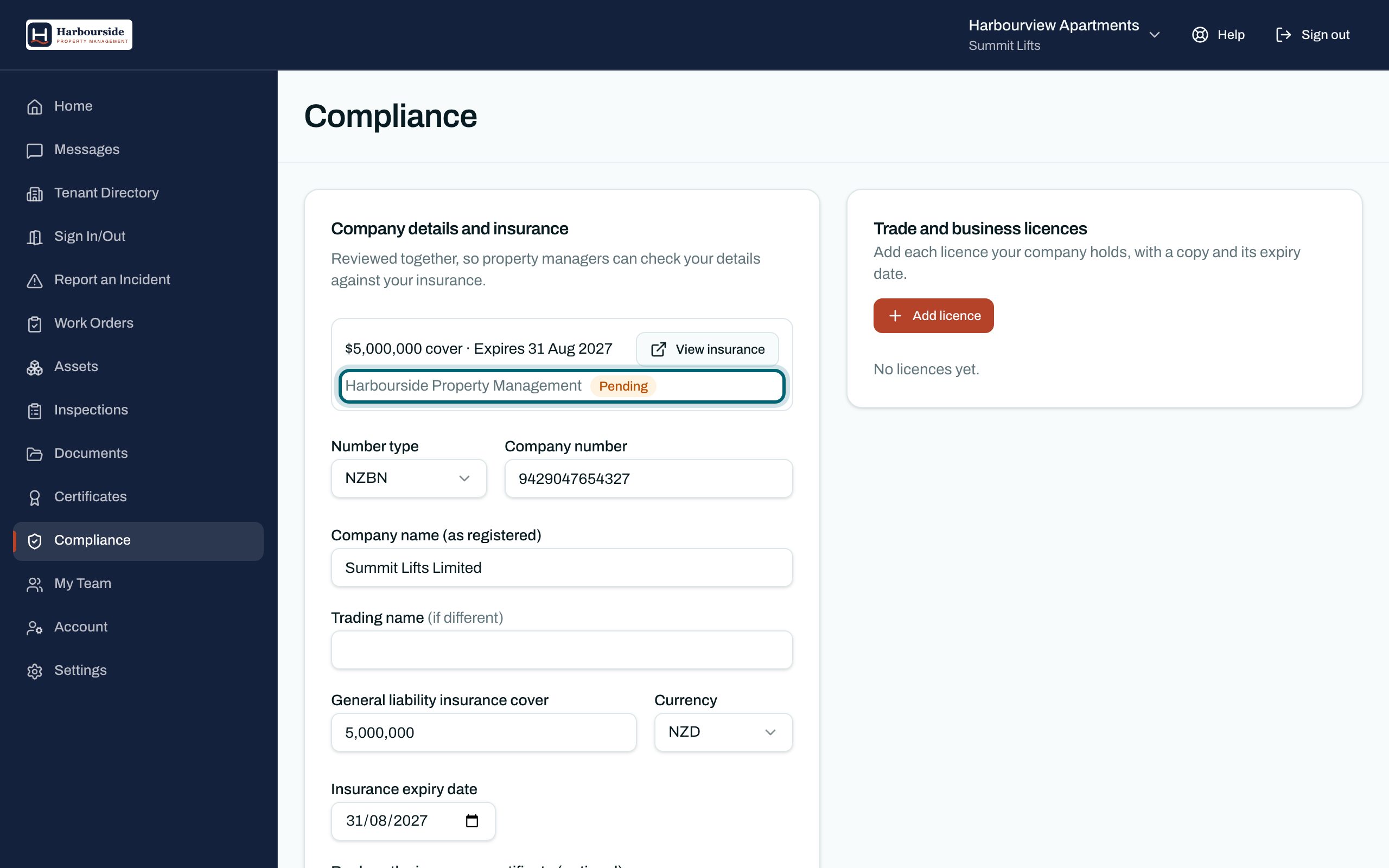
If one was rejected, read the reason, fix it, and send it for review again.
Common problems
"Not sent for review yet." Finish adding it and send it for review.
It says Expired. Upload the renewed document and send it for review.
Last checked against the app on .