Add a certificate or qualification
Select Certificates on your home page, then Add certificate. Enter the certificate, its type, number, issuer and expiry, upload a copy and select Add and send for review.
- For
- Vendors
- Needs
- Contractor compliance switched on
Certificates show you're qualified for the work you do on site. A photo of the card is fine.
Steps
On your home page, select Certificates.
Select Add certificate.
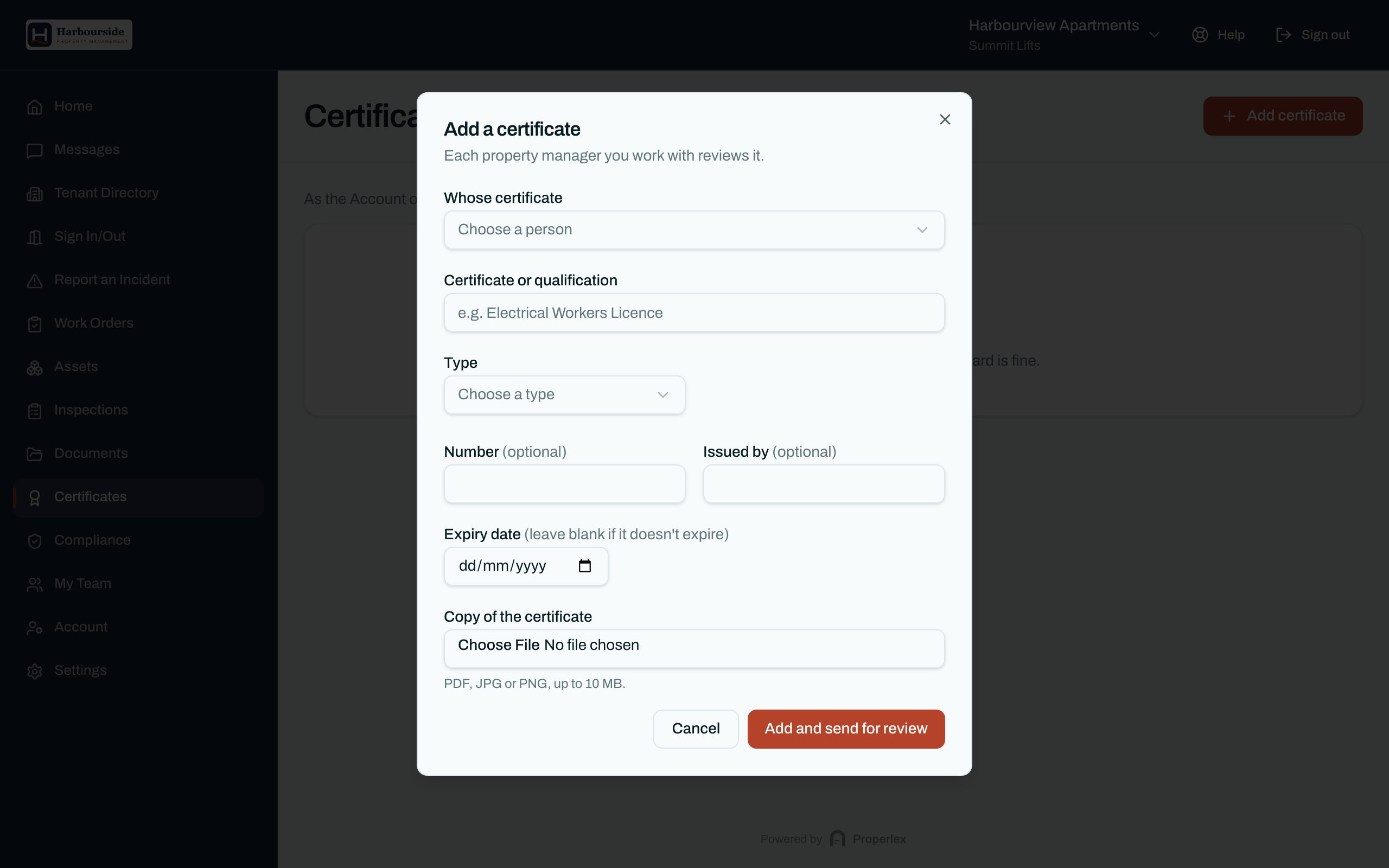
Enter the Certificate or qualification, and choose its Type: Electrical, Gas, Working at heights, First aid or Other.
Optional: enter the Number and Issued by.
Enter the expiry date, or leave it blank if it doesn't expire.
Upload a Copy of the certificate (PDF, JPG or PNG, up to 10 MB).
Select Add and send for review.
Common problems
I'm the Account owner and want to add one for my team. You can. Choose Whose certificate first. You also see everyone's certificates.
It has expired. Select Update, upload the new copy and select Save and send for review.
Last checked against the app on .