Raise a work order from a failed item
Open the completed inspection and select Raise a work order next to the failed item. A draft work order is created for you to check and send.
- For
- Property managers
- Needs
- Recurring inspections switched on
- Work orders switched on
A failed item usually needs fixing. Raise a work order straight from it.
Before you start
Work orders must also be switched on.
Steps
Open the completed inspection in Recurring inspections, Inspections.
Next to the failed item, select Raise a work order.
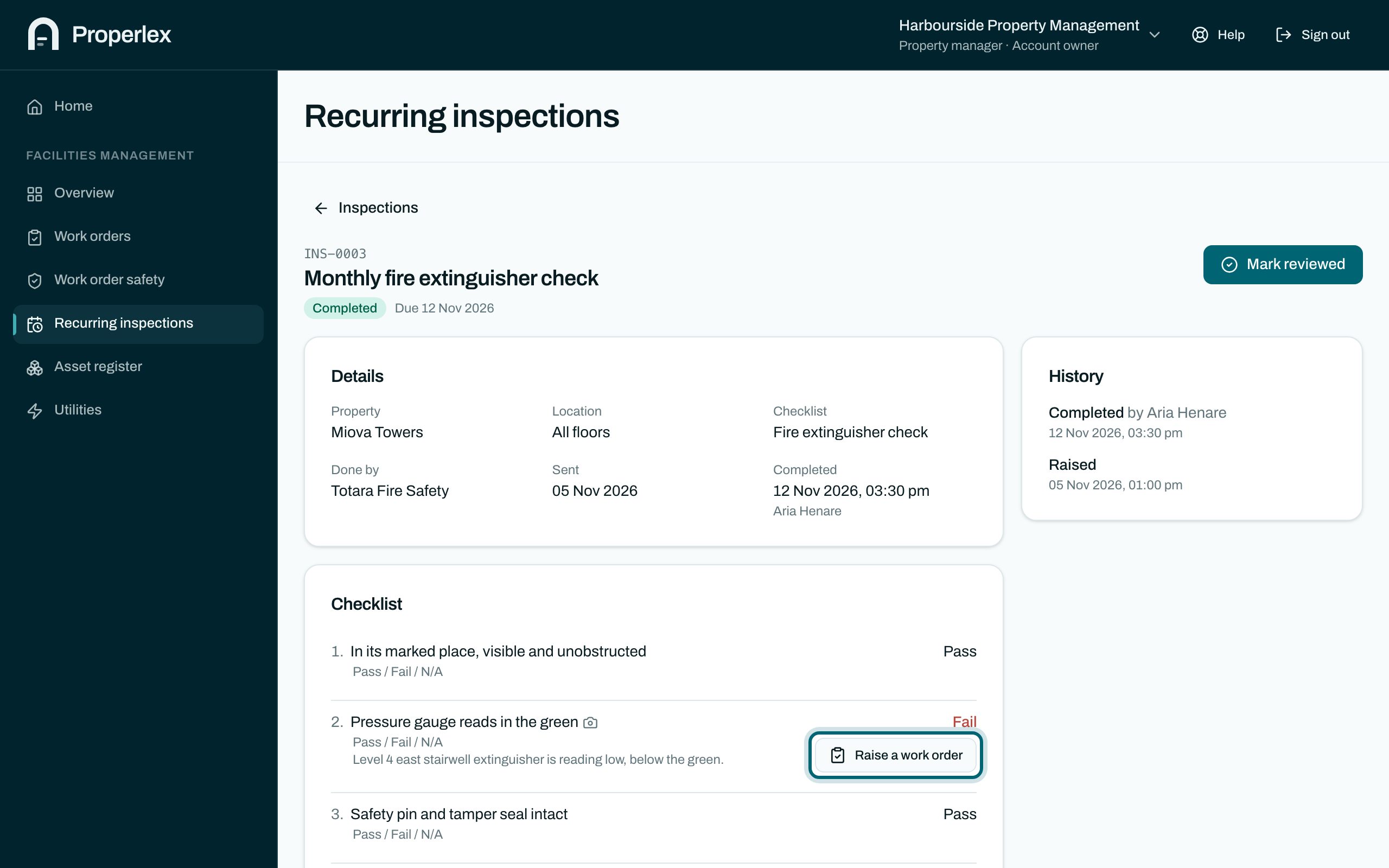
A draft work order is raised and the item shows Work order raised.
Open the work order in Work orders, check it, and send it to a vendor. See Send a work order to a vendor.
Last checked against the app on .