Manage who can sign in to your portal
Select Settings on your home page. Under Portal users, invite people with Invite user, change their role, and choose which contact types they can manage.
- For
- Tenants
- Vendors
- Partners
Before you start
This is for your business's Account owner.
Steps
On your home page, select Settings.
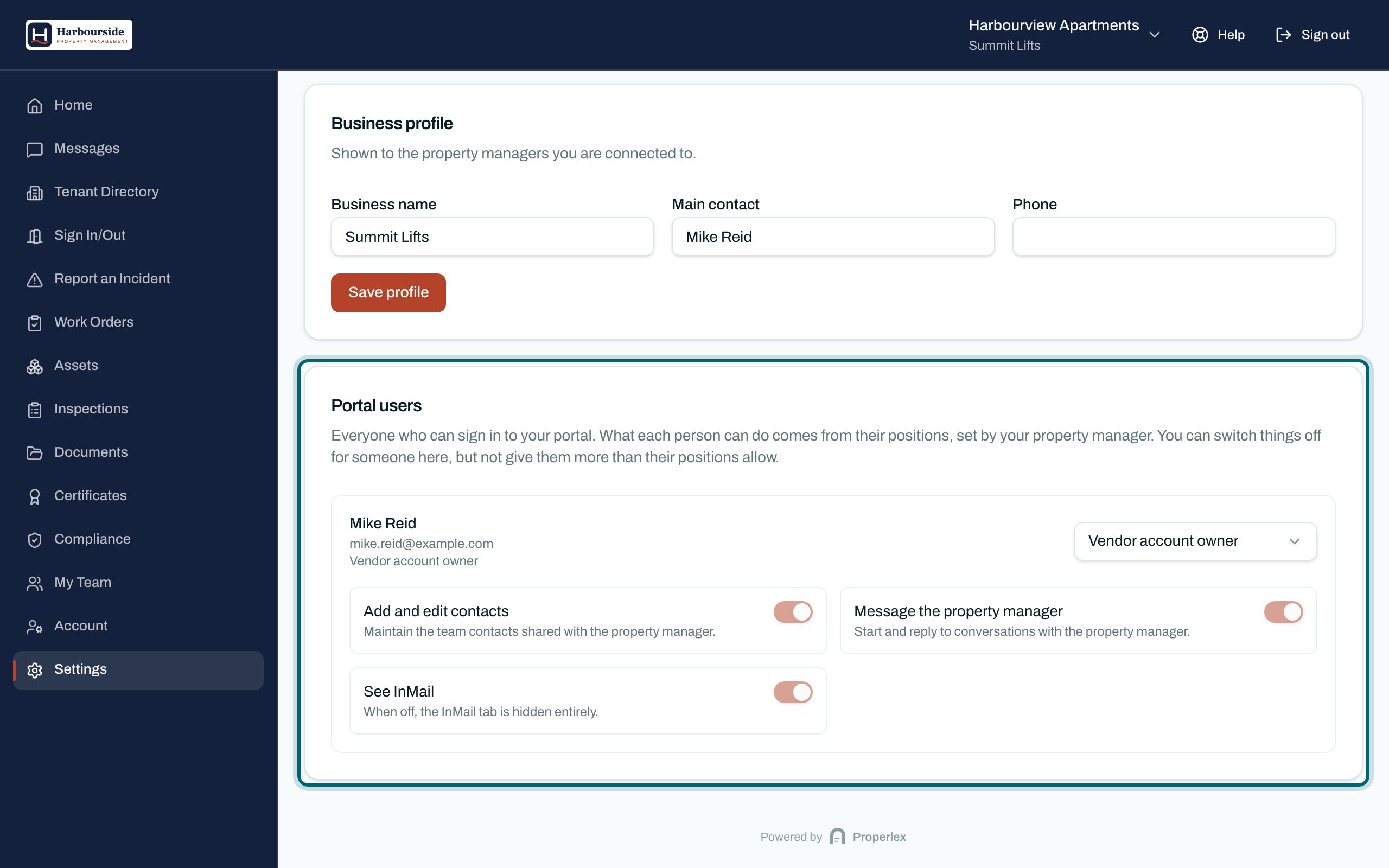
Portal users lists everyone who can sign in to your portal.
To add someone, select Invite user, enter their Email, choose a Role and select Send invitation. They get access to your portal.
To change someone, choose a new role next to them, or limit the contact types they manage. Leave All types to let them manage every contact.
What each person can see and do comes from their positions, set by your property manager. Use the switches next to someone to turn off things their positions allow.
Last checked against the app on .