Update your business profile
Select Settings on your home page. Under Business profile, change your business name, main contact or phone, and select Save profile.
- For
- Tenants
- Vendors
- Partners
Your business profile is shown to the property managers you're connected to.
Steps
On your home page, select Settings.
Under Business profile, update the Business name, Main contact or Phone.
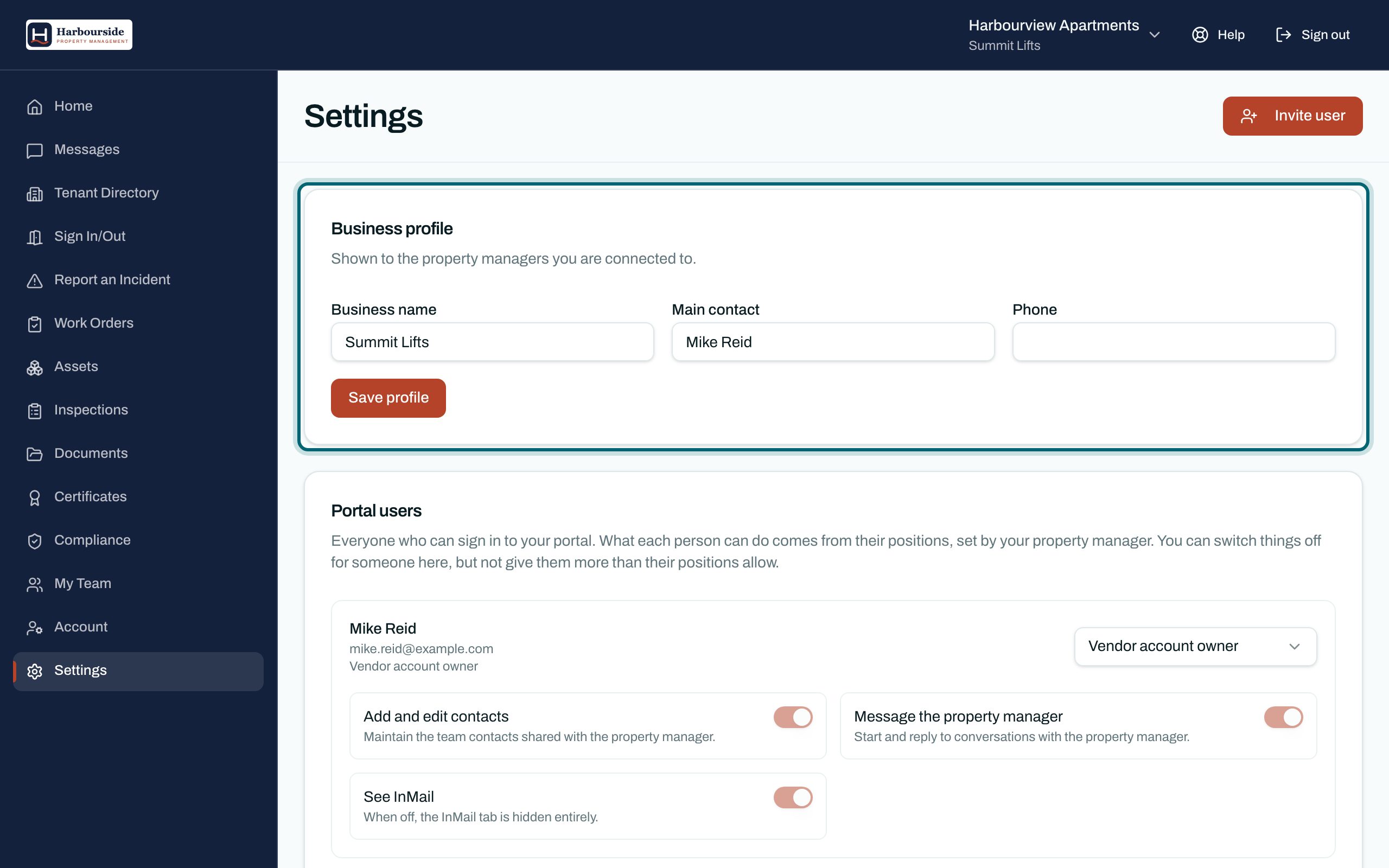
Select Save profile.
Last checked against the app on .