Import meters
In Utilities, select Import meters, download the template, fill it in and upload it. A row whose meter number is already set up updates that meter.
- For
- Property managers
- Needs
- Utilities switched on
Steps
Go to Facilities Management, then Utilities, and select Import meters.
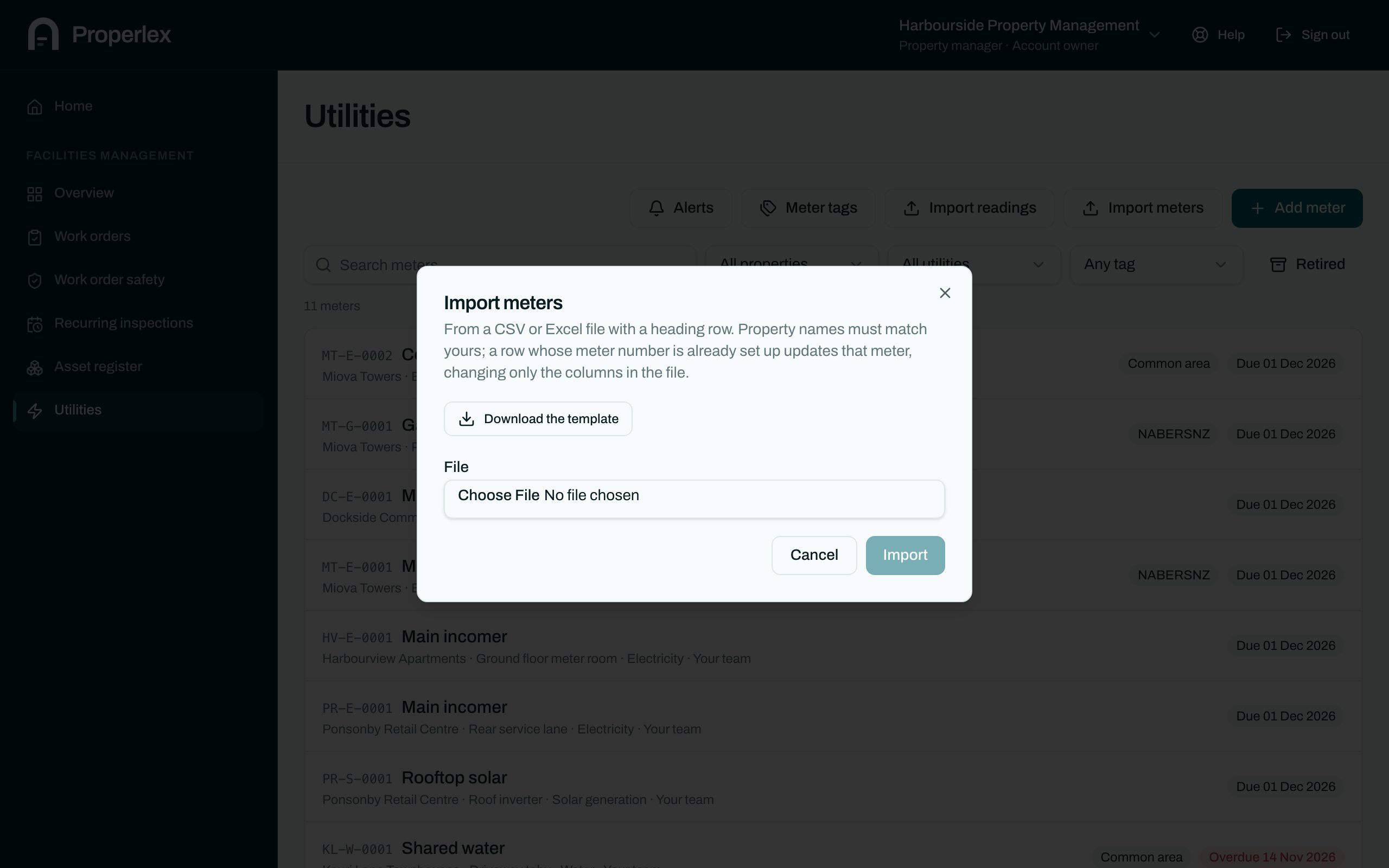
Select Download the template and fill in one meter per row.
Choose your CSV or Excel File. It's checked before anything is imported.
Check the rows, then select Import.
Property names must match yours. A row whose meter number is already set up updates that meter.
Last checked against the app on .