Import meter readings
In Utilities, select Import readings, download the template and upload a file with the meter number, date and reading on each row.
- For
- Property managers
- Needs
- Utilities switched on
Steps
Go to Facilities Management, then Utilities, and select Import readings.
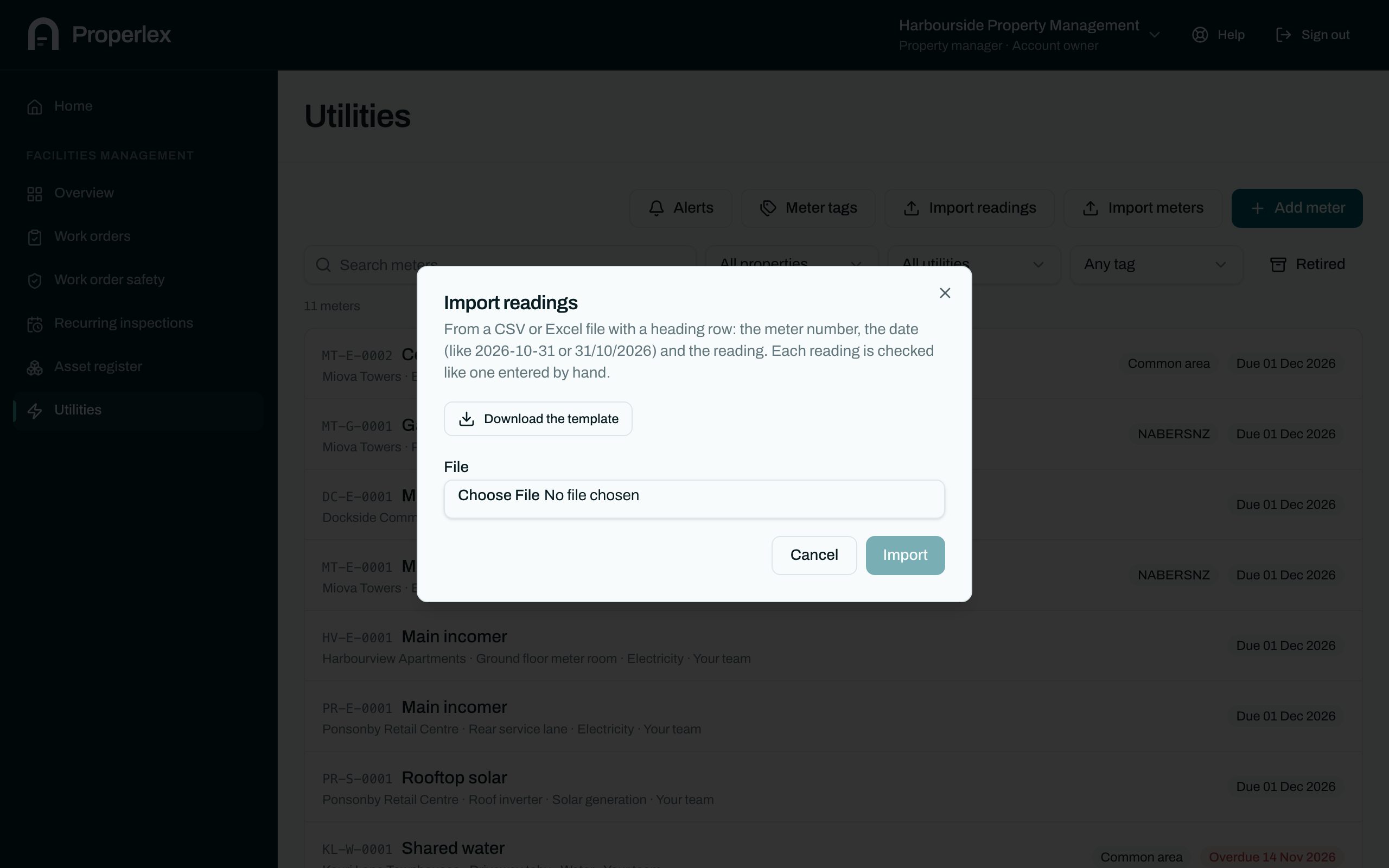
Select Download the template. Each row needs the meter number, the date (like 2026-10-31 or 31/10/2026) and the reading.
Choose your CSV or Excel File. It's checked before anything is imported.
Check the rows, then select Import.
Last checked against the app on .