Find a contact
In Tenants, Vendors or Partners, type in Search by name, email or phone, or filter by property, position or company.
- For
- Property managers
Each contact type has its own directory.
Steps
Go to Tenants, Vendors or Partners.
Type a name, email address or phone number in Search by name, email or phone.
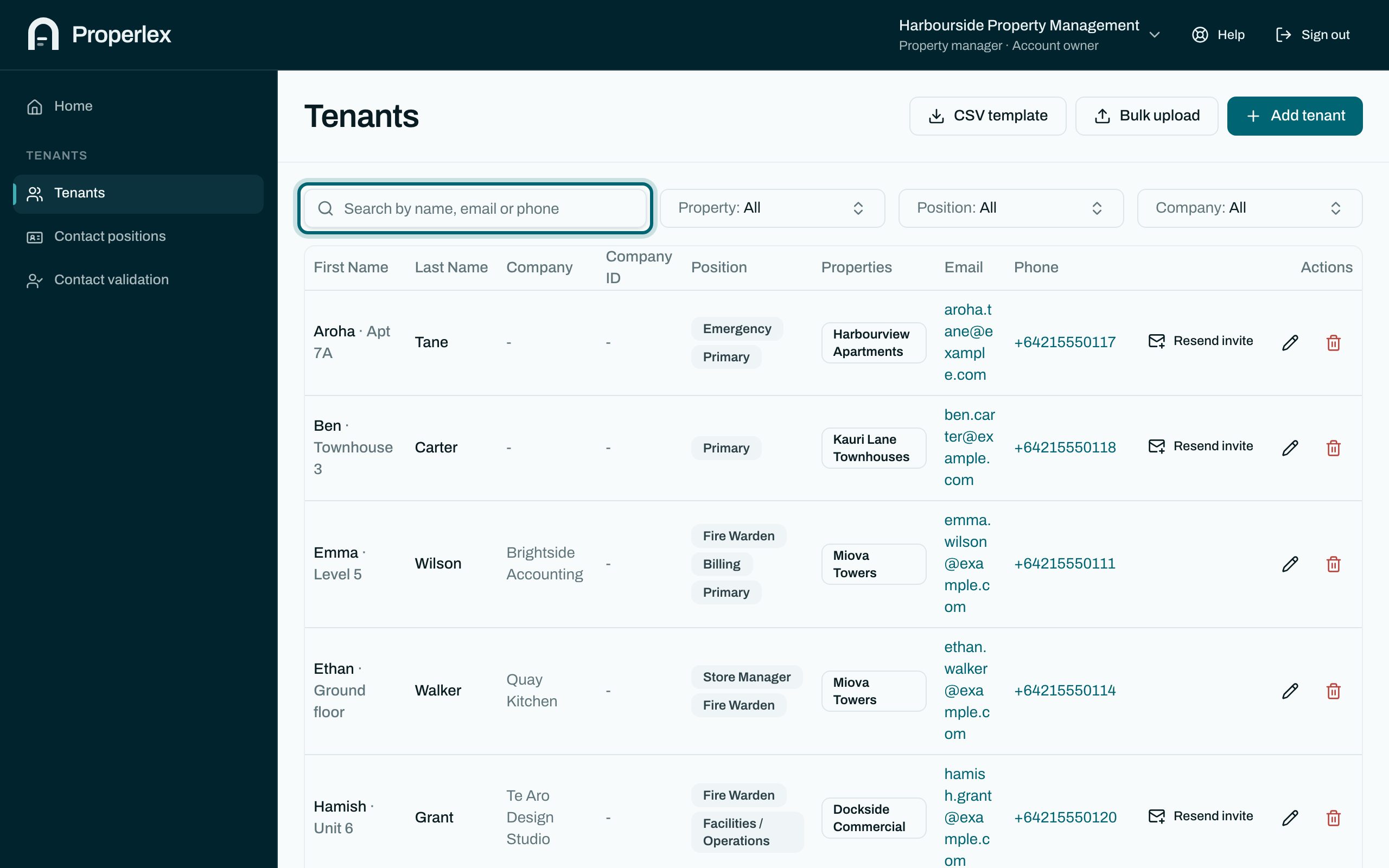
To narrow the list, use Search properties, Search positions or Search companies.
Select Clear filters to see everyone again.
Select an email address or phone number to email or call them.
Common problems
Someone I added isn't listed. Check you're in the right directory (tenant, vendor or partner), and clear your filters. If your access is limited to some properties, you only see contacts at those properties.
Last checked against the app on .