Create a perk
Go to Community, then Perks, and select New perk. Add the offer, details, image and expiry, choose who sees it and where, then select Publish perk.
- For
- Property managers
- Needs
- Manage contacts or above
- Perks switched on
Perks are offers you promote to the people in your buildings, such as a discount at a local cafe. They appear in the Deals / Offers card in the portal.
Before you start
Perks must be switched on for your organisation.
Steps
Go to Community, then Perks, and select New perk.
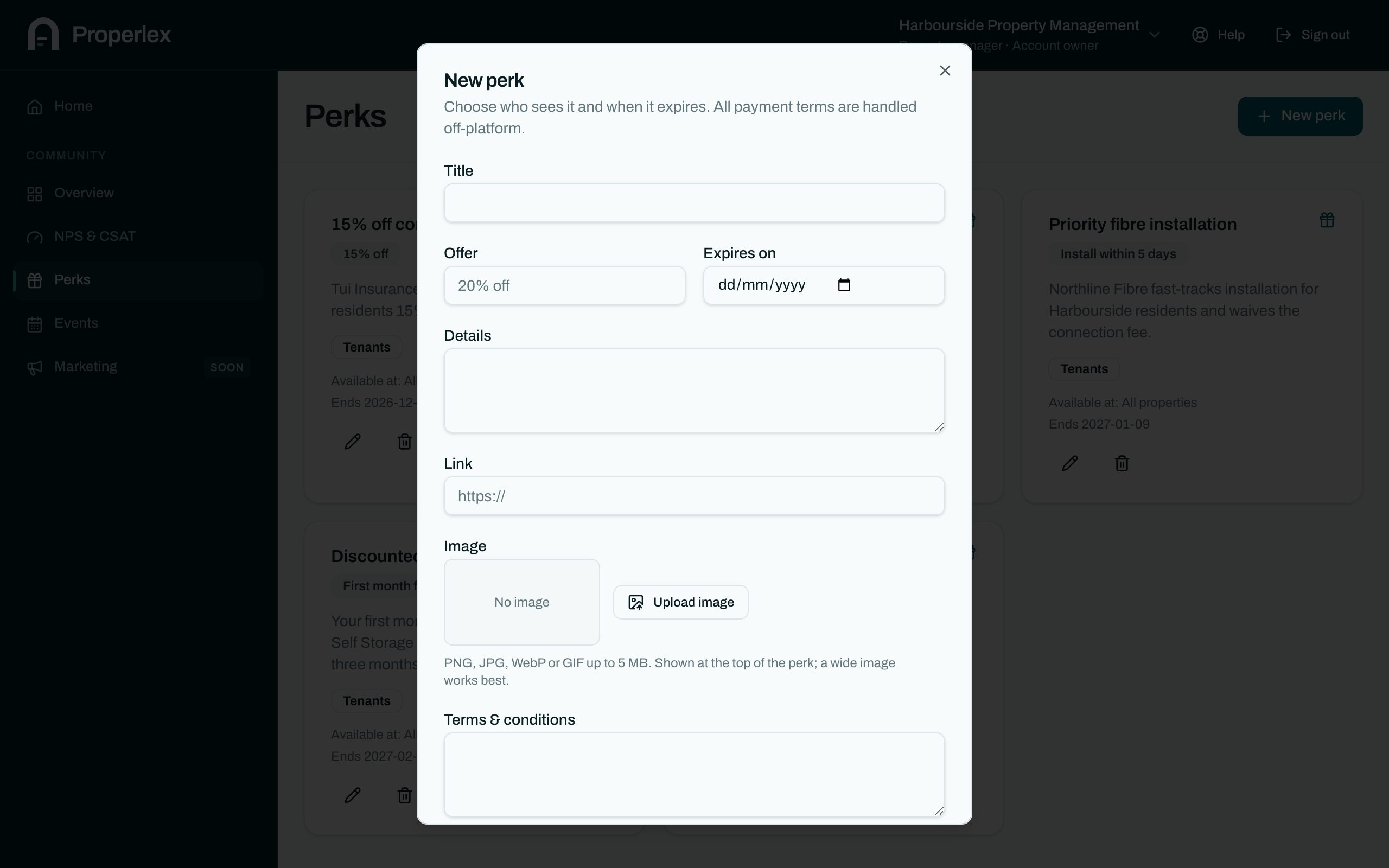
Enter the Title and the Offer, such as "20% off".
Add the Details, a Link, Terms & conditions and an Image if you have them.
Set Expires on, or leave it blank.
Under Show to, tick tenants, vendors and/or partners.
Under Available at, choose Whole organisation (every property) or Specific properties.
Select Publish perk.
Payment terms with the business offering it are handled outside the app.
Last checked against the app on .