Edit or remove a perk
In Perks, select the pencil icon on a perk to edit it, or the bin icon to remove it. A removed perk disappears for everyone it was shown to.
- For
- Property managers
- Needs
- Manage contacts or above
- Perks switched on
Steps
Go to Community, then Perks.
Select the pencil icon on the perk to change it, then select Save perk.
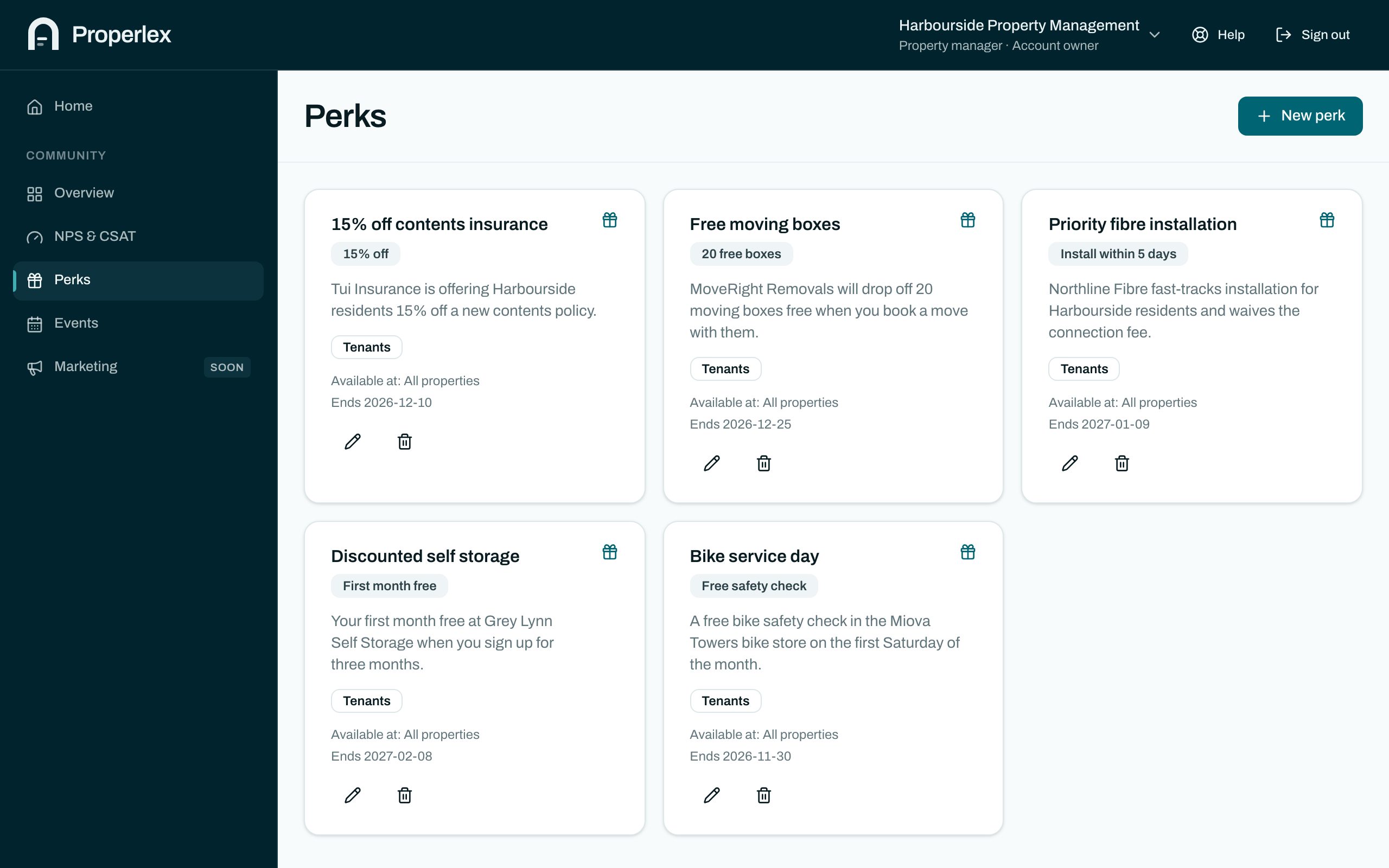
To take it down, select the bin icon and confirm with Remove. It disappears for everyone it was shown to.
A perk with an expiry date stops showing after that date by itself.
Last checked against the app on .