See offers at your property
Select Deals / Offers on your home page to see perks from your property manager and deals shared by businesses at your property.
- For
- Tenants
- Vendors
- Partners
Steps
On your home page, select Deals / Offers.
Perks from your property manager lists their offers. Select View offer for the details.
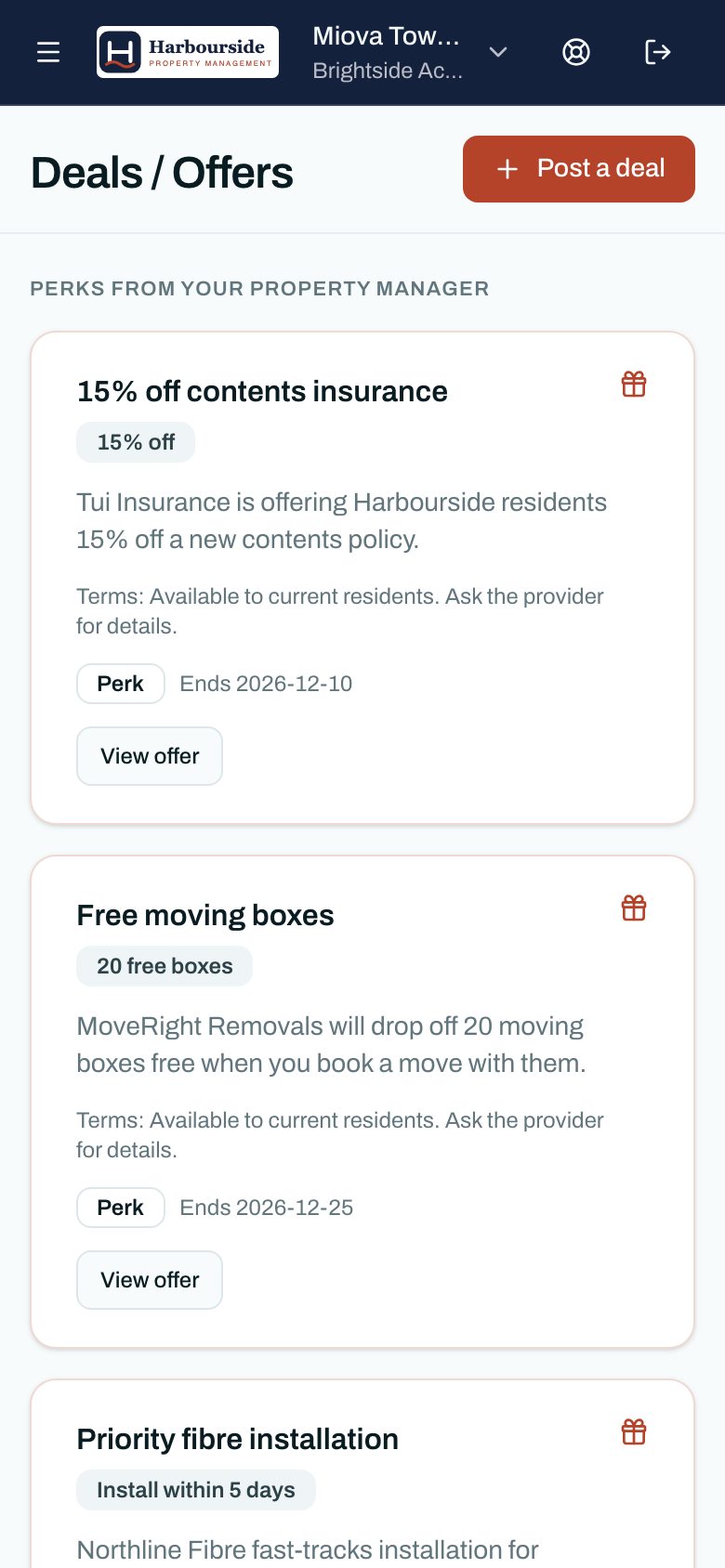
Below are deals shared by businesses at your property. Select Open offer to see one.
Common problems
I can't see Deals / Offers. Your property manager hasn't switched on offers at your property, or there aren't any yet.
Last checked against the app on .