Add a link or document to a message
In New message, under Link (optional), choose Web link and enter the address, or Document and choose or upload one. The message shows a button to open it.
- For
- Property managers
- Needs
- Sender or above
Rather than attaching files, a message can link to a web page or one of your documents. It shows as a button, such as Open link or View document.
Steps
In New message, find Link (optional).
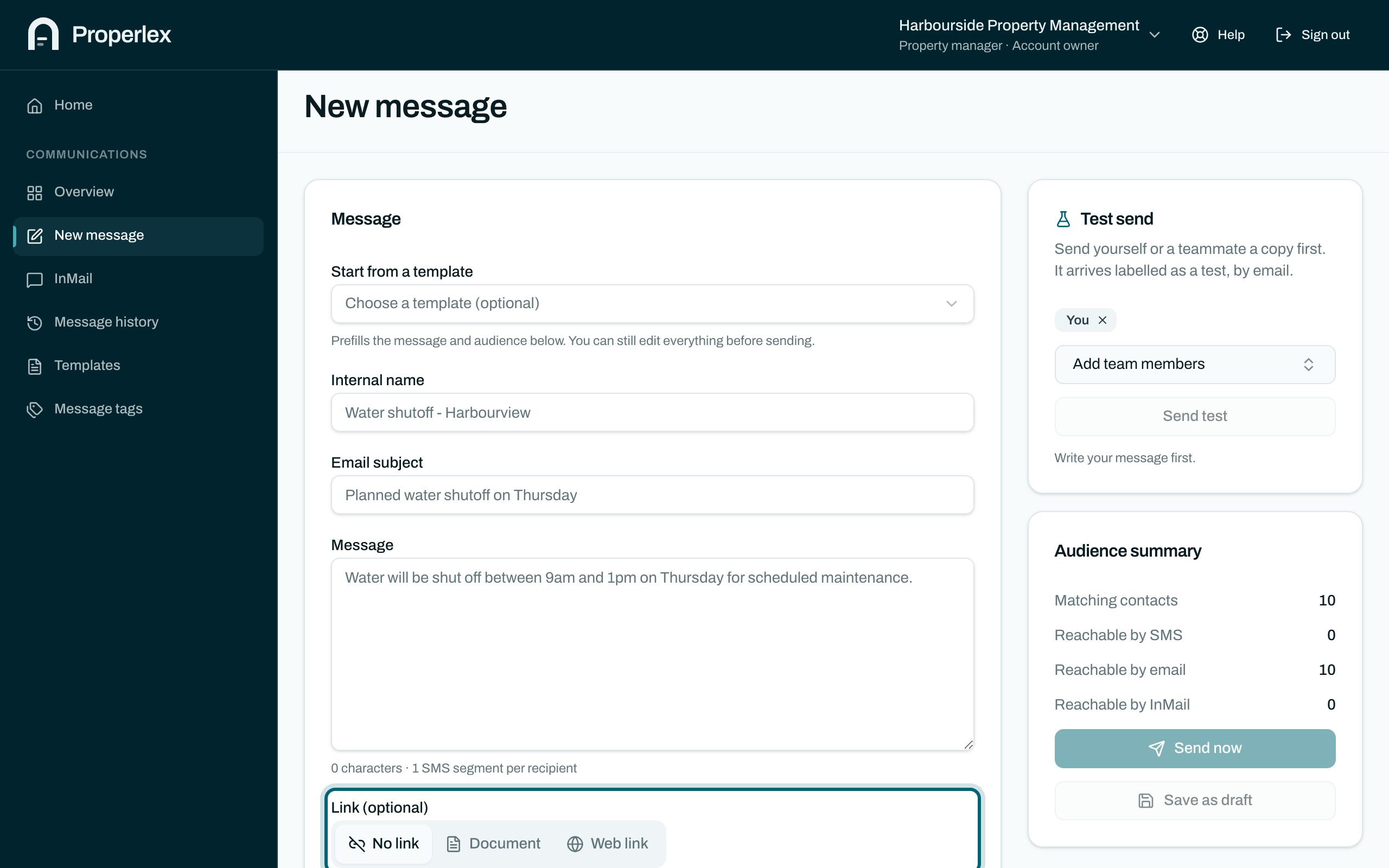
Choose:
Web link, and enter the Web address, or
Document, and choose one, or select Upload a new document.
Optional: change the Button text.
Finish and send the message.
Common problems
Do people need to sign in to open the document? No. The message link opens it either way. Whether it also shows in their portal depends on who it's visible to.
Last checked against the app on .