Update your personal details
Go to Account (property managers: Settings, then My account). Change your name, preferred name or phone number under Personal details and select Save details.
- For
- Property managers
- Tenants
- Vendors
- Partners
Steps
Go to Account. Property managers: Settings, then My account.
Under Personal details, change your First name, Last name, Preferred name or Phone number.
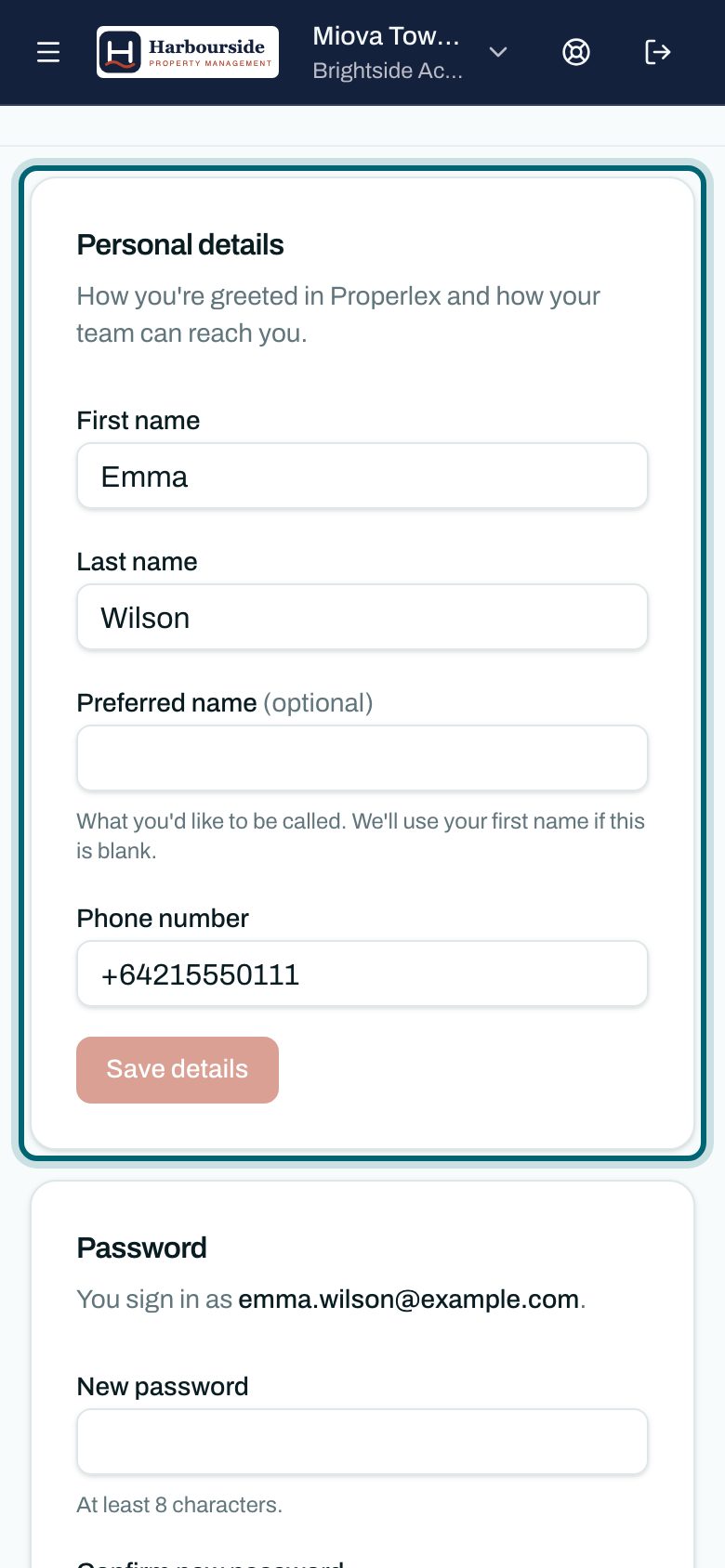
Select Save details.
Your Preferred name is what you're called in greetings. If it's blank, your first name is used.
Common problems
I want to change my email address. Your email is how you sign in. Ask whoever invited you to update it.
Last checked against the app on .