Sign in as a visitor
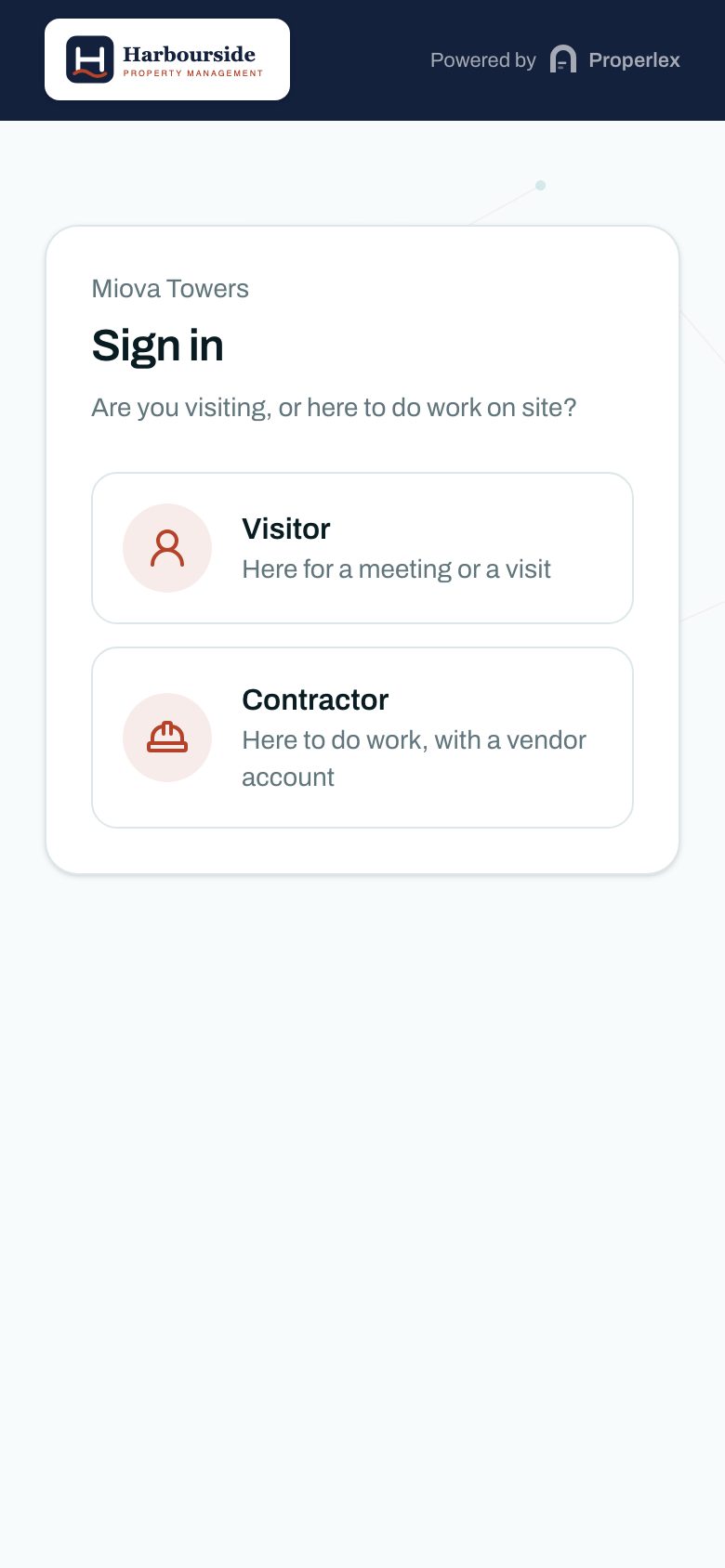
Scan the QR code at reception, or use the tablet. Choose Visitor, enter your name, email and phone, who you're visiting and how long you'll stay, then select Sign in.
- For
- Visitors and invitees
Many buildings ask visitors to sign in when they arrive. It takes a minute on your phone, and the person you're visiting is told you're here.
Steps
Scan the sign-in QR code at reception with your phone's camera, or use the tablet there.
Choose Visitor.
Enter your Full name, Email and Phone.
Choose Who are you visiting?.
Enter your Expected time on site (minutes).
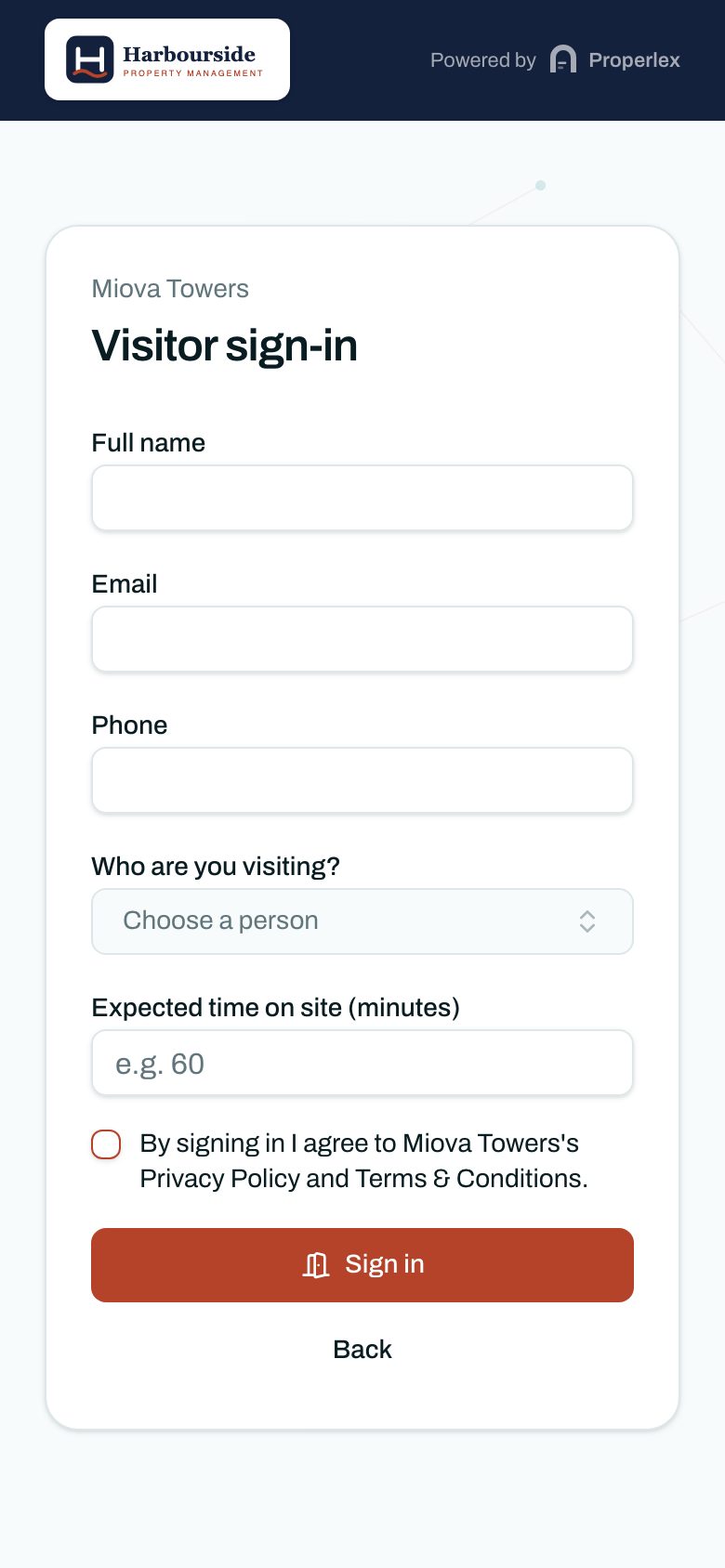
Tick the box to agree to the building's Privacy Policy and Terms & Conditions, then select Sign in.
You'll see You're signed in. The person you're visiting is emailed.
When you leave
Select Sign out on the same page. If you've closed it, use the link in the reminder you're sent. See Sign out or extend your visit.
Common problems
"No one is available to visit here right now." Ask at reception.
I'm here to do work. Choose Contractor and sign in with your vendor account. If you don't have one, sign in as a visitor and tell reception.
Last checked against the app on .