Sign in and out on site
Select Sign In/Out on your home page, choose the property and follow the steps. When you leave, select Sign out next to your name under Currently on site.
- For
- Vendors
- Needs
- Visitors switched on
Sign in when you arrive at a property so the site team knows you're there, and sign out when you leave.
Steps
On your home page, select Sign In/Out.
Under Sign in, choose the Property.
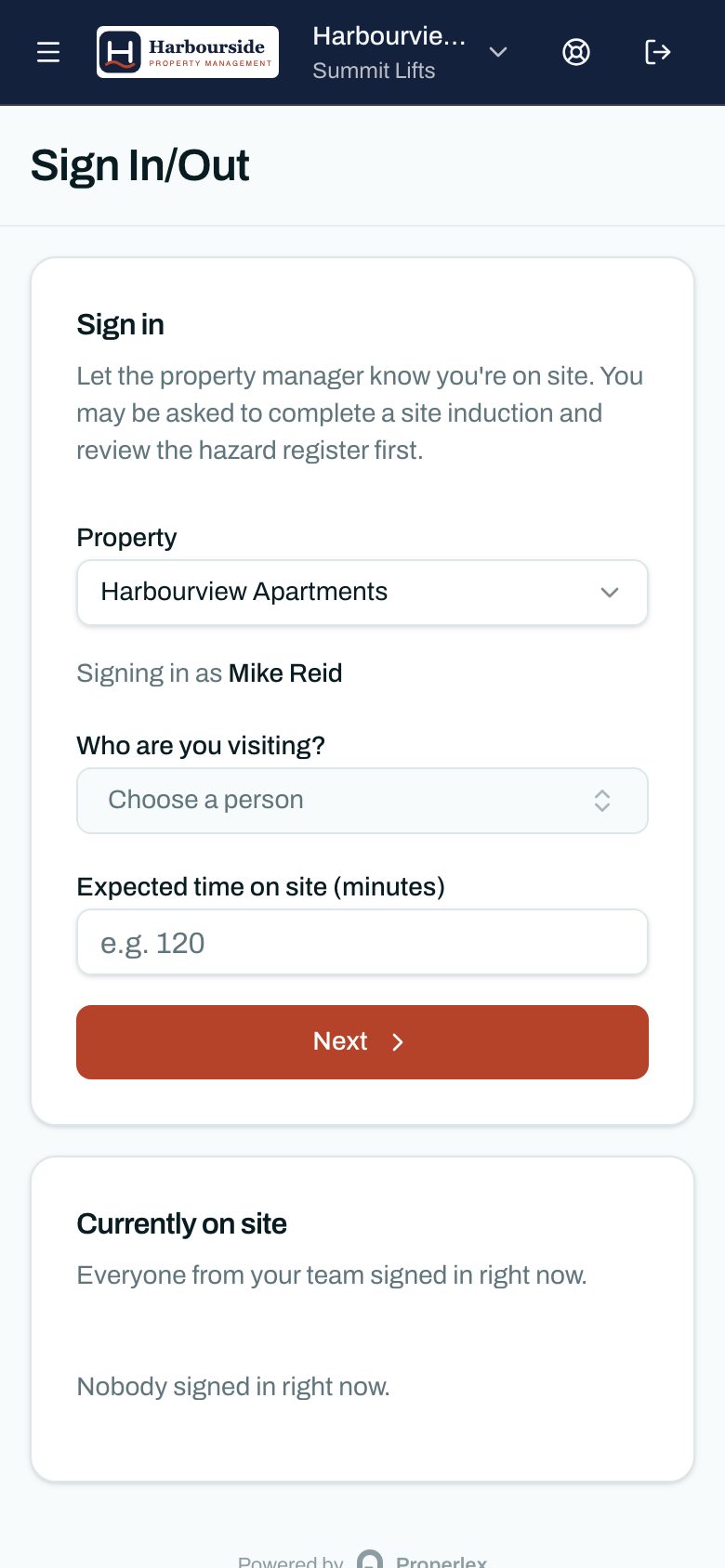
Choose your company, who you're visiting and your Expected time on site (minutes), then select Next.
If asked, complete the site induction and review the hazard register. See Complete the site induction.
You'll see You're signed in.
Signing out
Under Currently on site, select Sign out next to your name. You can also see everyone from your team who's on site right now.
Common problems
"No one is available to visit here right now." Ask at reception.
"Not a contractor account." Your account isn't set up for contractor sign-in. Ask your property manager to send you an invite.
Last checked against the app on .