Set up work order categories
In Work orders, select Categories to add, rename, hide or remove the categories you sort work orders by, such as Plumbing or Electrical.
- For
- Property managers
- Needs
- Work orders switched on
Categories group your work orders, for example by trade.
Steps
Go to Facilities Management, then Work orders.
Select Categories.
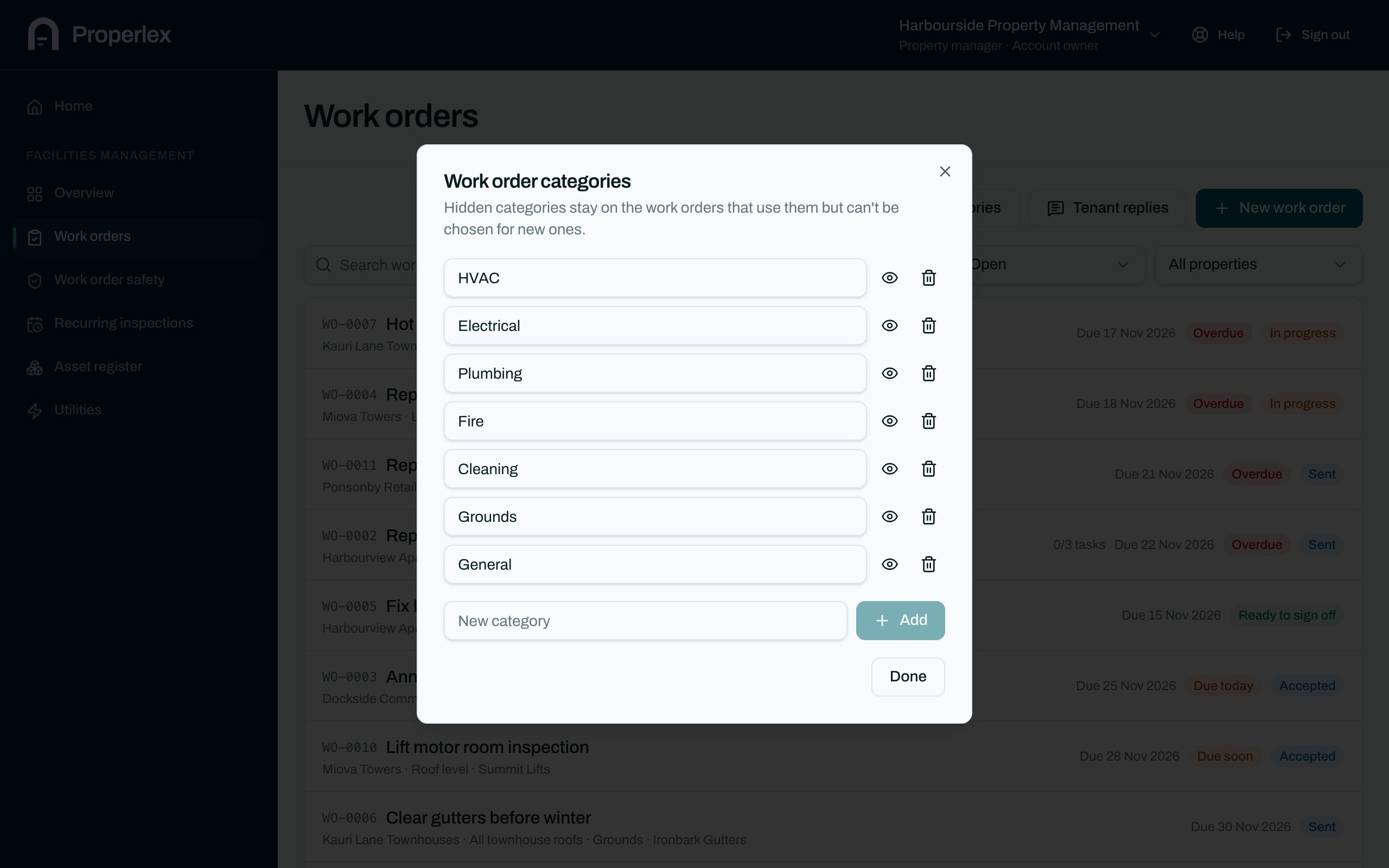
Type a New category and select Add.
To change one, use the icons next to it: rename, hide or remove.
Select Done.
Common problems
Hide or remove? Hidden categories stay on the work orders that already use them but can't be chosen for new ones. Hide a category you've used, so your records stay complete.
Last checked against the app on .