Set up utility alerts
In Utilities, select Alerts, then Add an alert. Get an email when a meter uses more than an amount in a reading period, or goes too long without a reading.
- For
- Property managers
- Needs
- Utilities switched on
Alerts email you when use is high or readings are overdue. Unusual readings are also flagged.
Steps
Go to Facilities Management, then Utilities, and select Alerts.
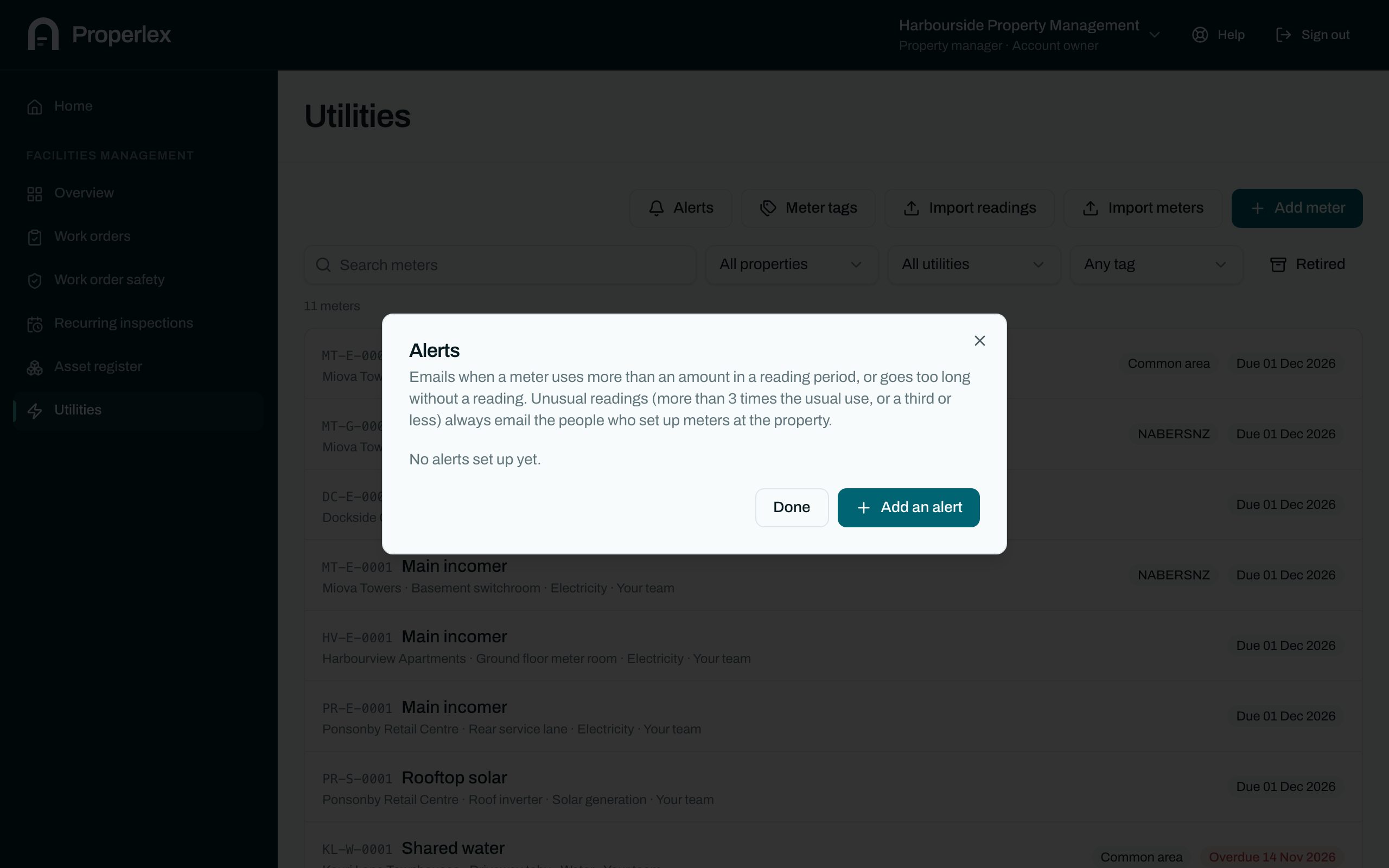
Select Add an alert and give it a Name, such as "Main switchboard over budget".
Under When, choose using more than an amount, or a number of Days without a reading.
Choose Which meters: one meter, or every meter at a property or for a utility.
Choose who's emailed, then select Add alert.
Pause, change or remove an alert from the list.
Last checked against the app on .