Set up document categories
In Documents, select Manage categories to add, rename or delete the categories documents are sorted into, such as Health & Safety or Operational.
- For
- Property managers
Categories are the folders tenants, vendors and partners use to find documents. Your workspace starts with Health & Safety, Operational, General and Announcements.
Steps
Go to Settings, then Documents, and select Manage categories.
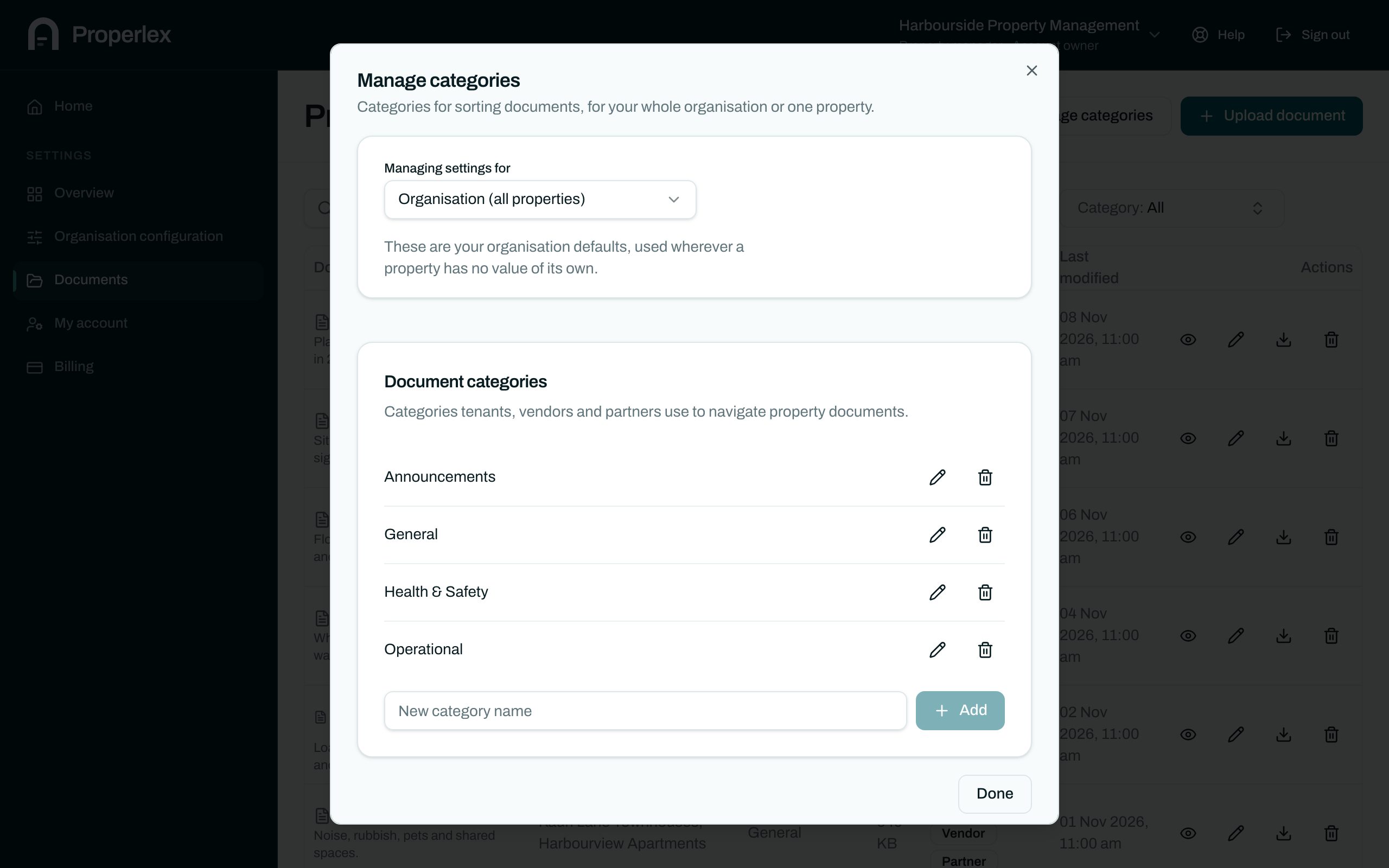
Type a New category name and select Add.
Use the pencil and bin icons to rename or delete one.
Select Done.
You can add categories for one property too. They appear on top of the organisation's.
Last checked against the app on .