Set up asset types
In Asset register, select Asset types to add, rename, hide or remove the types you group assets by, such as HVAC or Lifts.
- For
- Property managers
- Needs
- Asset register switched on
Asset types group your equipment so you can filter and report on it.
Steps
Go to Facilities Management, then Asset register, and select Asset types.
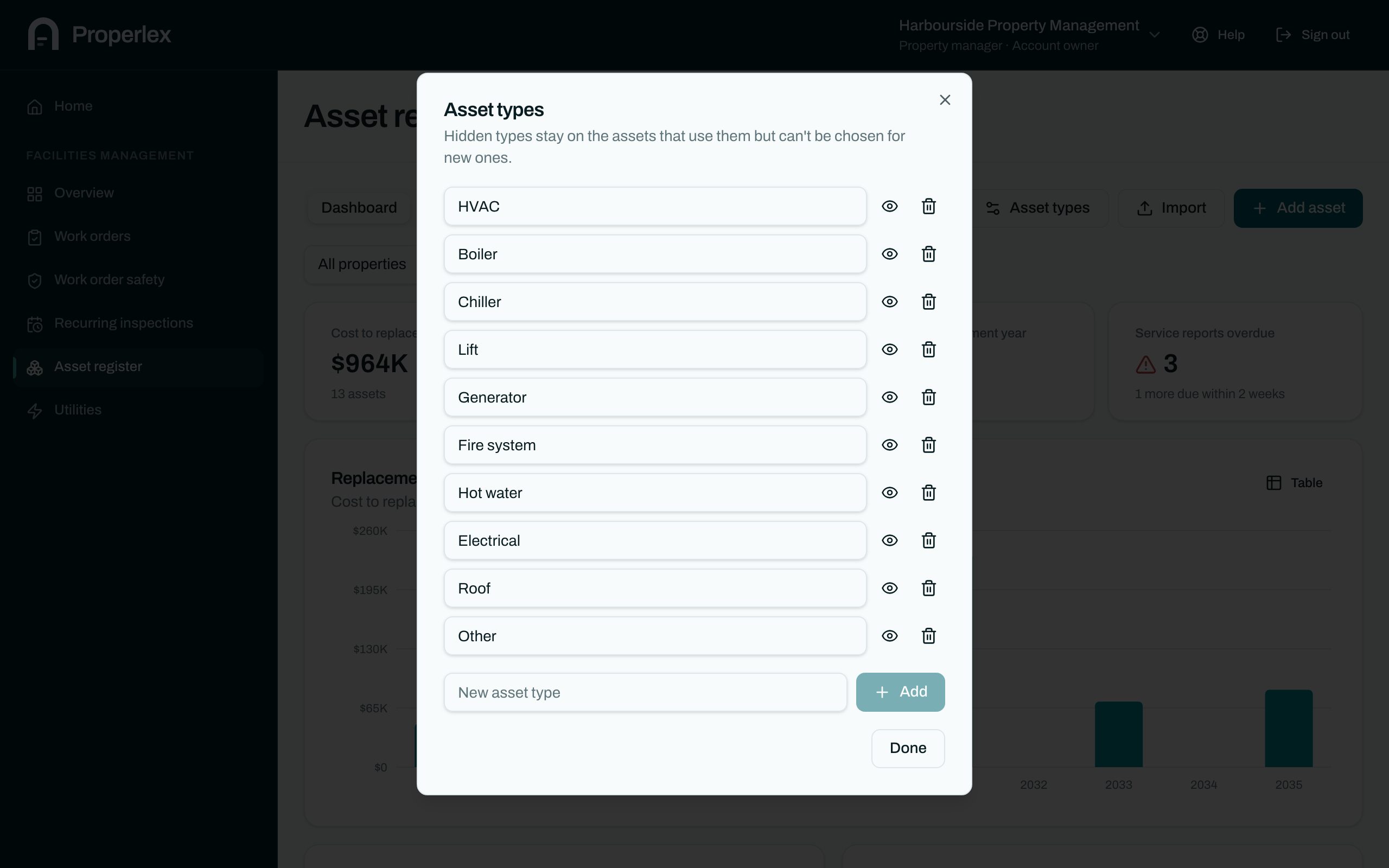
Type a New asset type and select Add.
Use the icons next to a type to rename, hide or remove it.
Select Done.
Hidden types stay on the assets that use them but can't be chosen for new ones.
Last checked against the app on .