See the assets you maintain
Select Assets on your home page to see the equipment your company maintains, with its details and service report schedule.
- For
- Vendors
- Needs
- Asset register switched on
Your property manager can assign equipment to your company to maintain.
Steps
On your home page, select Assets.
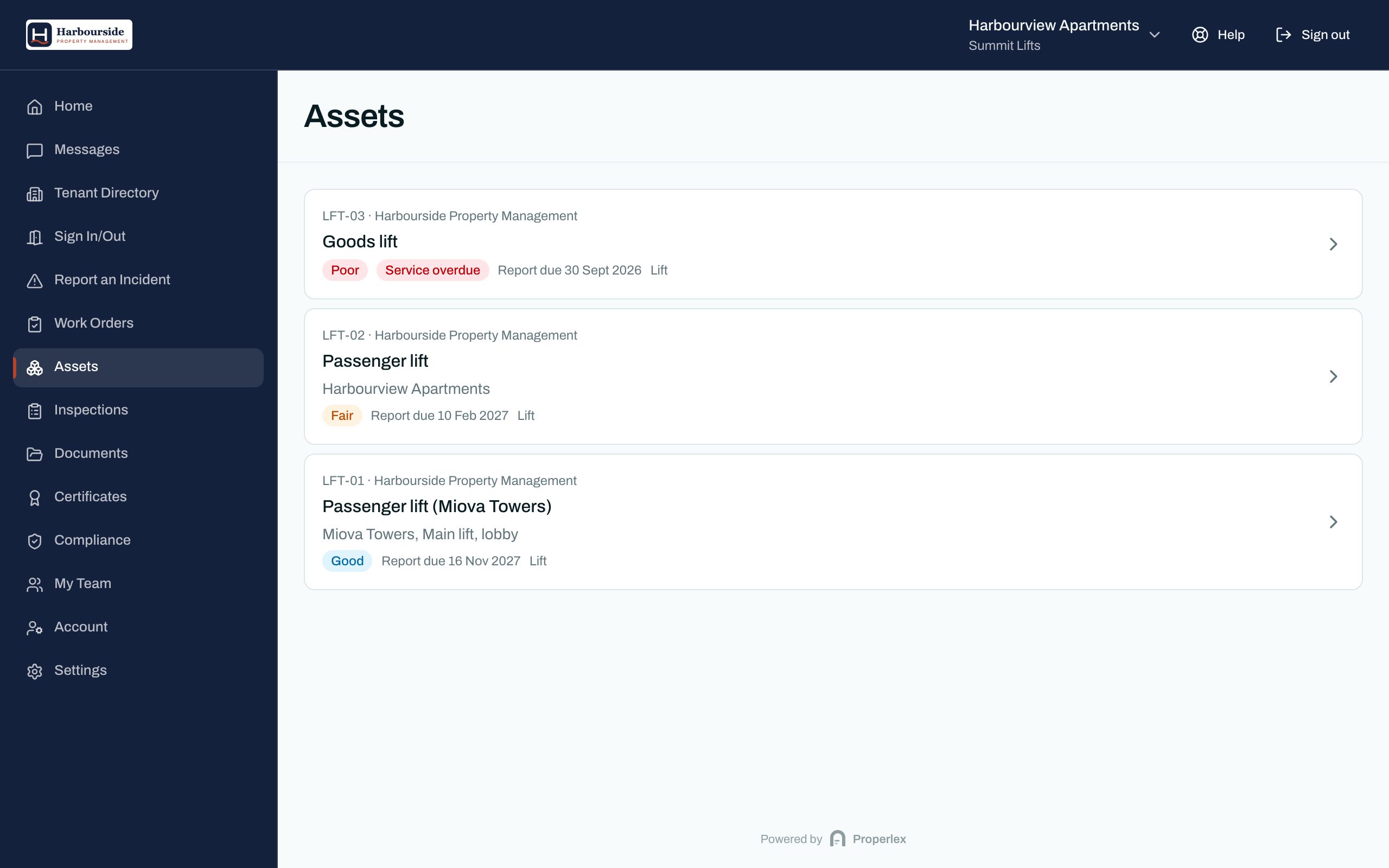
Open an asset to see its Details: property, location, type, make, model, serial number, date installed and replacement year.
Service reports shows how often a report is needed, when the next one is due and when it was last serviced.
Common problems
"No assets have been assigned to your company yet." Your property manager hasn't assigned any equipment to you.
Last checked against the app on .