Post a deal for people at your property
Select Deals / Offers, then Post a deal. Enter the offer, details and end date, choose who can see it, and select Post deal.
- For
- Tenants
- Vendors
- Partners
Share an offer with the businesses and residents at your property, such as a discount for their staff.
Before you start
Your position needs to allow creating offers. If you can't see Post a deal, ask your property manager.
Steps
On your home page, select Deals / Offers.
Select Post a deal.
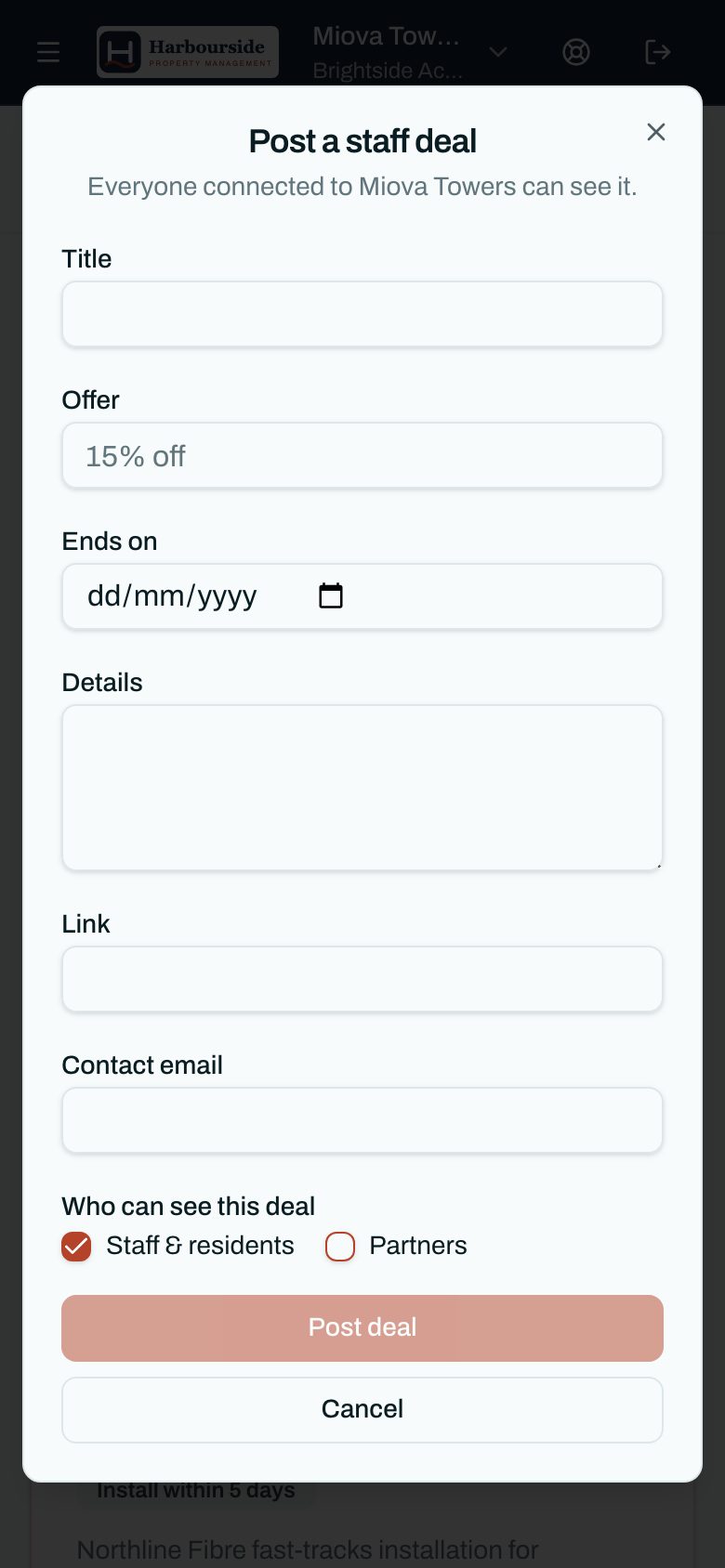
Enter the Title and Offer, such as "15% off".
Add Details, a Link and a Contact email if you like, and set Ends on.
Under Who can see this deal, tick Staff & residents and/or Partners.
Select Post deal.
It appears for everyone you chose at this property, marked as posted by your business.
Last checked against the app on .