Review hazards when they're due
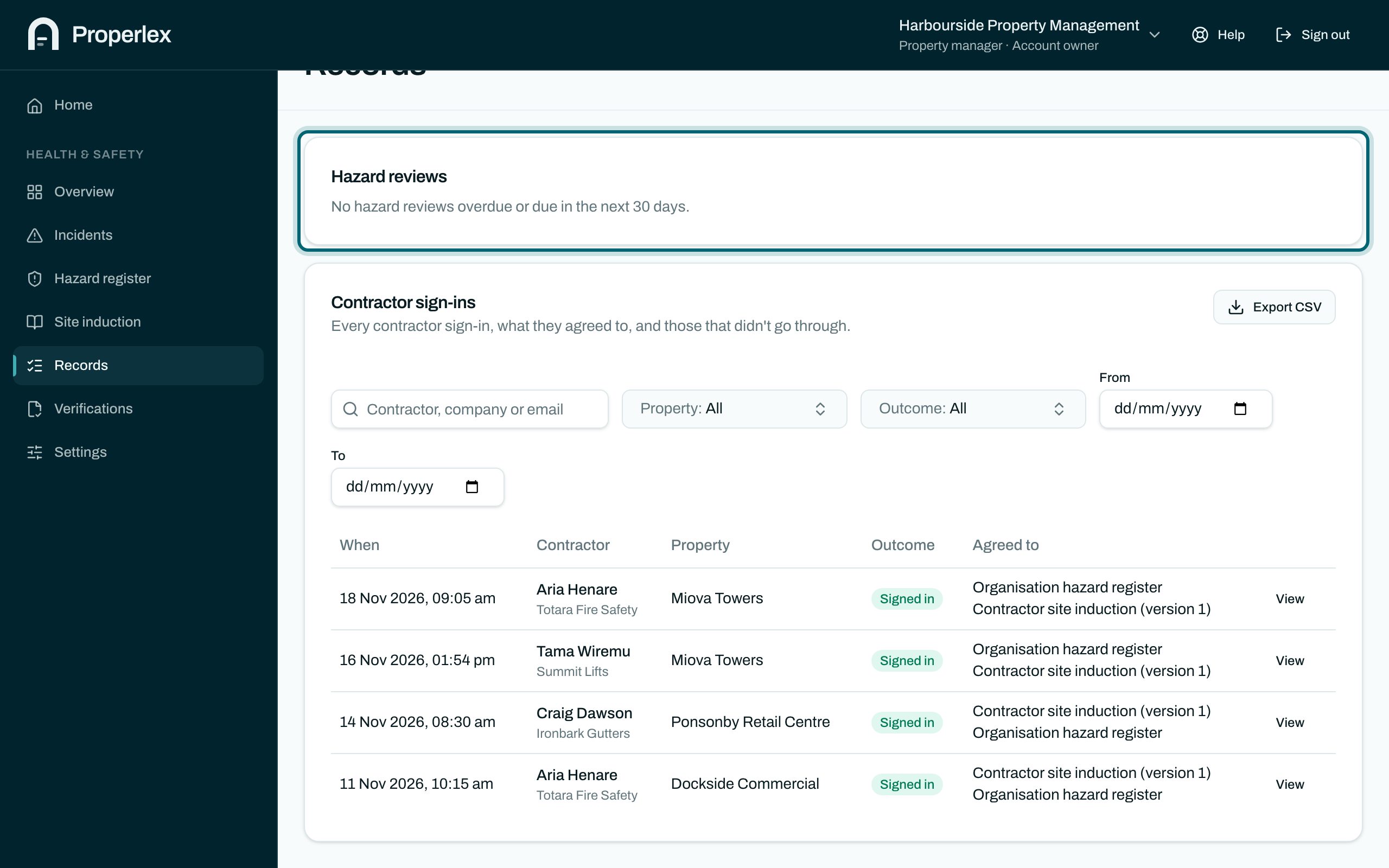
Go to Health & Safety, then Records. Hazard reviews lists hazards overdue or due in the next 30 days. Review each one, then update its Last reviewed and Next review due dates.
- For
- Property managers
- Needs
- Contractor compliance switched on
Each hazard has a Next review due date. Keep reviews up to date so the register stays accurate.
Steps
Go to Health & Safety, then Records.
Hazard reviews lists hazards overdue or due in the next 30 days, with the date each became due.
Go to Hazard register and edit the hazard. Check the controls and ratings are still right.
Update Last reviewed and Next review due, then select Save hazard.
Last checked against the app on .