Report an incident as a property manager
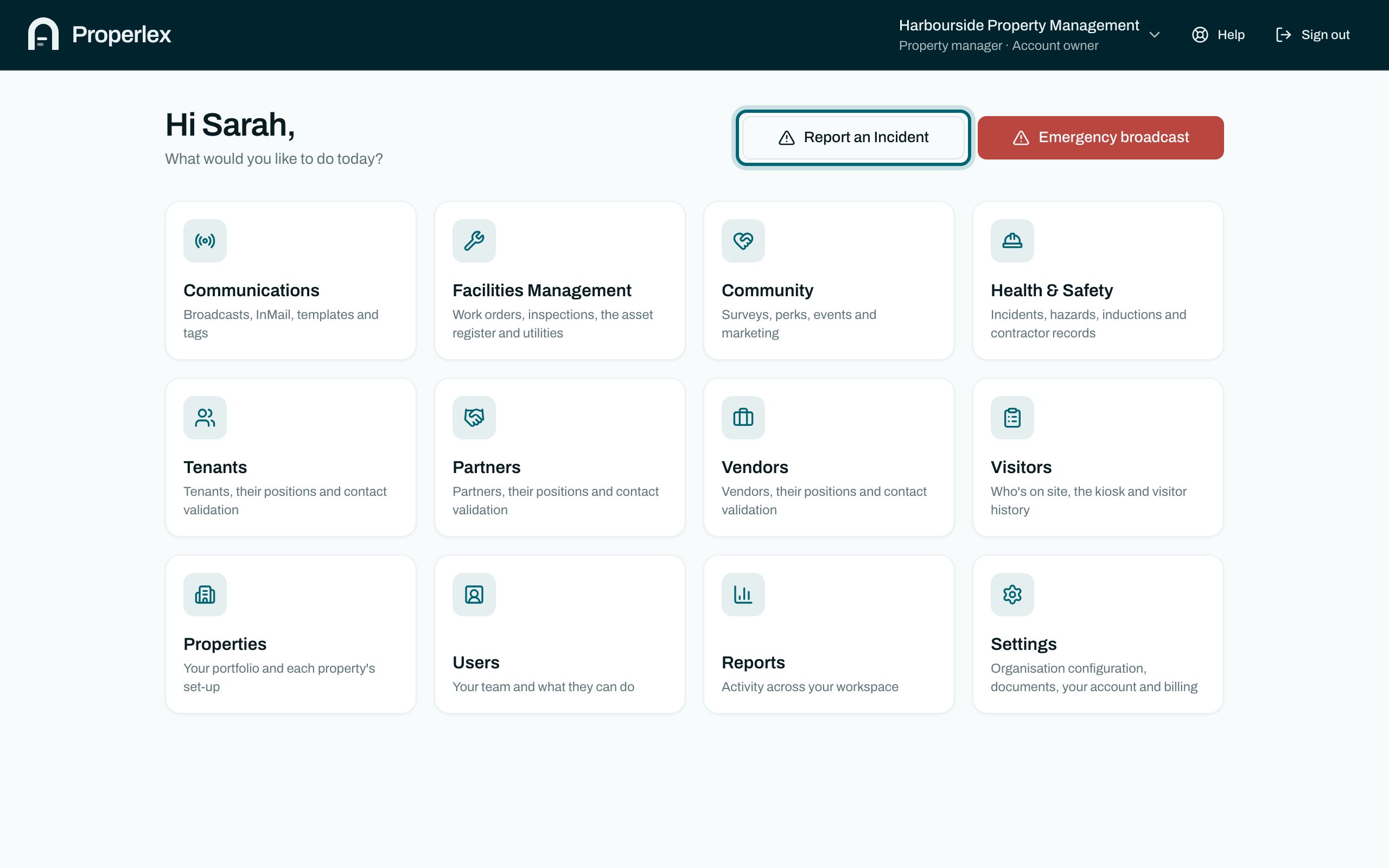
Select Report an Incident on your home page (or in Health & Safety, Incidents), fill in what happened and select Submit report.
- For
- Property managers
- Needs
- Incident reporting switched on
Use this when you see an incident yourself, or someone tells you about one in person or by phone.
If someone is seriously hurt or in danger, call emergency services first (111 in New Zealand, 000 in Australia).
Steps
On your home page, select Report an Incident. Or go to Health & Safety, then Incidents, and select Report an incident.
The report form opens.
Choose the property, then fill in when and where it happened, what happened and the kind of incident.
Say who was involved and answer the three quick safety questions.
Check Your details.
Select Submit report.
You get a reference number, for example INC-000123.
What happens next
The report goes to the property's investigator. If the answers suggest someone was seriously hurt or is still in danger, the investigator is alerted straight away.
Common problems
I need to stop partway through. Select Save and finish later. It's kept under Your unfinished reports.
I'm reporting for someone else. Describe in What happened? who told you and how to reach them. Your own details are recorded as the reporter.
Last checked against the app on .