Read the inspections overview
Recurring inspections opens on the Overview: what's due this week, what's overdue, failed items still to resolve and each property's on-time rate.
- For
- Property managers
- Needs
- Recurring inspections switched on
The Overview shows how your inspections are going across every property.
Steps
Go to Facilities Management, then Recurring inspections. It opens on Overview.
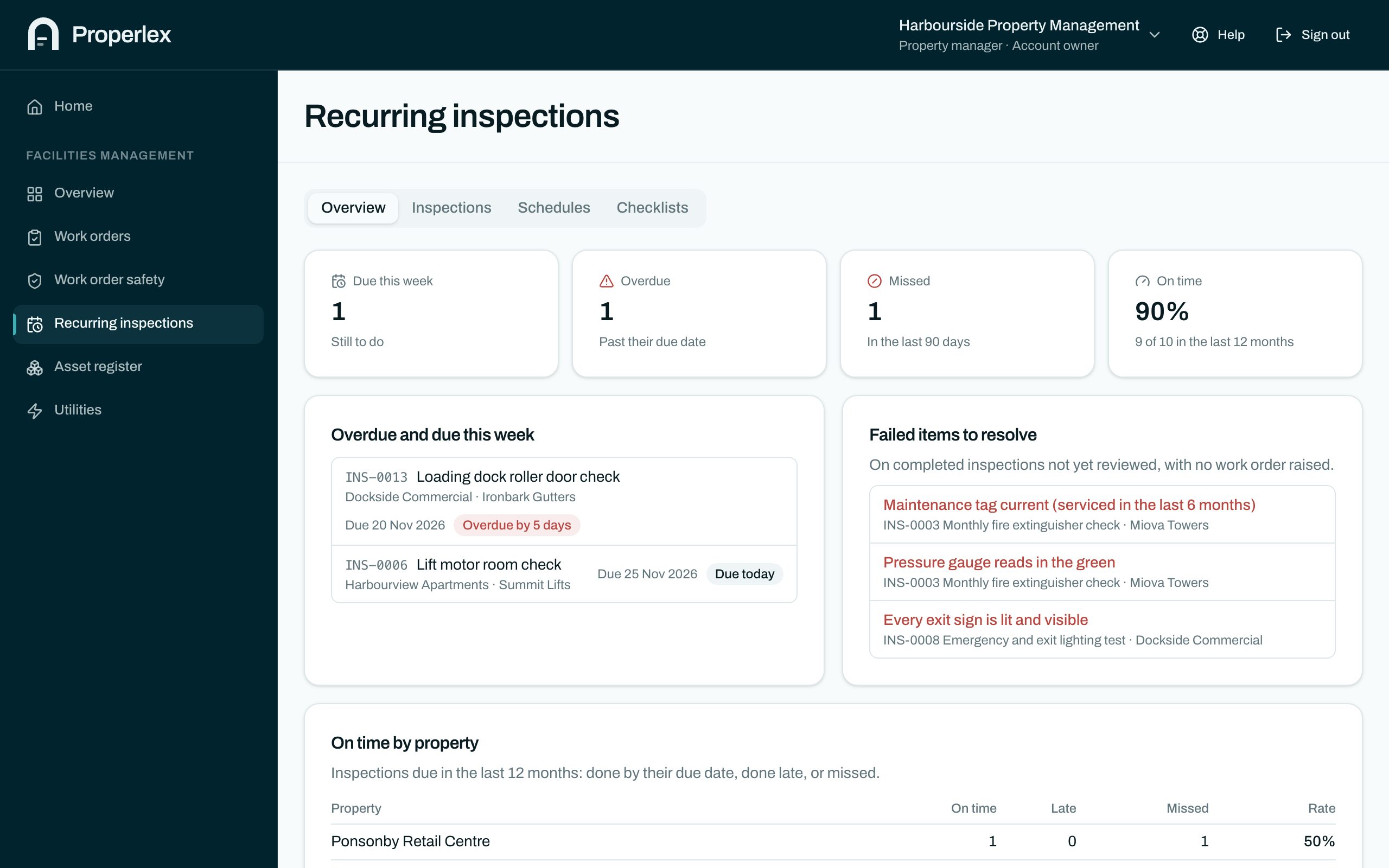
Read the figures:
Due this week and Overdue: inspections still to do.
Overdue and due this week: the list, to chase.
Failed items to resolve: failed items on completed inspections not yet reviewed, with no work order raised.
On time by property: for the last 12 months, how many were done on time, done late or missed, and the Rate.
Last checked against the app on .