Read the activity report
Go to Reports, then Activity, to see this month's messages, delivery and opens, SMS spend, contacts, activity by tag, recent broadcasts and open conversations.
- For
- Property managers
The Activity page is a snapshot of your communication this month.
Steps
Go to Reports, then Activity.
Read the figures: Messages this month, how many were Delivered and Opened, SMS spend and SMS segments, Active contacts and Properties.
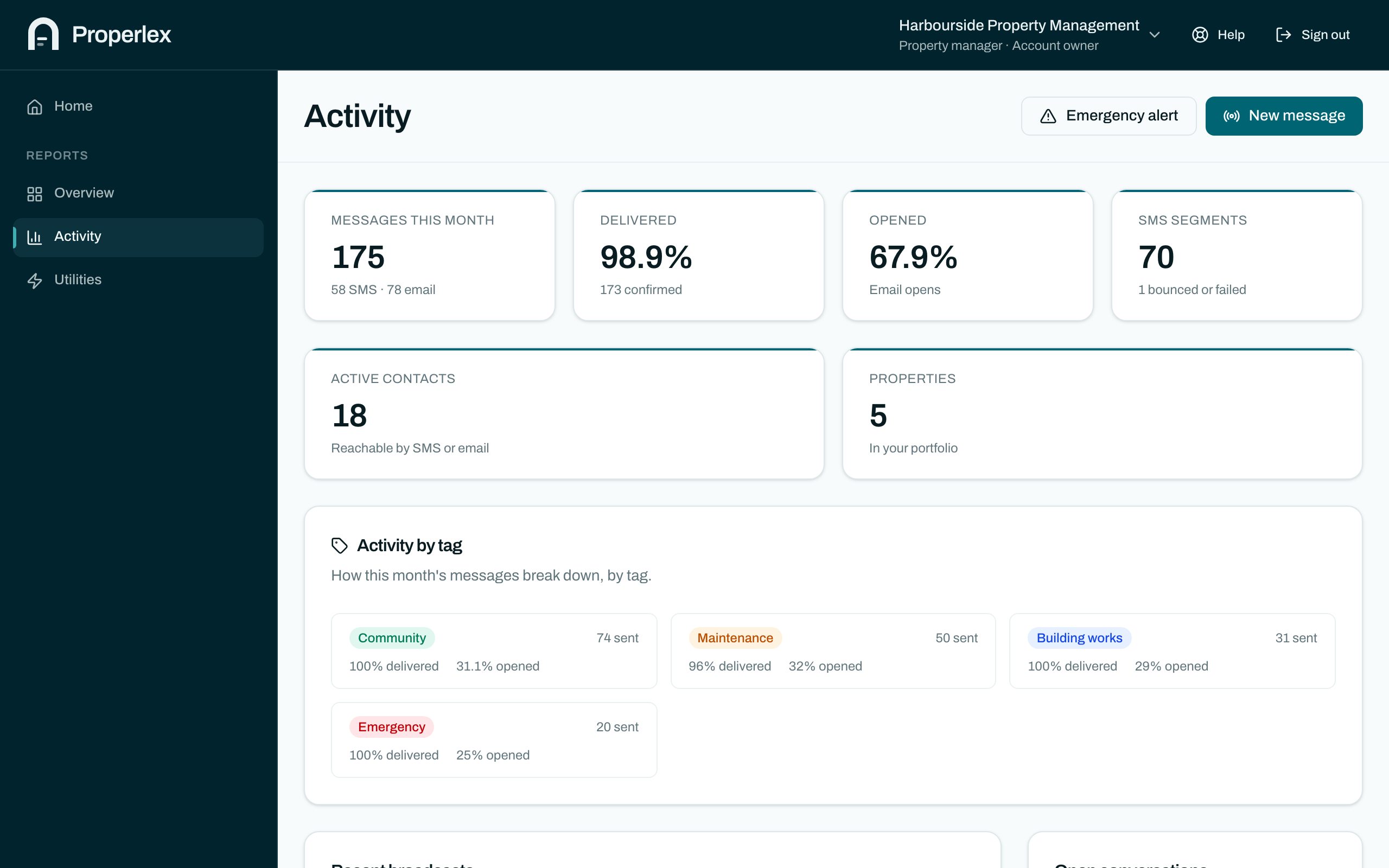
Activity by tag breaks this month's messages down by tag.
Recent broadcasts lists the last messages sent. Open conversations lists InMail threads waiting on a reply; select Open inbox to answer them.
You can also start an Emergency alert or a New message from here.
Last checked against the app on .