Read NPS and CSAT results
In NPS & CSAT, open Results to see each score's trend by month and the score for each contact type. Responses are anonymised.
- For
- Property managers
- Needs
- NPS & CSAT switched on
Steps
Go to Community, then NPS & CSAT. It opens on Results.
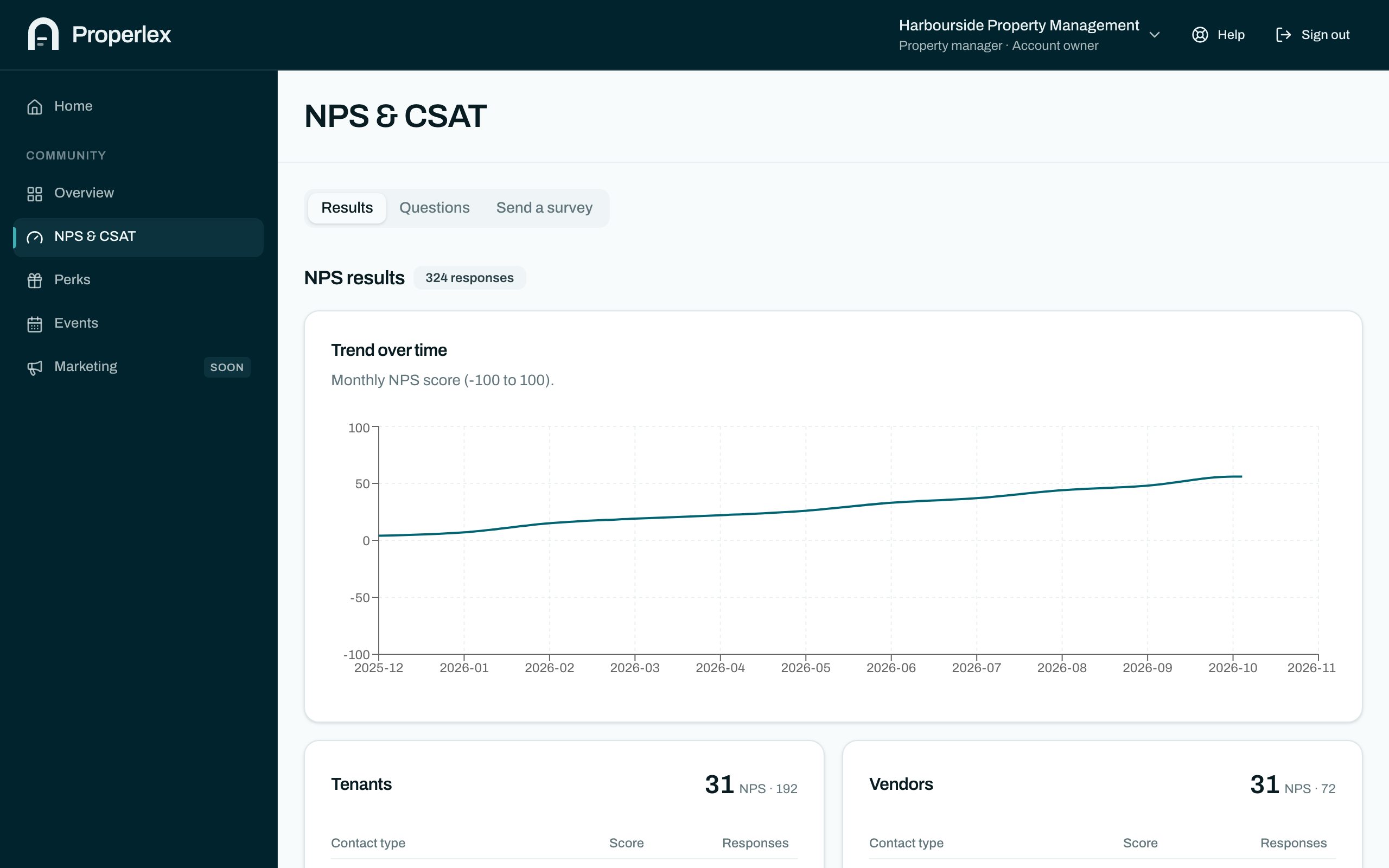
Trend over time shows the monthly score.
The table shows the Score and number of Responses for each Contact type.
How the scores work
NPS runs from -100 to 100: the percentage who answered 9 or 10, minus the percentage who answered 0 to 6.
CSAT is the percentage who answered 4 or 5 out of 5.
Responses are anonymised and grouped by contact type. Small groups can still identify people, so read them with that in mind.
Last checked against the app on .