Link a tenant to a meter
Open the meter in Utilities, select Tenant, choose the tenant and the date the link starts. The tenant then sees the meter and its readings in their portal.
- For
- Property managers
- Needs
- Utilities switched on
Link a tenant to the meter for their space, so they can see their use.
Steps
Go to Facilities Management, then Utilities, and open the meter.
Select Tenant.
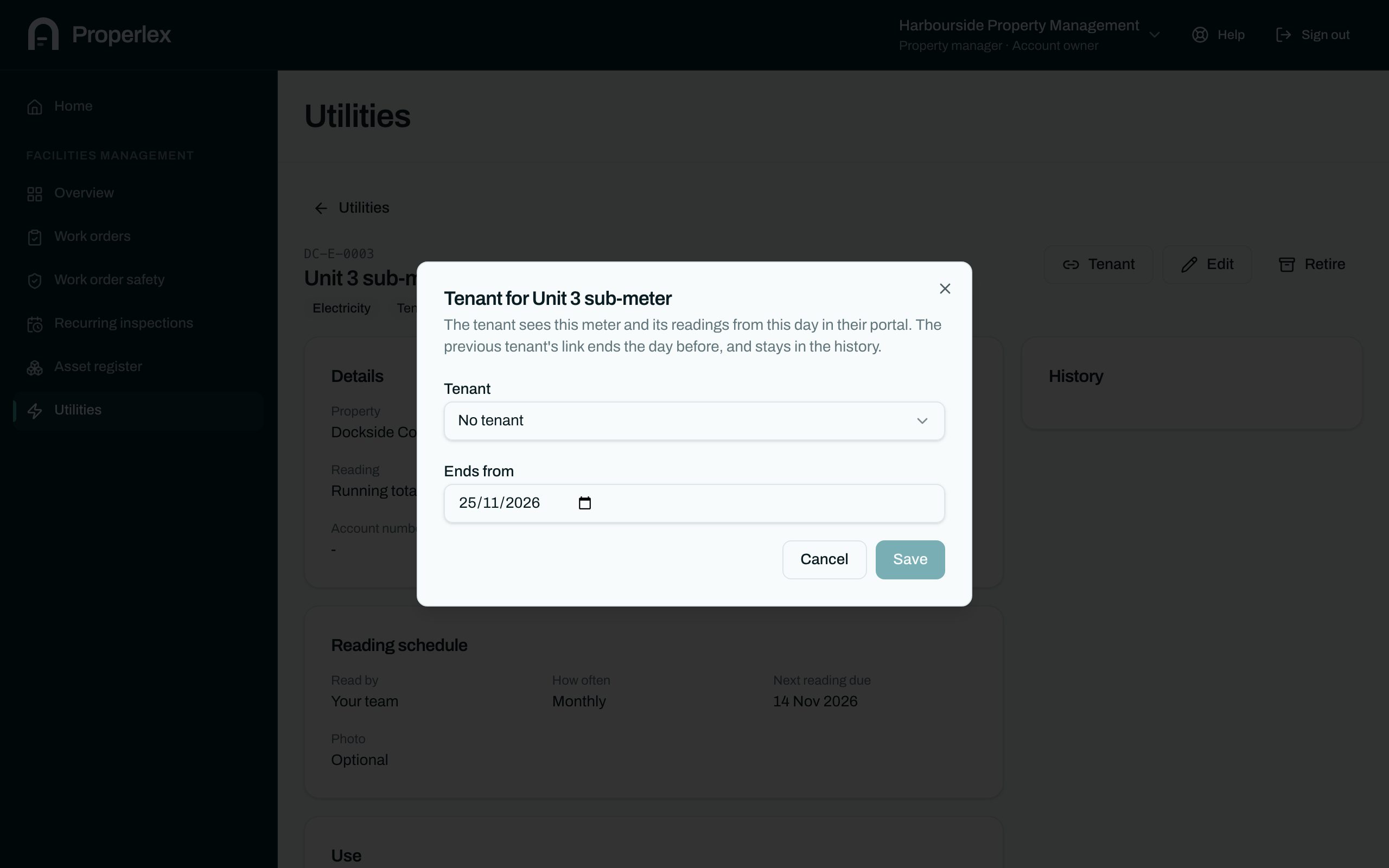
Choose the tenant and the date it Starts on. To end a link, choose No tenant.
Save.
The tenant sees the meter and its readings from that day. The previous tenant's link ends the day before, and their history is kept.
Last checked against the app on .