Edit or archive an asset
Open the asset in Asset register and select Edit to change it, or Archive when it's removed. Archived assets keep their history and can be restored.
- For
- Property managers
- Needs
- Asset register switched on
Steps
Go to Facilities Management, then Asset register, and open the asset.
Select Edit to change it, then Save.
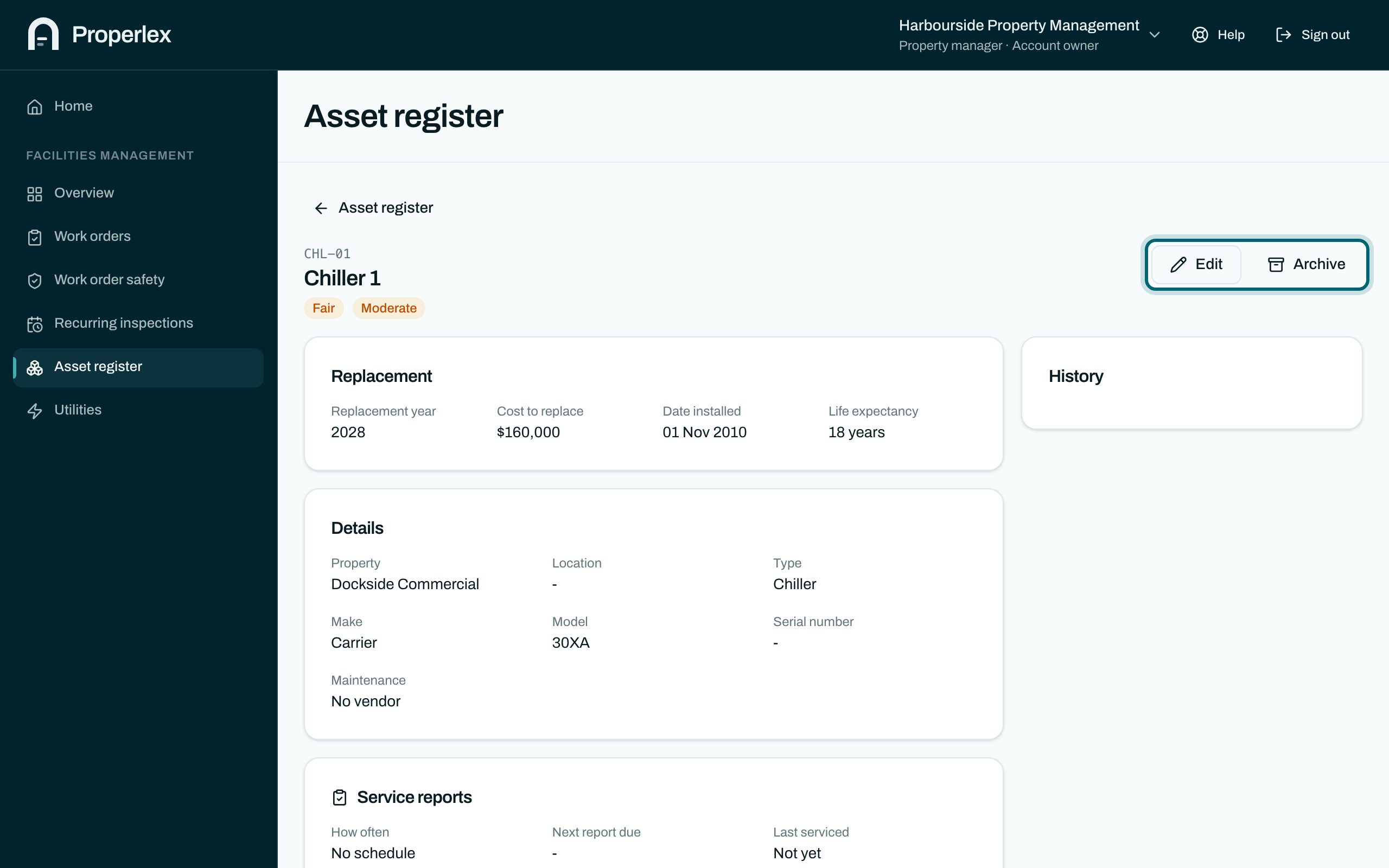
When it's removed or replaced, select Archive.
To find an archived asset, select Showing archived in the register. Open it and select Restore to bring it back.
The asset's history
Each asset keeps its Work orders and History. To add a work order to an asset's history, choose the asset as the Equipment on the work order.
Last checked against the app on .