Complete an inspection
Select Inspections on your home page, open one under To do, answer each item and add photos, tick the declaration and select Complete inspection.
- For
- Vendors
- Tenants
- Needs
- Recurring inspections switched on
Your property manager may ask you to check things regularly, such as a roller door or fire extinguishers. Each inspection is a short checklist.
Steps
On your home page, select Inspections.
Open an inspection under To do.
Answer each item. If something fails or is outside the OK range, say what failed in the note.
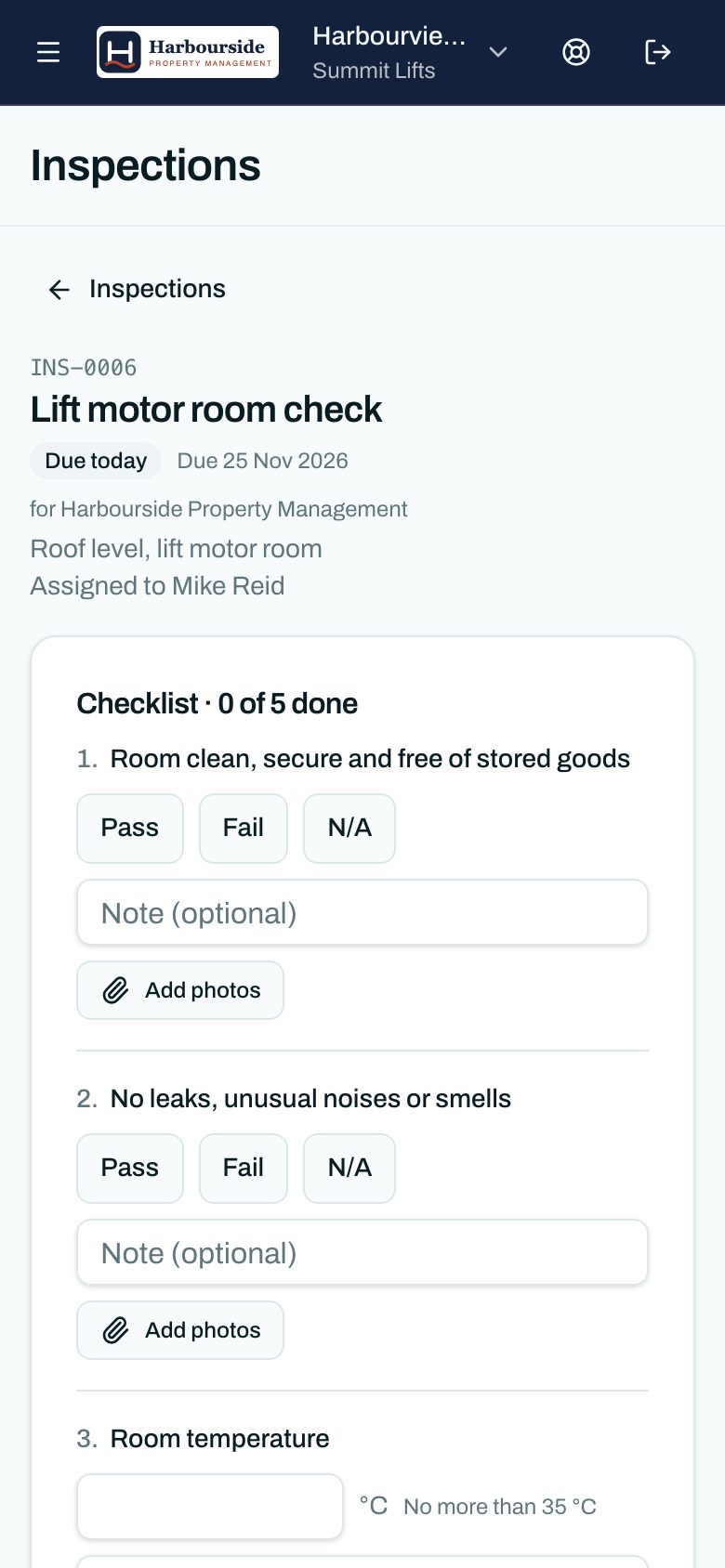
Where it says Photo needed, select Add a photo. Add any certificate or document under Photos and documents.
To finish later, select Save progress.
Tick the Declaration, then select Complete inspection.
What happens next
Your property manager sees the results and any failed items. Completed inspections move to Done.
Common problems
I can't see Inspections. Your property manager hasn't switched on inspections at your property, or nothing is assigned to your business.
Last checked against the app on .