Cancel a work order
Open the work order, select Cancel, give a Reason and select Cancel work order. If it was sent, the vendor is told there's nothing more to do.
- For
- Property managers
- Needs
- Work orders switched on
Cancel a work order that's no longer needed. It stays in your records as Cancelled.
Steps
Go to Facilities Management, then Work orders, and open the work order.
Select Cancel.
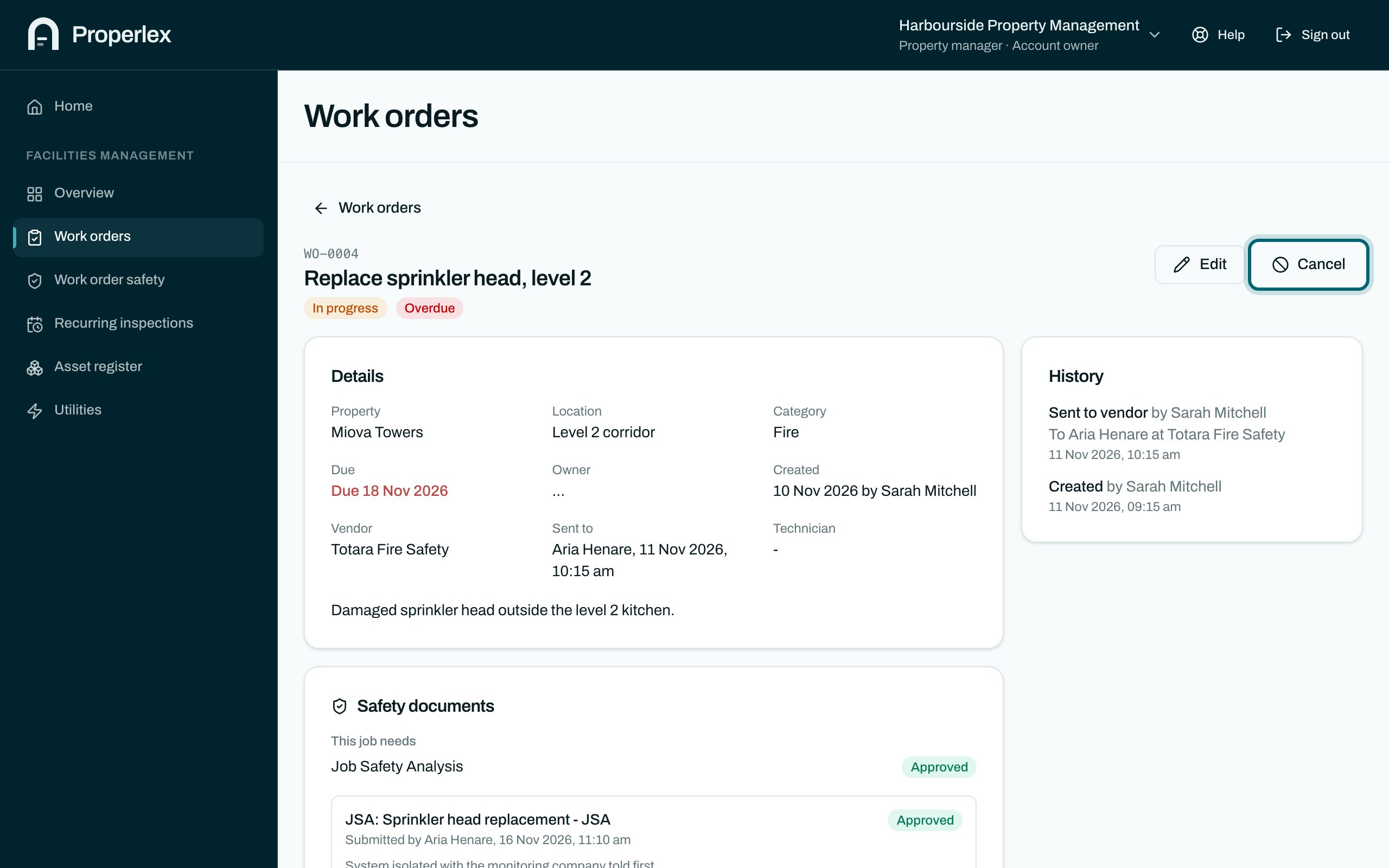
Enter a Reason.
Select Cancel work order.
What happens next
If it had been sent, the vendor is told there's nothing more to do.
Last checked against the app on .